Setting up and Using Your PX1
20 PX1
Configuring the Auto-Off Value
Configuring the Auto-Off Value
To help you get the optimum performance out of your unit, it comes with a
predefined set of parameters to manage power. When you do not use your
unit for a while, it will shut down automatically to save power.
By default, the duration after which the unit goes into sleep mode is two
minutes, but you can select another value. The value that you set is kept in
memory even when you turn the unit off.
To configure the auto-off value:
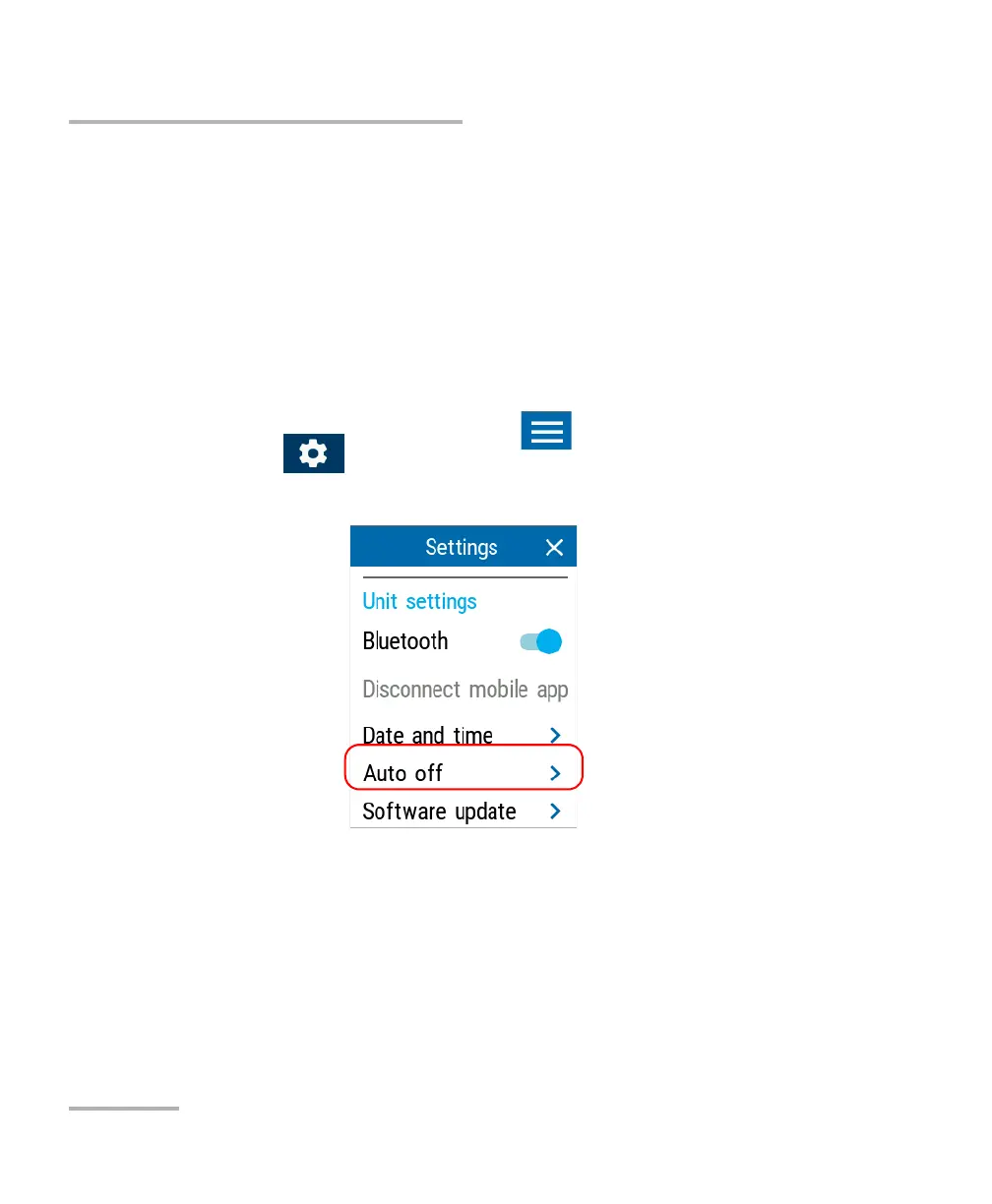
1. From the main PX1 page, tap the icon to access the menu, then
select .
2. Under Unit settings, tap Auto off.



 To Next Page