Setting up and Using Your PX1
Optical Power Expert 27
Changing Wavelengths
Changing Wavelengths
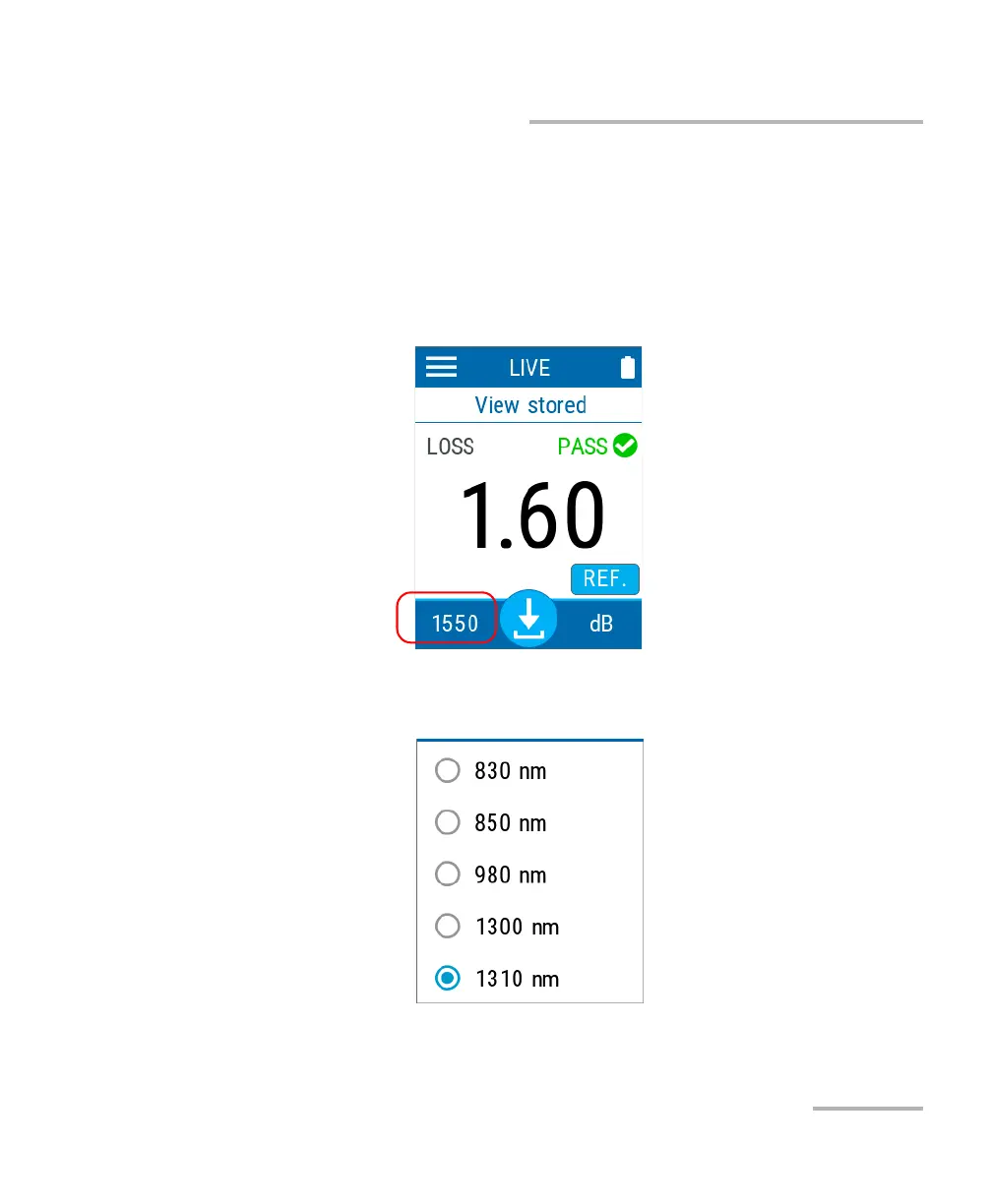
A list of wavelengths is available for you to perform your tests.
To select the wavelength you want to use:
1. From the main PX1 page, tap the wavelength at the bottom left side to
open the selection menu.
2. Select the desired value in the list. Scroll up or down by dragging your
finger on the screen to see more available values.
After selecting the value, you automatically return to the main page.



 To Next Page