Setting up and Using Your PX1
Optical Power Expert 37
Using the VFL
Using the VFL
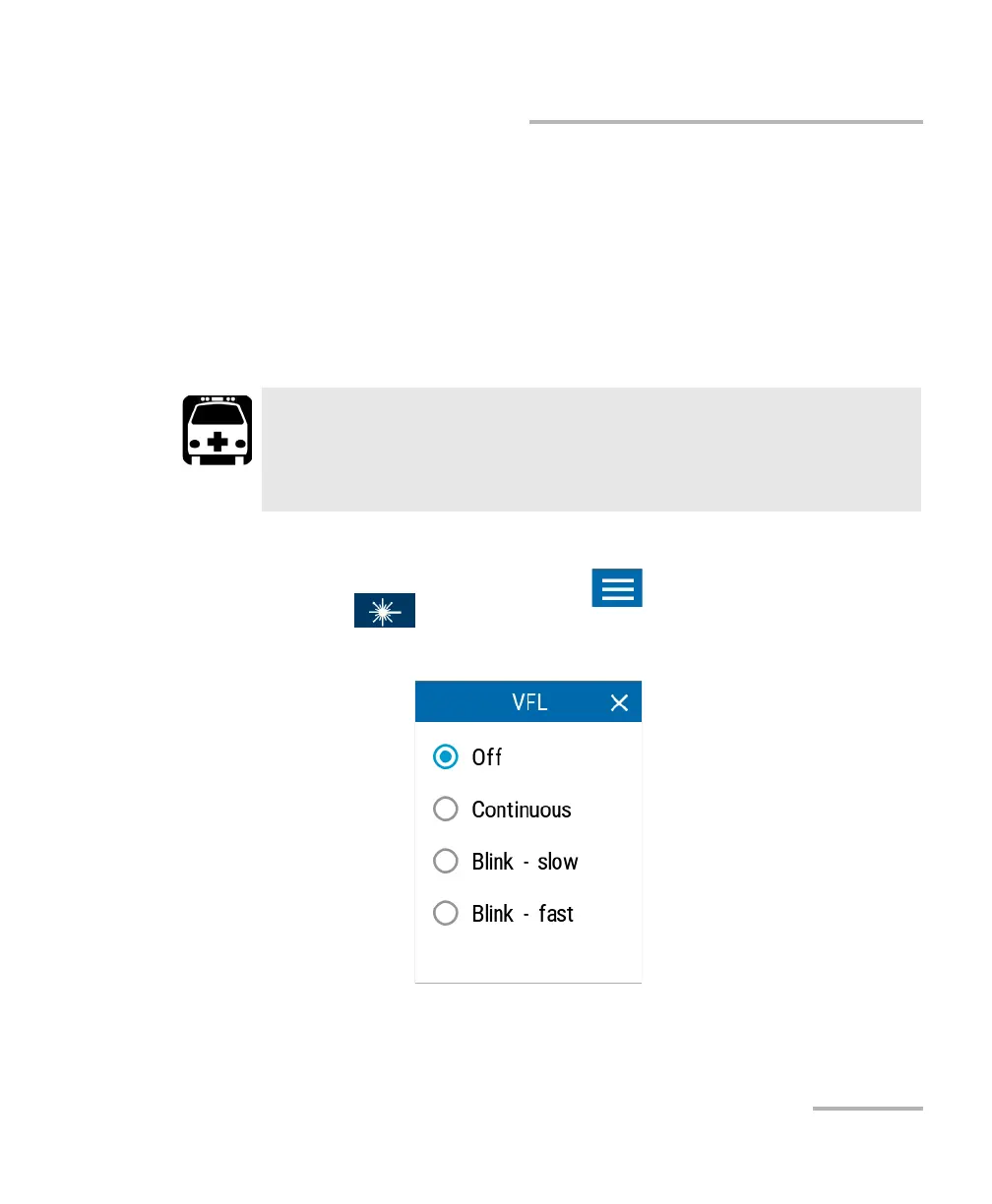
Your unit may be equipped with a VFL that you can set to the following
modes:
³ Continuous
³ Slow blink
³ Fast bli nk.
To activate the VFL:
1. From the main PX1 page, tap the icon to access the menu, then
select .
2. Select the desired mode for the signal from the available choices.
WARNING
Do not install or terminate fibers while a light source is active.
Never look directly into a live fiber and ensure that your eyes are
protected at all times.



 To Next Page