Setting up and Using Your PX1
Optical Power Expert 39
Reverting to Factory Settings
Reverting to Factory Settings
At any time, you can use one of these options, according to your needs:
³ reset all settings of the unit that you have customized, such as the
thresholds, to their default values
³ reset the PX1 to factory settings
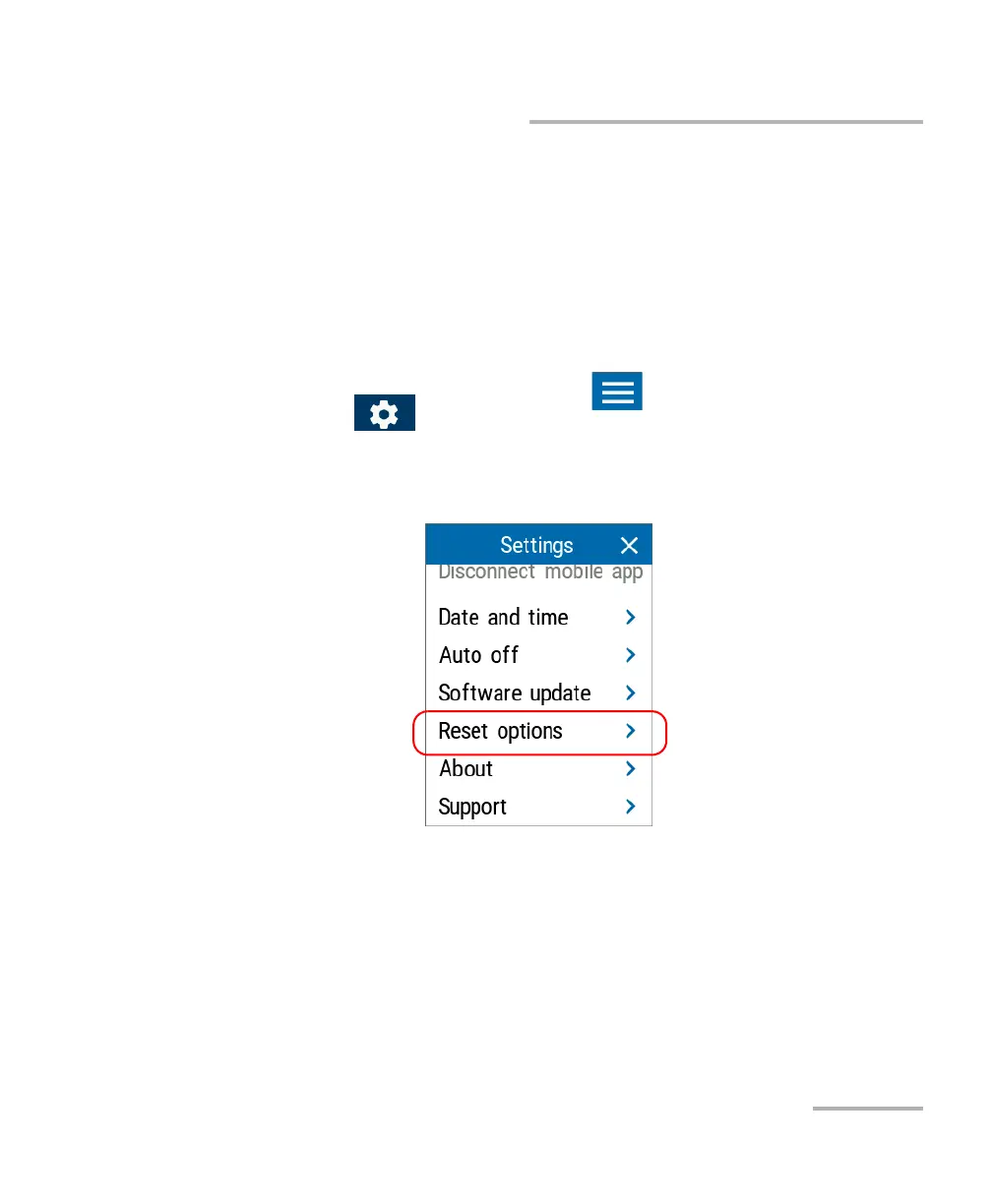
To revert values to factory settings:
1. From the main PX1 page, tap the icon to access the menu, then
select .
2. Scroll down to the Unit settings section.
3. Tap Reset options.



 To Next Page