Setting up and Using Your PX1
38 PX1
Using the VFL
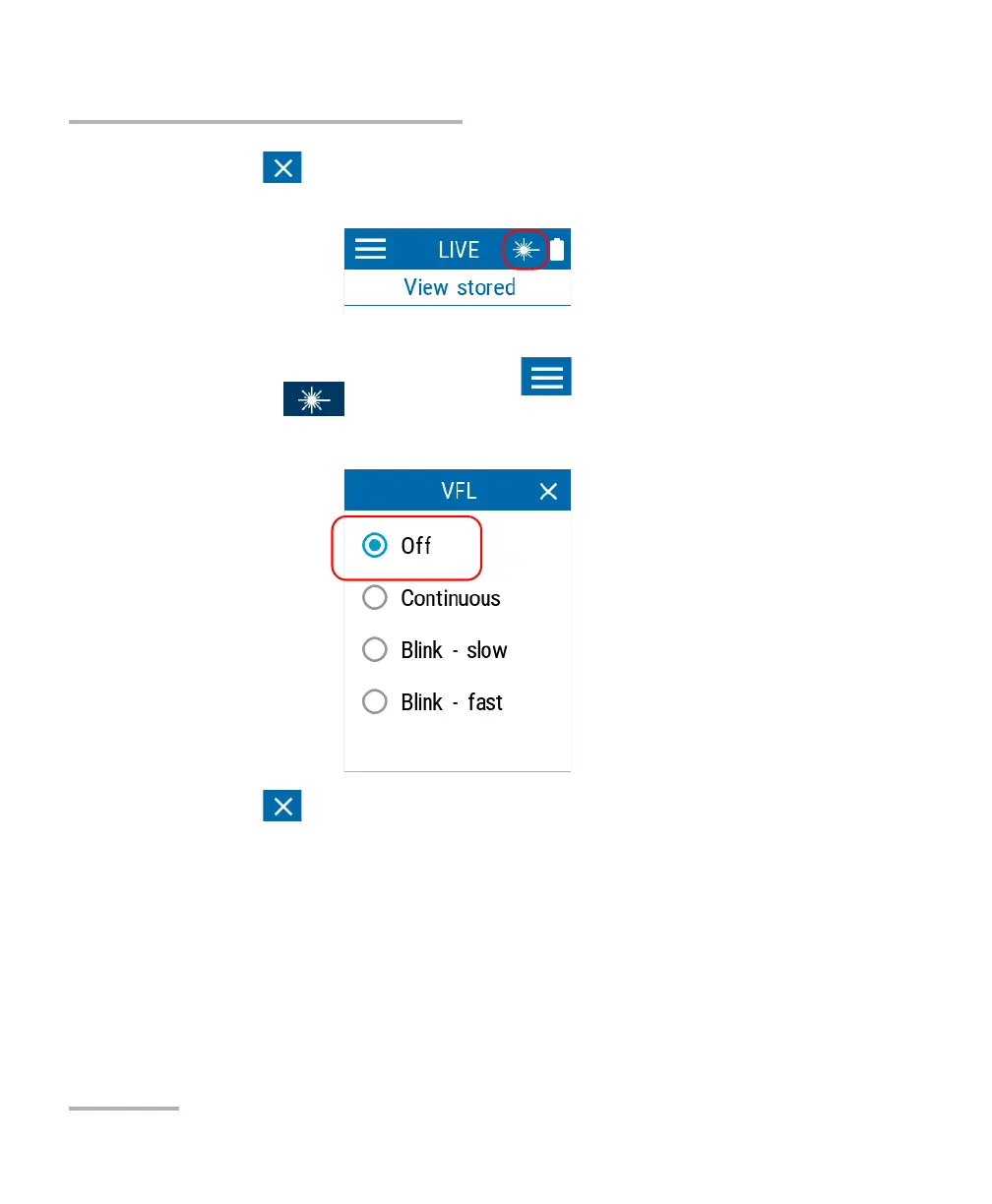
3. Tap to exit the page and return to the main window. The active
VFL icon will appear at the top to indicate that it is emitting.
To deactivate the VFL:
1. From the main PX1 page, tap the icon to access the menu, then
select .
2. Select Off.
3. Tap to exit the page and return to the main window.



 To Next Page