Setting up and Using Your PX1
Optical Power Expert 33
Setting Reference Values on Your PX1
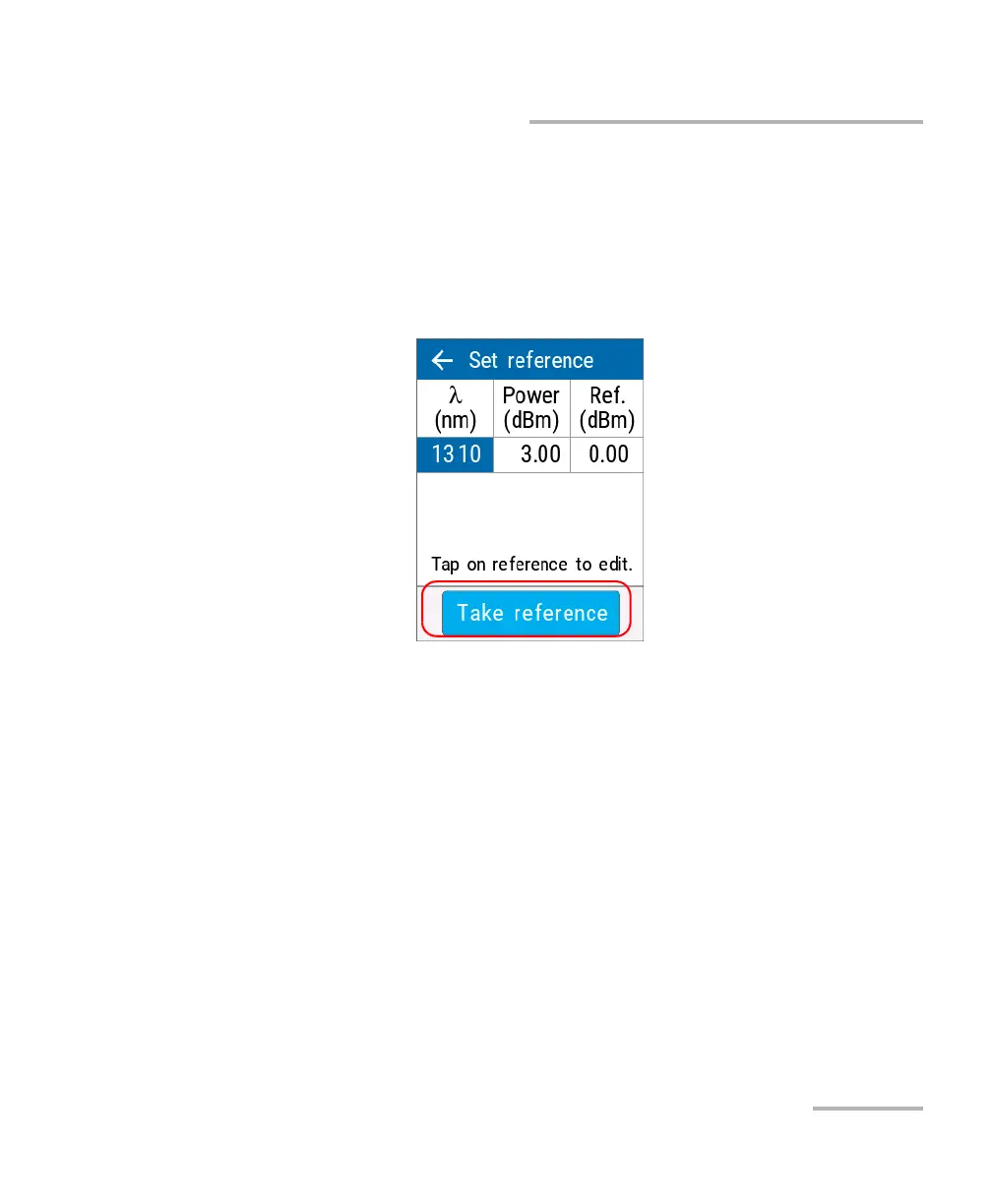
5. You can set the reference in two different ways:
³ Tap in the Ref. section to change the value as needed.
OR
³ Measure the power of the source as the reference and tap Take
reference to use the resulting measurement.
You are returned to the main window automatically and the reference
is effective immediately.
6. Select another wavelength and repeat the process to set another
reference.



 To Next Page