Maintenance
Optical Power Expert 63
Upgrading the Application
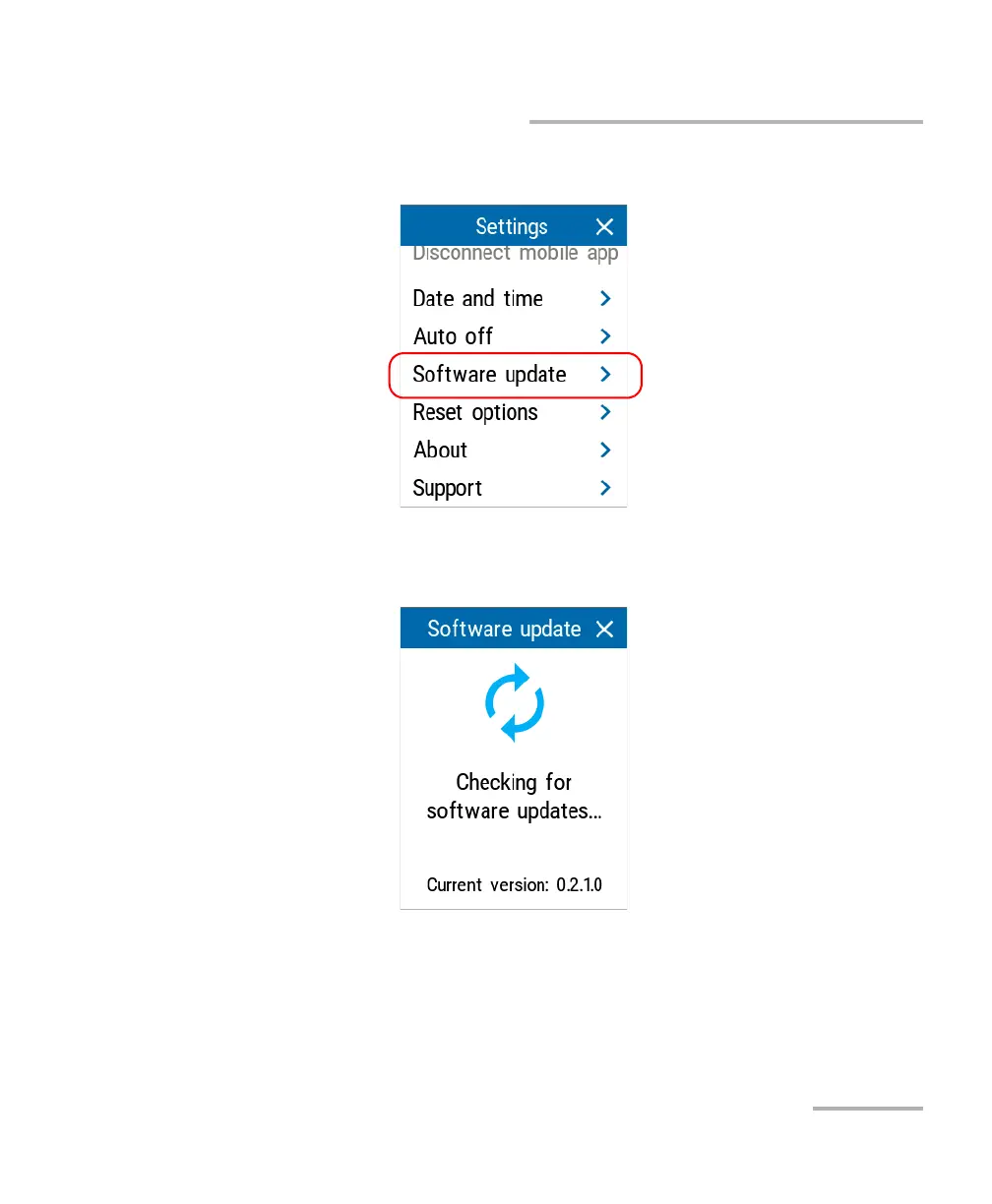
5. Under Unit settings, tap Software update.
6. The unit will look for an available update. If it finds one, you can tap
Install update to proceed with the installation.
Note: The update can take a few minutes to complete.



 To Next Page