Getting Started with Your Unit
34 OTH-7000
Working With Your Unit for the First Time
6. When the application prompts you, enter the connection information.
³ The default user name is: admin
³ The default password is: admin
7. For security reasons, when the application prompts you, change the
password.
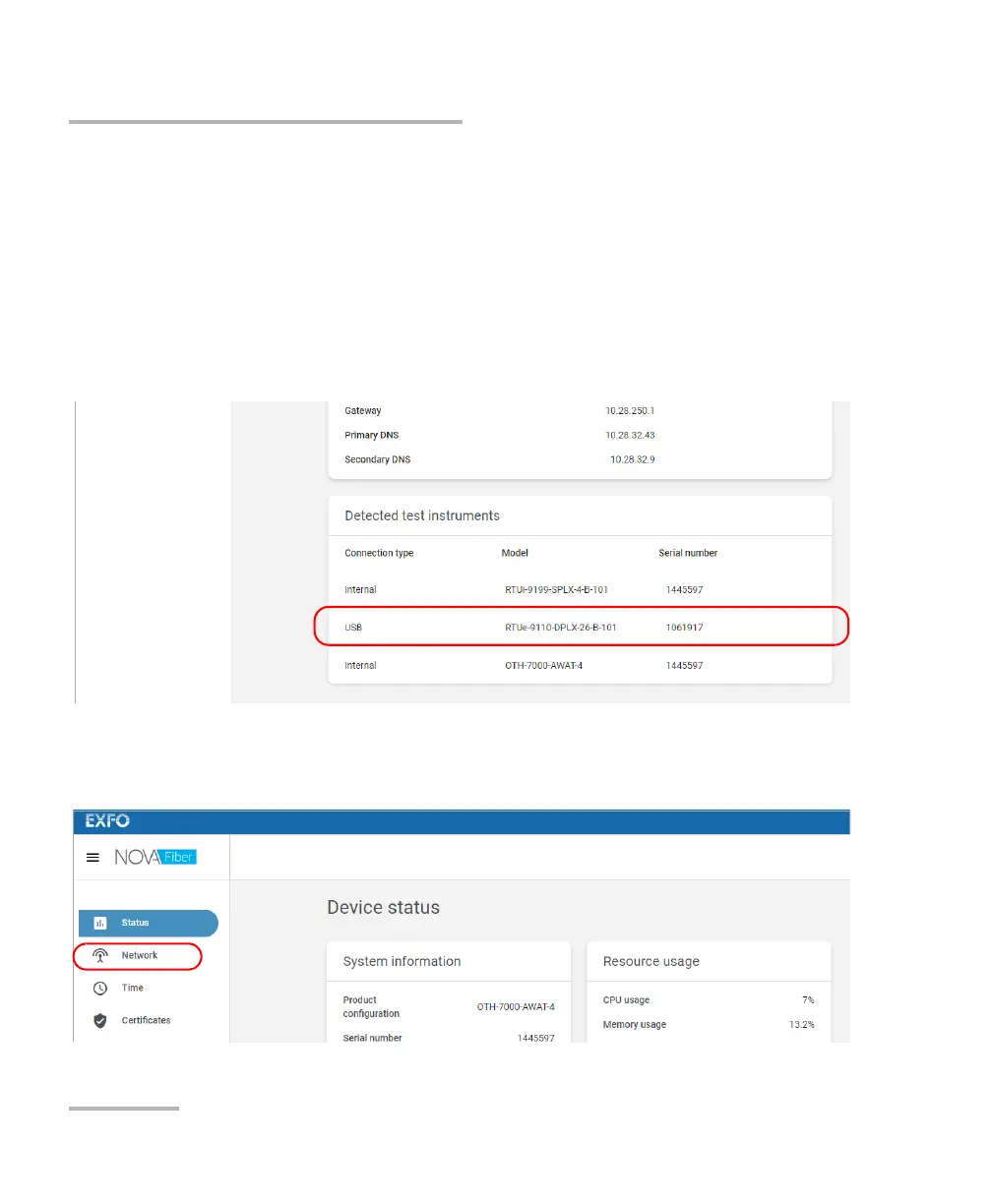
8. From the Status page, ensure that the external switches (USB
connection type) have been detected as expected.
9. Configure the network as follows:
9a. From the list, select Network.













 To Next Page