Getting Started with Your Unit
Optical Test Head 35
Working With Your Unit for the First Time
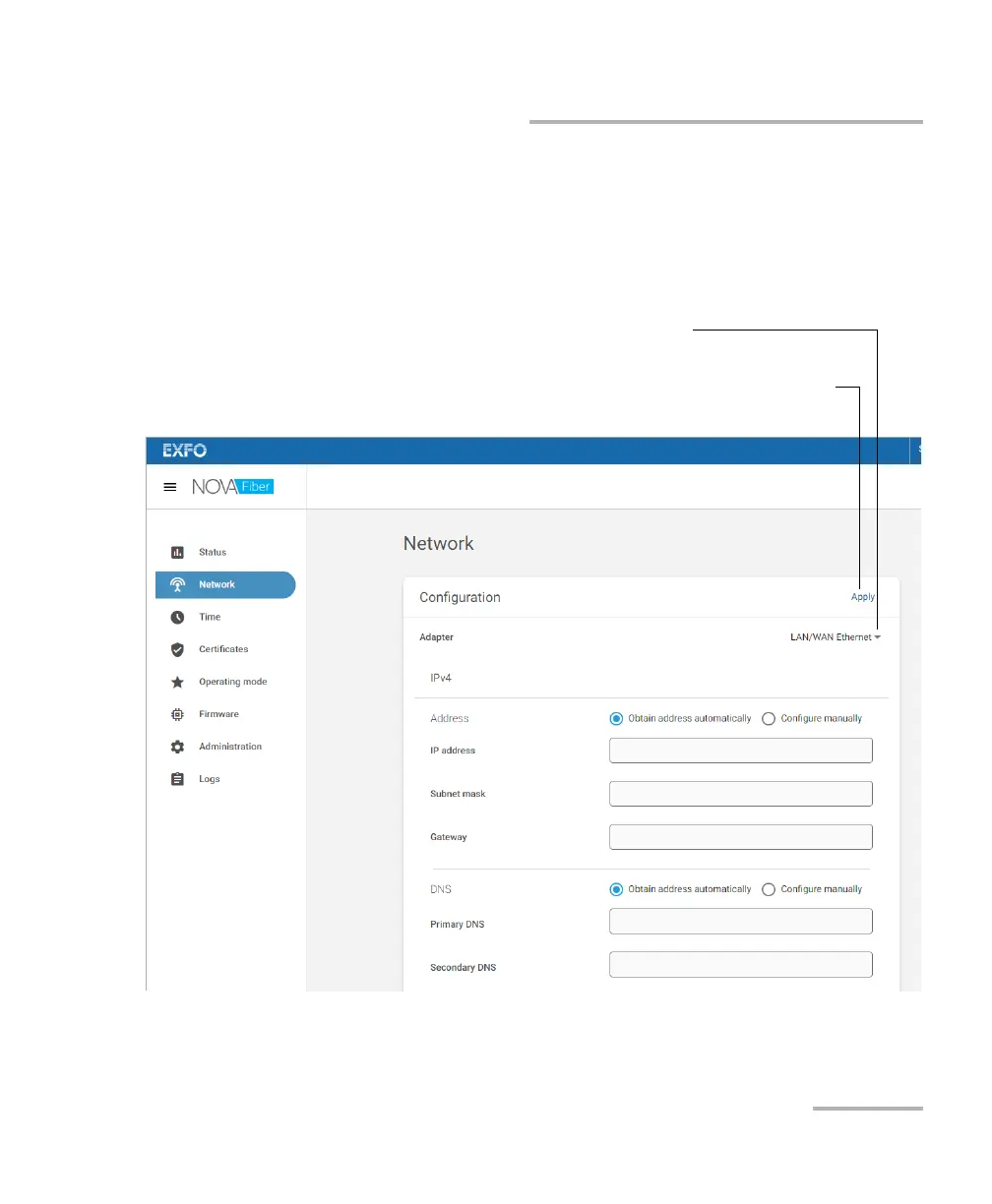
9b. Set the IP address and various parameters as needed, and then
click Apply to confirm.
Note: You can access the SFP parameters by clicking the arrow next to the
currently displayed adapter.
To confirm the changes
To access the parameters of
other network adapters













 To Next Page