Getting Started with Your Unit
36 OTH-7000
Working With Your Unit for the First Time
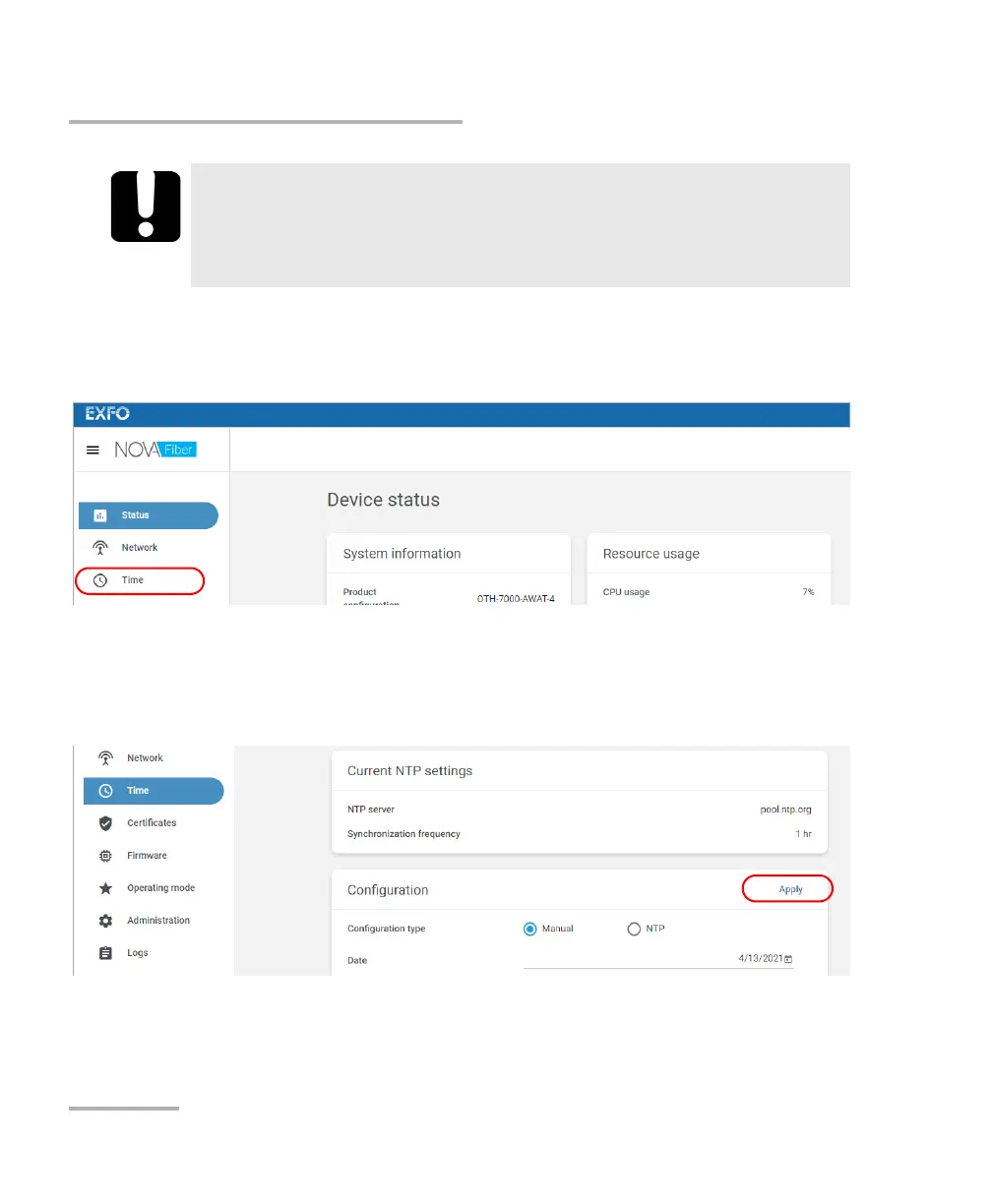
10. Configure the date and time as follows:
10a.From the list, select Time.
10b.By default, the application sets the date and time values to those
of the Web browser you are currently using, but you can change
them as needed. You can set the date and time manually or use
an NTP server. Click Apply to confirm.
IMPORTANT
To avoid connection problems between your unit and FMS, ensure
that the date and time set on your unit correspond to the current
date and time.













 To Next Page