Troubleshooting
54 OTH-7000
Restoring Your Unit to Normal Operation
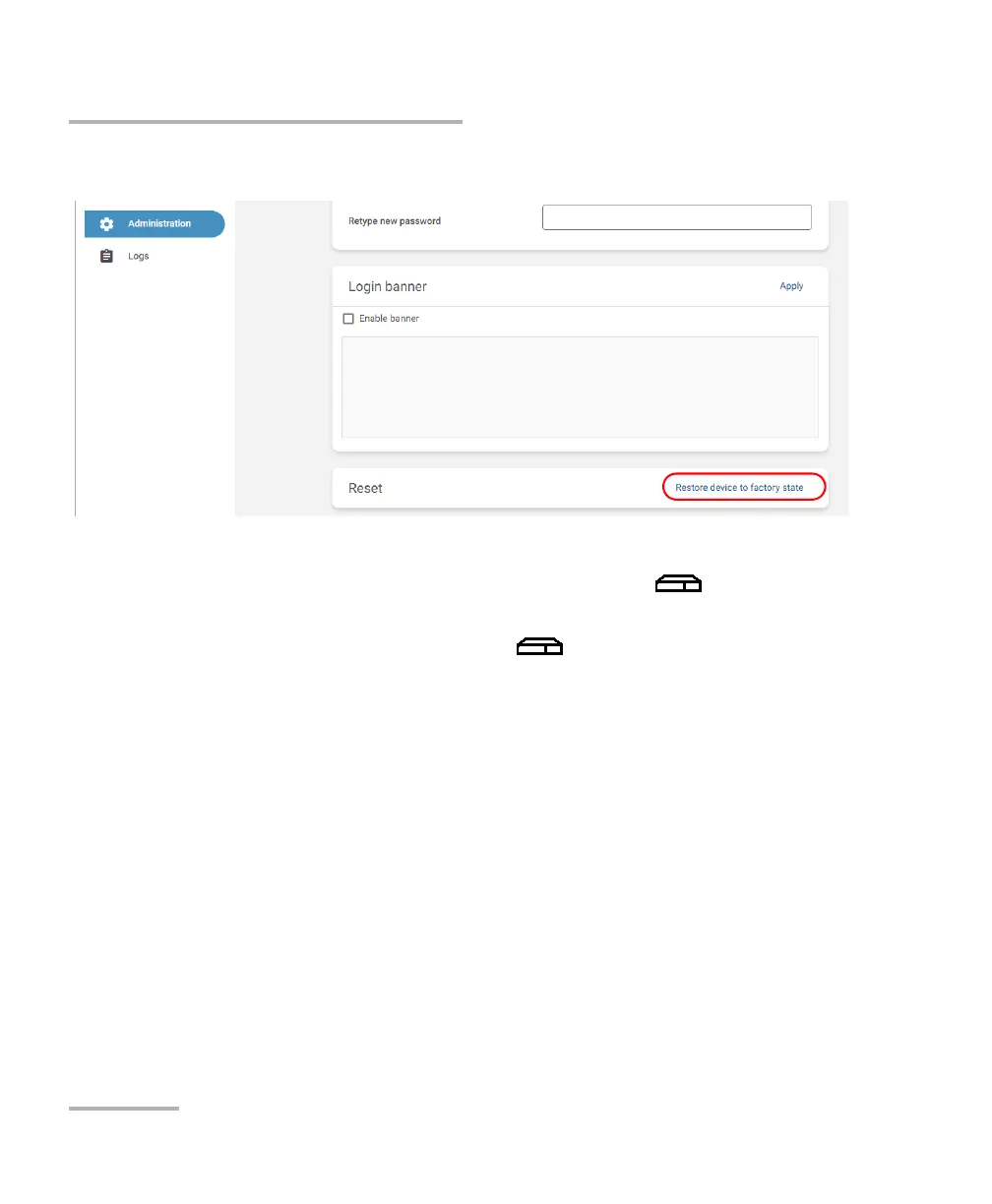
5. Click Restore device to factory state.
6. Follow the on-screen instructions.
The restoring process is now underway and the (System) LED
will keep blinking rapidly. Your unit will restart automatically.
Once your unit has restarted, its (System) LED will blink slowly
during the whole initialization. You will know that the operation is
complete when the LED becomes steady green.
Note: The complete restoring process may take a few minutes to complete.
7. Configure your unit as you did when you first received it (see Working
With Your Unit for the First Time on page 33).













 To Next Page