Page 32 © Boule Medical AB, March 2018. Article no. 1504496
3. Operation (Sample Analysis)
Results
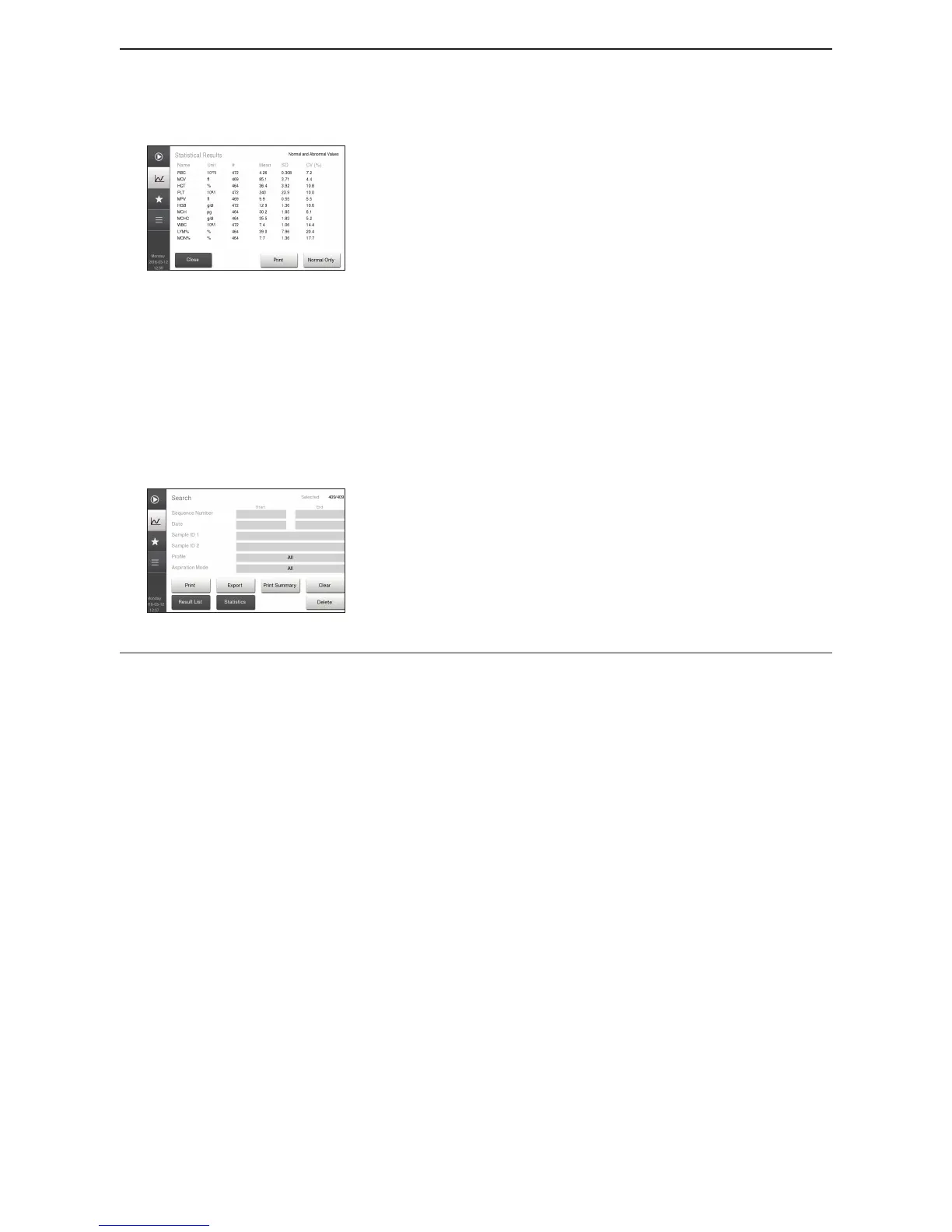
5 View Sample Statistics
Figure 44: Sample Statistics
For a quick view of all sample statistics press Statistics
button.
In the Sample Statistics Menu the operator will be able to
view:
− Parameter
− Number of samples used in statistics
− Mean value of selected samples
− Standard Deviation (SD) of selected samples
− Coecient of Variation (CV) of selected samples.
To view specied samples, select samples using the Search
mode in Result List screen. Press Close button to return to
search screen and view current search criteria.
To view only normal statistic values, press Normal Only
button.
6 View Summary Reports
Figure 45: Print Summary Report
To view specied samples, select samples using the Search
mode in Result List screen.
Select Print Summary to print or send report.
Summary reports will print on a postscript or HP/PCL
compatible printer.
To manually enter Standby mode, go to Quick Functions menu and press Standby.



 To Next Page