© Boule Medical AB, March 2018. Article no. 1504496 Page 37
5. Quality Control
Analyzing Control Sample
X Enter New Control Lot
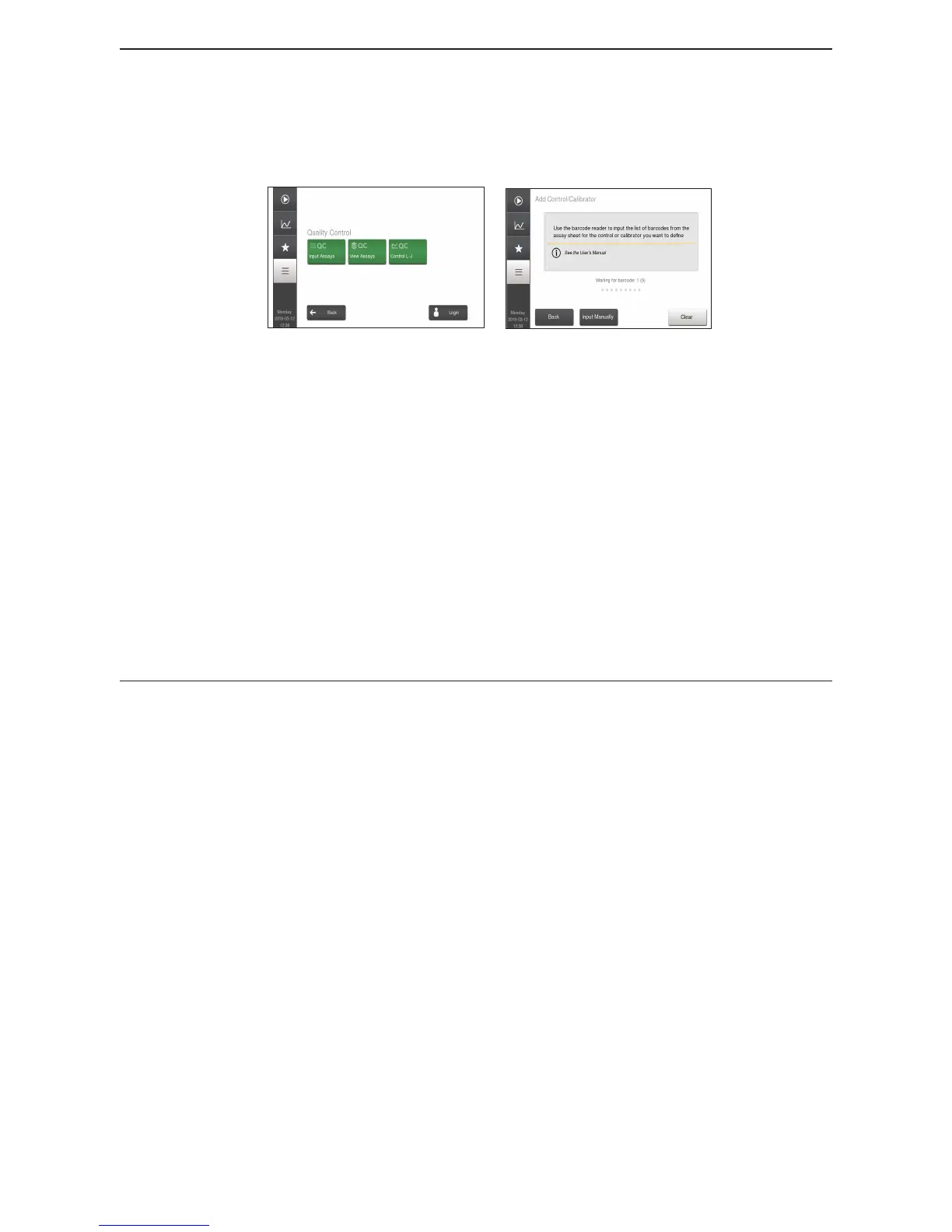
1 Enter QC Mode Go to Main Menu and then select Quality Control.
Figure 50: QC Menu
Figure 51: New Control Entry
2 Enter New Control Lot Choose Input Assays.
Refer to the Assay sheet for instructions on how to input
control assay values. (These pages are delivered with
authorized Boule controls).
Assay values for a control lot will be automatically removed
from the system 30 days after the expiration date.
− For everyday use this means that the user registers new
controls and the system removes the old controls.
− A maximum of 100 control lots can be registered at
the same time. If more than 100 control lots exist on
the system, the user will be prompted to OK removing
the oldest control lot before the new control lot can be
registered.
Analyze Control
Control samples are analyzed to verify the performance of the Exigo H400 system. Follow the
instructions below to analyze control.
X Analyze Control
1 Enter Control Analysis Mode Go to Start Menu.
2 Choose Sample type Choose Control tab, in upper right-hand corner, for sample
type.



 To Next Page