Page 38 © Boule Medical AB, March 2018. Article no. 1504496
5. Quality Control
Analyzing Control Sample
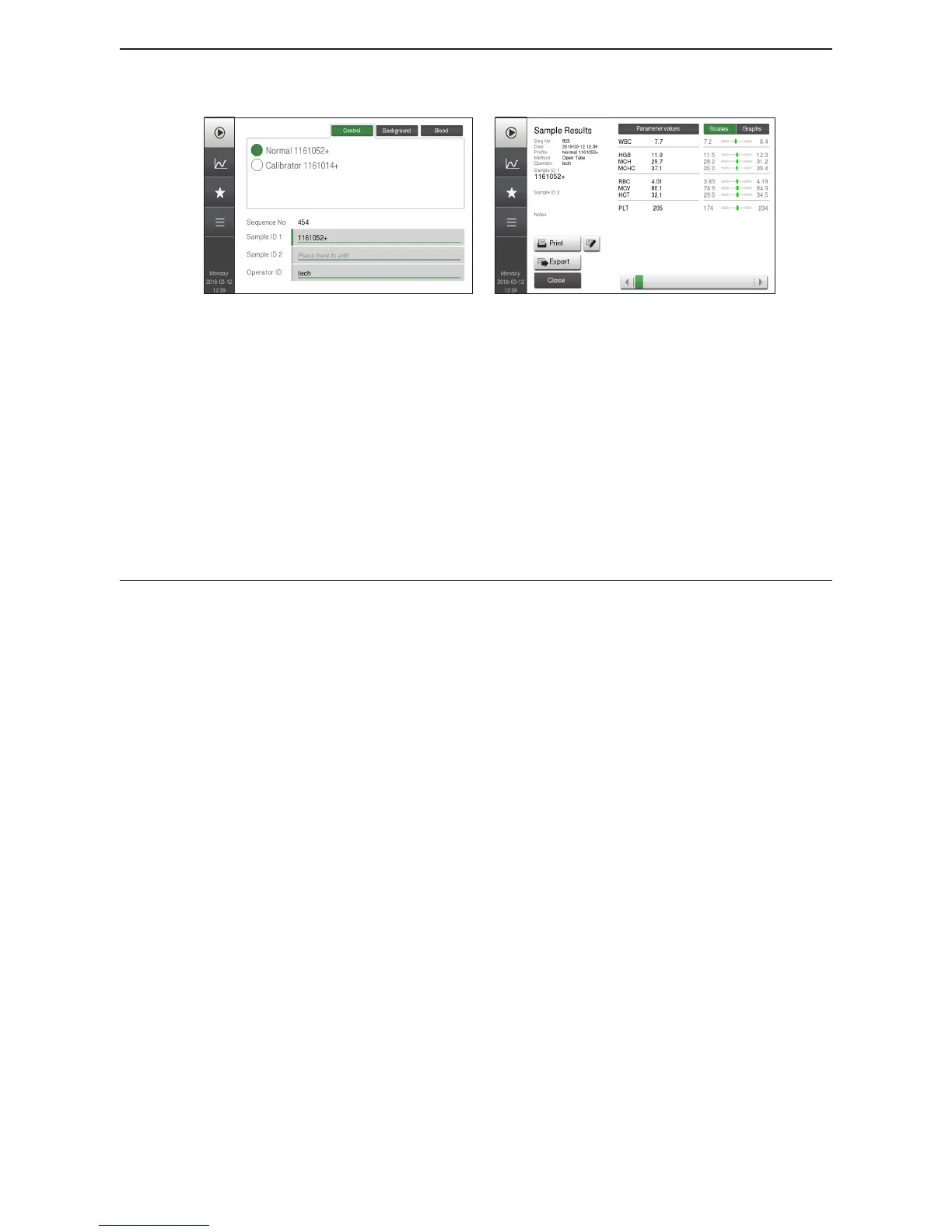
Figure 52: Select Control
Figure 53: Control Results
3 Enter barcode Either scan in barcode on control vial or choose the circle next
to the desired lot number of control.
4 Analyze Control Press Start Plate, analyzer will now analyze the control
sample.
5 Results Displayed When complete the control results are displayed.
If control results are acceptable, repeat steps above with
next level of control.
If control results are not acceptable, repeat steps above with
same control.



 To Next Page