Page 44 © Boule Medical AB, March 2018. Article no. 1504496
6. Calibration
Calibration
X Guided Calibration
The Guided Calibration is a step-by-step assisted calibration, usable for both Open Tube and MPA
inlets and always requires 5 Boule Calibrator runs.
Note: It is possible to exit the Guided Calibration at any time, and already analysed samples can be
used in Advanced Calibration.
1 Select Mode to be Calibrated Go to Main Menu and login using Authorization Code.
Select Calibration and then choose mode to be calibrated:
Whole Blood
M PA
Select Guided Calibration
2 Background Analysis Operator is guided through a background analysis prior to
start of calibration sequence.
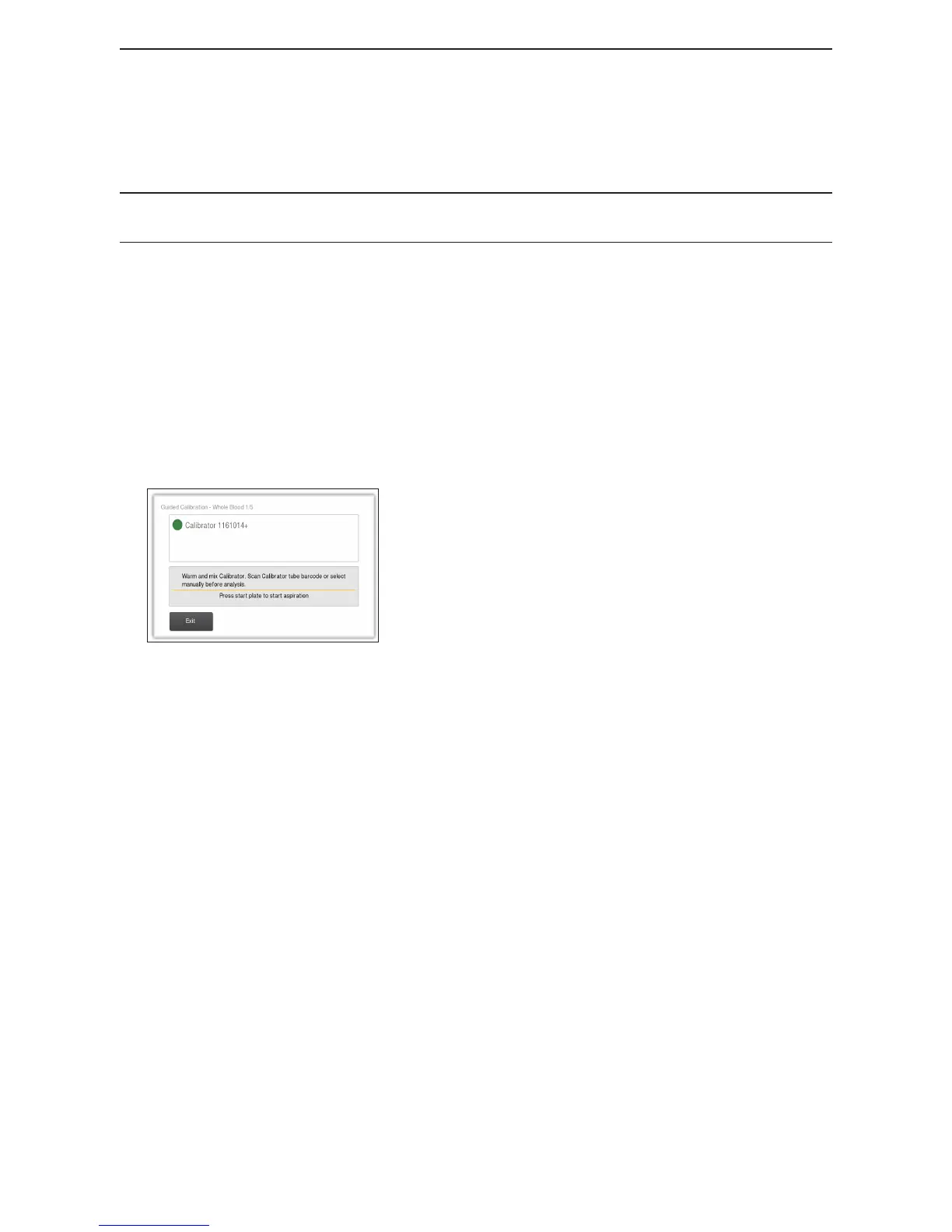
3 Scan in or choose Calibrator
Figure 63: Select or Scan in Calibrator
Dialog is shown prompting to select or scan calibrator to
start analysis 1/5.
4 Calibrator Analysis For OT analysis:
Press Start Plate to aspirate calibrator sample.
(For MPA analysis follow instructions for how to prepare
and run a sample in Chapter 3.)
5 First Results After analysis 1/5, results are presented together with a
textbox stating if analysis is OK or not. If analysis is:
OK: Two but t ons Reject Analysis and Accept Analysis
are shown. If pressing:
− Reject Analysis: same proceedure as for Not OK
analysis below occurs
− Accept Analysis: New dialog prompting start of
analysis 2/5 appears.
Not OK: A Rerun button is shown, which if pressed
will prompt start of analysis 1/5 again.



 To Next Page