© Boule Medical AB, March 2018. Article no. 1504496 Page 45
6. Calibration
Calibration
6 Continuation of Calibrator
Analysis
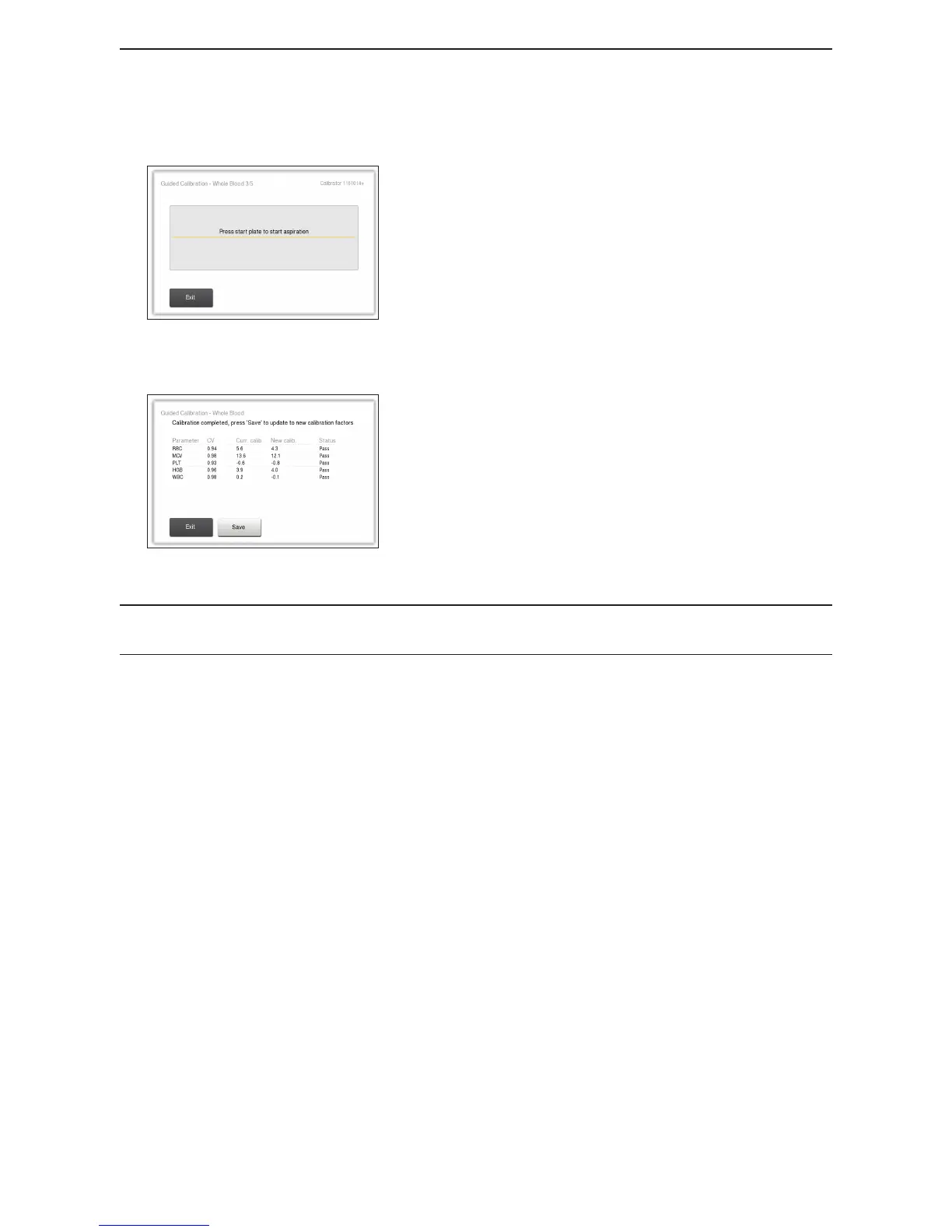
Figure 64: Consecutive Guided Calibration Analysis
Repeat steps 2 to 4 above until all 5/5 samples have been
analysed.
7 Completion of Guided Calibration
Figure 65: Guided Calibration Results
When pressing button Accept Analysis for sample 5/5 a
calibration result screen is displayed showing results for all
parameters together with a pass/fail status column. Press
button Save to save all new calibration factors (only those
that are indicated pass will be updated).
Note: It is only possible to update and save new Calibration factors for parameters that have
status passed.



 To Next Page