© Boule Medical AB, March 2018. Article no. 1504496 Page 71
7. Menu Structure and Advanced Setup
Advanced Parameter Setup
3
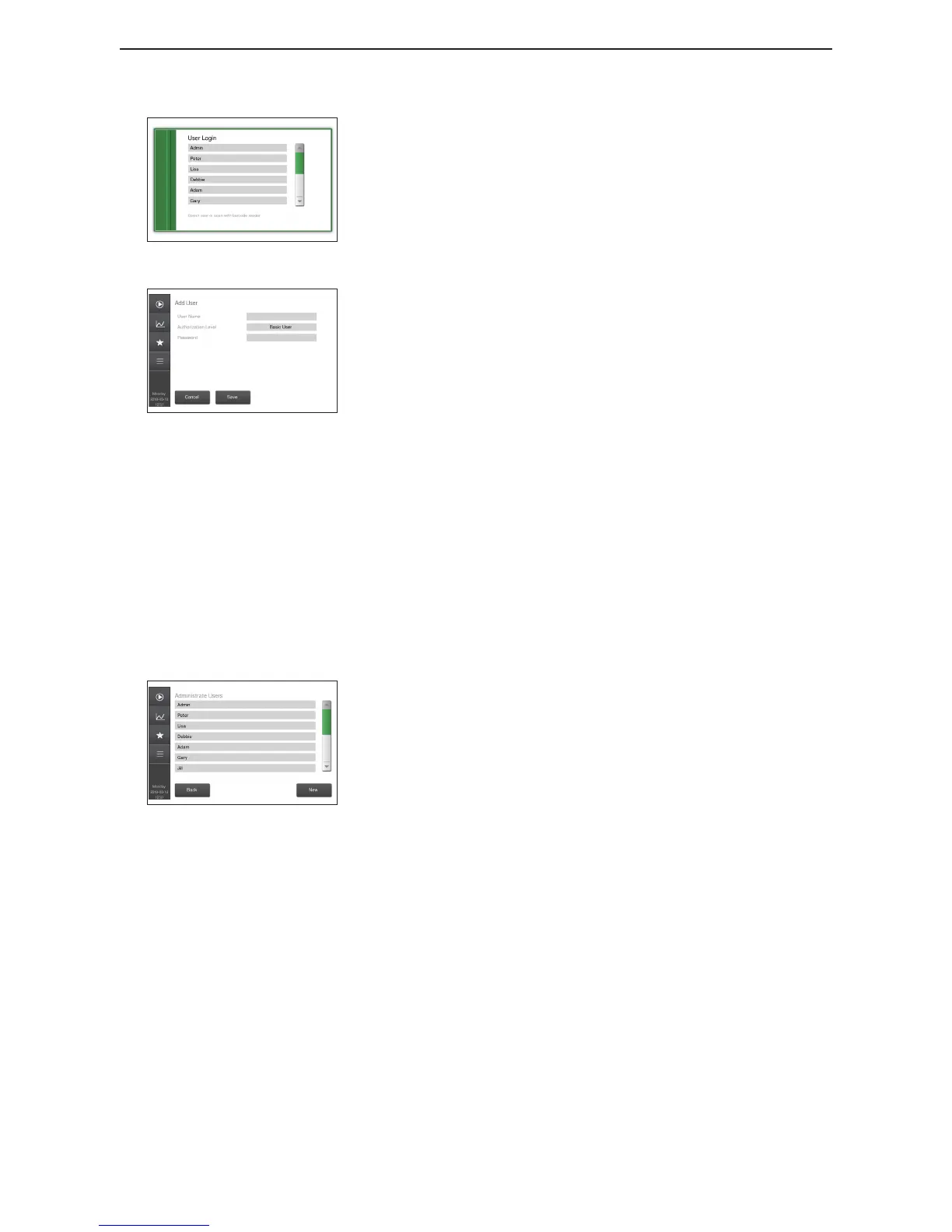
Figure 114: User Login
Log in with User Login
1. Select which user to log in from User Login list.
2. Input password and press OK button.
4
Figure 115: Add User
Add User
1. Login as Admin and go to Setup > Page 2 > Administrate
Users.
2. Press button New and input User Name.
3. Set Authorization Level (same levels as for level login,
except new Basic User which only can run/view/print/
export samples and perform manual standby and prime).
4. Press Accept.
5. Input new password and press button Save.
5
Delete User
1. Login as Admin and go to Setup > Page 2 > Administrate
Users.
2. Select user to delete and press button Delete.
3. Press button Yes when asked to conrm.
6
Figure 116: Administrate Users
Edit User
1. Login as Admin and go to Setup > Page 2 > Administrate
Users.
2. Select user to edit and edit User Name, Authorization Level
and Password.
3. Press button Save.
7
Change Password
1. Login as user for which to change password.
For users with login level Basic User: Go to Main
Menu > Change Password
For all other login levels: Go to Setup > Page 2 >
Change Password
2. Enter old password, then enter new desired password.
3. Verify the new chosen password.



 To Next Page