AvediaStream e2535/e3635 and e2655/e3655 Encoders V1.1
18 Administrator’s Guide
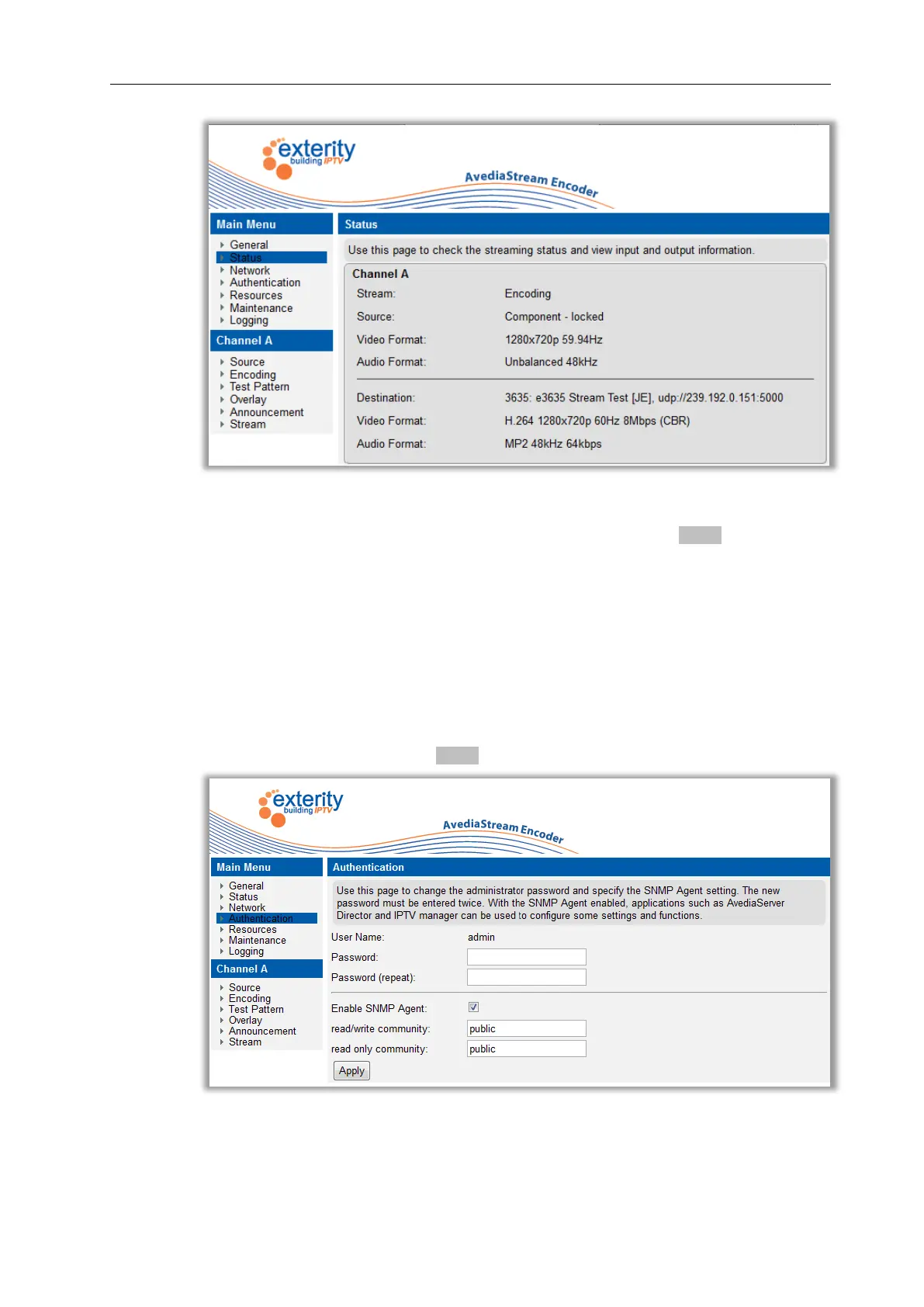
Figure 5 Web Management Interface
3. Clicking on the encoder name on the left hand side reveals the menu. Use this menu to
navigate through the pages, changing settings as required. Click the Apply button on each
page to save your changes.
Authentication
You can control access to the web management interface by changing the login details.
To change the admin password:
1. Click on the Authentication page.
2. Specify a password and click the Apply button.
Figure 6 Authentication Page



 To Next Page