EasyManua.ls Logo

Exterity AvediaStream e2535 - User Manual

Exterity AvediaStream e2535
57 pages
Print Icon
To Next Page IconTo Next Page
Loading...
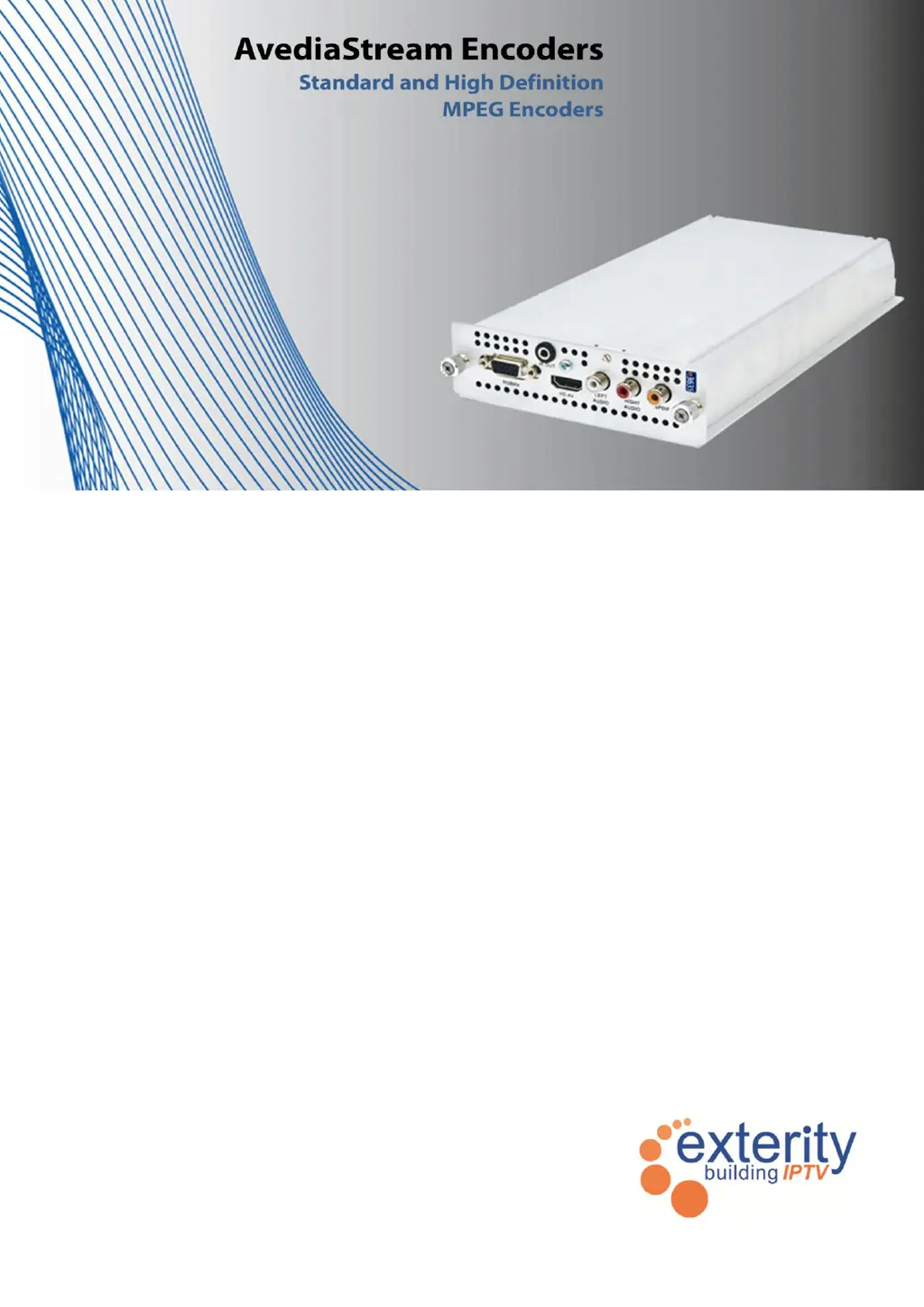
AvediaStream
®
e2635/55 and
e3635/55 Encoders V1.1
Administrator’s Guide

Questions and Answers

Summary

Safety Instructions

USA and Canada Safety

Safety instructions specific to the USA and Canada regions.

EU and Others Safety

Safety instructions specific to the EU and other regions.

General Safety Information

General safety warnings and precautions for product operation.

Getting Started

Connecting AV Source and Network

Steps for connecting AV sources and the network to the encoder.

IP Address and Device Naming

Configuring the encoder's IP address and assigning a name.

Configure Audio;Video Input and Encoding Options

Setting up AV inputs and encoding parameters.

Status Checking

Procedures for checking the encoder's operational status.

Physical Interfaces Overview

Chassis and Rear Panel Interfaces

Overview of encoder chassis and rear panel connections.

e2635;e3635 Model Interface Details

Details of video and audio input ports for e2635/e3635.

e2655;e3655 Model Interface Details

Details of SDI and audio input ports for e2655/e3655.

Management Interfaces

Web Management Interface

Accessing and using the web-based encoder management interface.

Admin Interface

Text-based management via serial or telnet.

AvediaServer Director

Application for device discovery and management.

General Device Management

Encoder Information and Naming

Viewing encoder details and assigning names for identification.

Network Configuration

Setting up IP address, subnet, gateway, and DNS.

IP Addressing and Ethernet Settings

Detailed IP configuration and Ethernet auto-negotiation.

Authentication and SNMP

Admin Password Management

Changing the administrator password for access control.

SNMP Configuration

Setting up SNMP for device management.

Maintenance Tasks

TFTP Server and SNMP Trap Manager

Configuring TFTP and SNMP trap manager addresses.

Firmware Upgrade and Factory Reset

Procedures for upgrading firmware and restoring default settings.

Configuration Export;Import

Saving and loading encoder configuration settings.

Logging and Log Viewing

Local and Remote Logging

Configuring local saving and remote syslog server for logs.

Encoding and Streaming

AV Input Configuration

Setting up video and audio sources for encoding.

Encoding Parameters

Specifying MPEG standard, bit rate, aspect ratio, and resolution.

Test Patterns

Test Pattern Modes and Colours

Selecting test pattern modes and custom colours.

Overlays

Text and Logo Overlays

Adding text and graphic logos to the video output.

Channel Announcements

Channel Naming, Numbering, and Grouping

Configuring channel names, numbers, and group assignments.

Stream Properties

Transport Protocol and Destination Address

Selecting stream protocol and destination IP address.

Port, IP TTL, and TOS;Diffserv Settings

Configuring stream port, IP TTL, and TOS/Diffserv values.

Status Monitoring

Status Page Details

Information on stream status, input, and output details.

Network Statistics

Monitoring network port utilization and data transfer.

Troubleshooting

Appendix A: Serial Interface Connection

Cabling and Adaptor Wiring

Connection methods and pinouts for serial interface.

Opening a Serial Session

Steps to establish a serial connection using terminal software.

Appendix B: Support and Contact Information

Exterity AvediaStream e2535 Specifications

General IconGeneral
Output Video FormatH.264
ResolutionUp to 1080p
Operating Temperature0°C to 40°C
Storage Temperature-20°C to 70°C
Input Video FormatHDMI
Audio SupportMPEG-1 Layer II
Audio OutputIP Stream
Network Interface10/100/1000 Ethernet
ProtocolsUDP, RTP, HTTP
ManagementSNMP
Input InterfacesHDMI
Power Supply100-240V AC, 50/60 Hz
Dimensions44mm (H) x 220mm (W) x 160mm (D)
Humidity10% to 90% non-condensing