AvediaStream e2635/e3635 and e2655/e3655 Encoders V1.1
Administrator’s Guide 27
Export/import Configuration Settings
Once you have configured the encoder, you can store your configuration settings in a single
file. You can use the file to restore your settings should you need to. You can also use a saved
configuration to replicate identical settings on multiple devices.
NOTE: Device naming and IP addressing information is not exported/imported. This means
that a configuration file can be imported to multiple units.
To export configuration settings:
1. Ensure that the TFTP server is running.
2. Click Maintenance.
3. Ensure that the TFTP Server address is configured correctly (see above).
4. Enter a name for your configuration archive in the Export filename field.
5. Click the Export configuration button.
6. The configuration file is uploaded to the root directory of the TFTP server.
To import configuration settings:
1. Ensure that the TFTP server is running.
2. Ensure that the configuration file is hosted in the root directory of the TFTP server.
3. Click Maintenance.
4. Enter the name of the configuration file in the Import Filename field.
5. Click the Import configuration button.
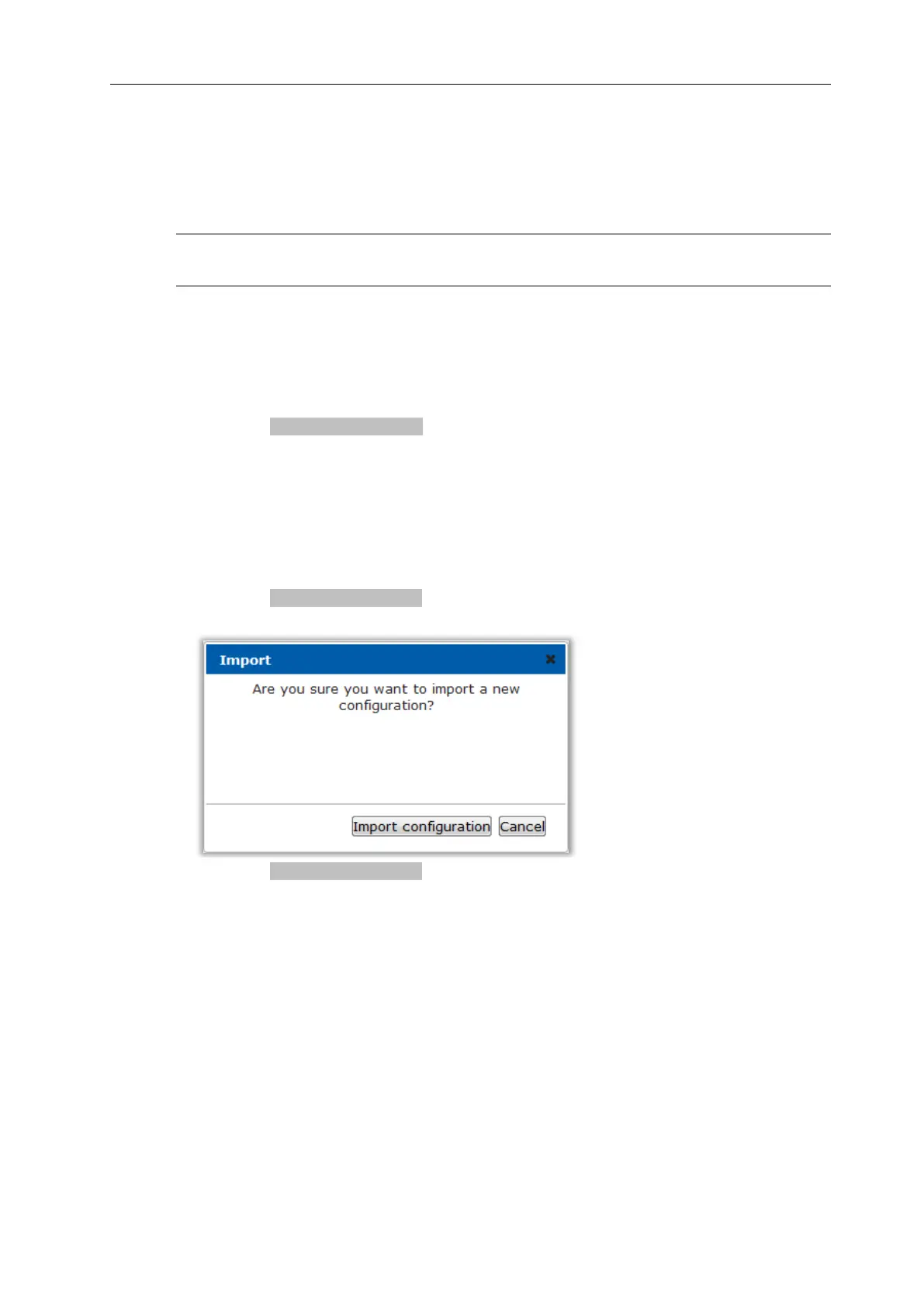
6. The following warning message is displayed:
7. Click the Import configuration button to continue.
8. The configuration file is downloaded from the TFTP server and the encoder reboots.



 To Next Page