AvediaStream e2635/e3635 and e2655/e3655 Encoders V1.1
Administrator’s Guide 17
3 Management Interfaces
The encoder has four management interfaces, as follows:
● Web Management Interface
● Admin Interface
● AvediaServer Director
Note: Each encoding module in a chassis must be configured independently.
Web Management Interface
You can manage every aspect of the encoder’s functionality using the Web Management
Interface. The Web Management Interface supports Microsoft Internet Explorer and Mozilla
Firefox.
You can display the Web Management Interface using the AvediaServer Director application
as shown on page 19, or by typing the IP address of the encoder directly into your browser.
Open the Web Management Interface as follows:
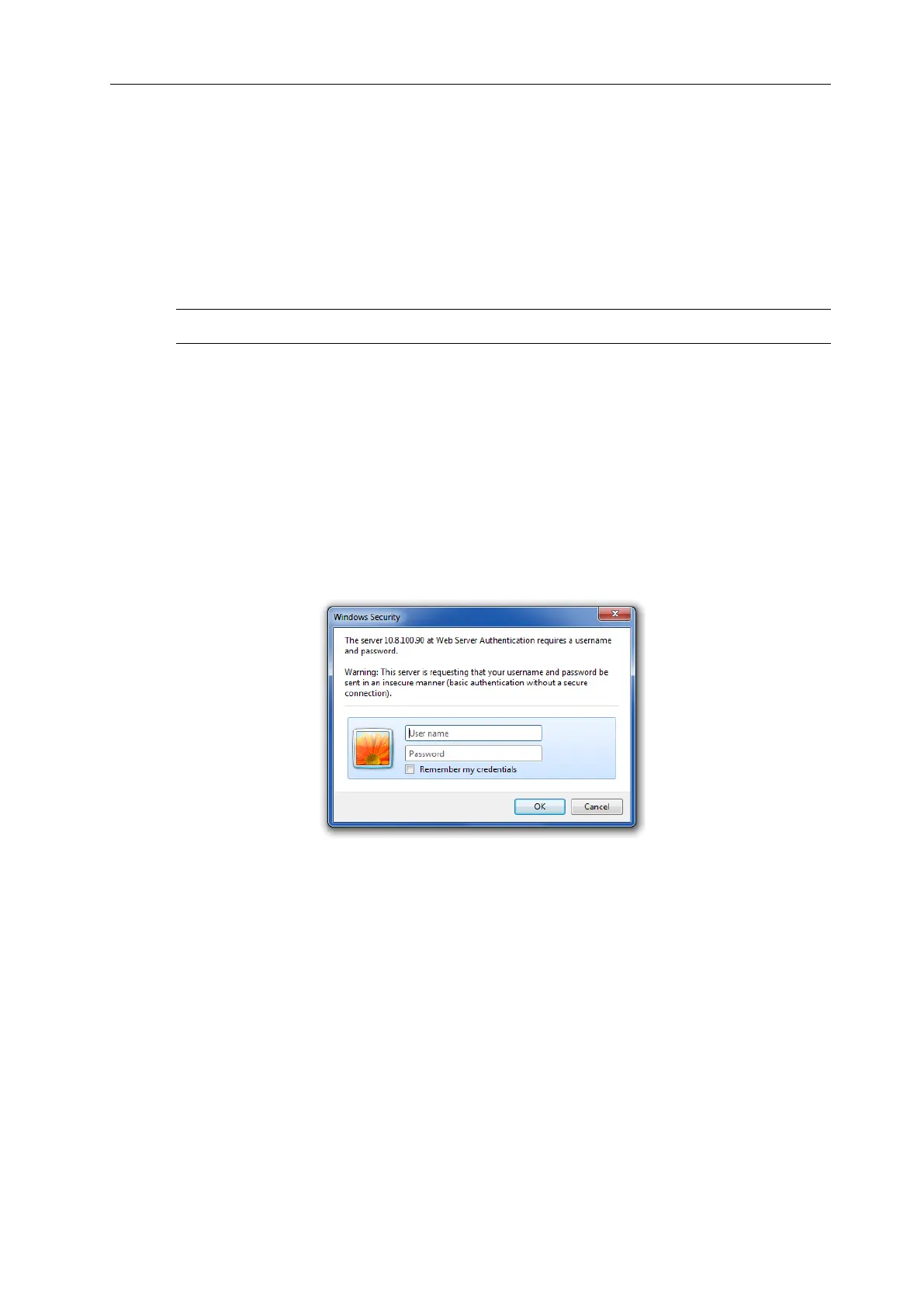
1. When prompted, enter the correct username and password. The default login details are:
Username: admin Password: labrador
Figure 4 Login Window
2. The Web Management Interface opens in your browser, as shown in Figure 5:



 To Next Page