AvediaStream e2535/e3635 and e2655/e3655 Encoders V1.1
36 Administrator’s Guide
Audio/Video Input – AvediaStream e2655 /e3655
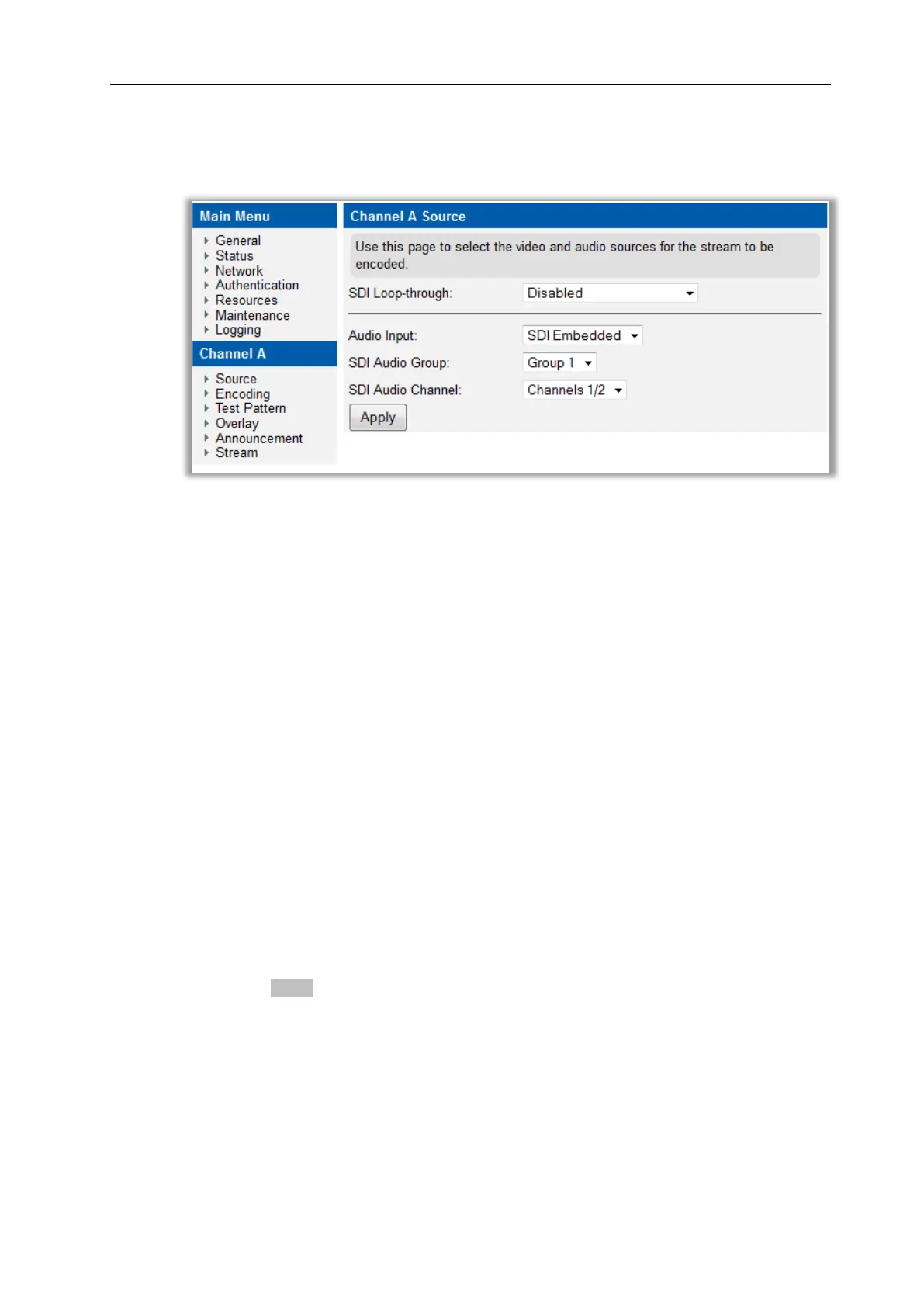
The Audio/Video Input is configured from the Input page on the web interface as shown in
Figure 17.
Figure 17 AvediaStream e3655 – Input Page
SDI Input
The AvediaStream e2655 and e3655 encoders support SDI SMPTE 259M, SDI SMPTE 292M
and SDI SMPTE 424M input and are compatible with SDI sources which have output frame
rates of 23.98Hz, 24Hz, 50Hz, 59.94Hz, and 60Hz. HD material can either be true 24/60Hz, or
may be offset by a 1/1.001 divider to give 23.98Hz or 59.94Hz. The encoders automatically
detect the frame rate and no configuration is required.
SDI Loop-through
To enable the chaining together of additional equipment, the SDI input signal can be
presented at the SDI output of the AvediaStream e2655 and e3655 encoders using the Loop-
through function. When Loop-through is selected, the SDI signal at the input is passed to the
output without modification. When Re-clocked loop-through is selected, the input signal is
processed to reduce jitter.
While the Re-clocked loop-through process delivers a better quality signal at the output, the
timing is affected and the output signal is out of phase with the input. Simple Loop-through is
more likely to suit environments where the timing of different SDI feeds is critical.
The default setting is Disabled.
To specify the SDI Loop-through:
1. Click Source.
2. Choose an option from the SDI Loop-through drop down list.
3. Click the Apply button.
Audio Input
Audio Input sets the type of audio input to the encoder. SDI Embedded and SPDIF can be
selected. If SDI Embedded is selected, the encoder de-embeds the audio from the SDI
stream.
The default is SDI Embedded.



 To Next Page