AvediaStream e2535/e3635 and e2655/e3655 Encoders V1.1
32 Administrator’s Guide
6 Encoding and Streaming
This section of the manual describes how to manage those aspects of the encoder related to
taking the analogue or digital AV inputs and converting them to an IPTV stream. All
procedures described in this section assume that you are using the Web interface, as
described on page 17, to configure the AvediaStream encoders. Encoding, Streaming and
Announcements configurations are common, but the Input setups differ. Configuration
procedures are either individually described in the following sections or with the differences
highlighted where appropriate:
Input configurations differ and are described in the following sections:
● Audio/Video Input – AvediaStream e2635/e3635 on page 32
● Audio/Video Input – AvediaStream e2655/e3655 on page 36
● Encoding on page 38
● Announcement on page 48
● Streaming on page 49
Audio/Video Input – AvediaStream e2635/e3635
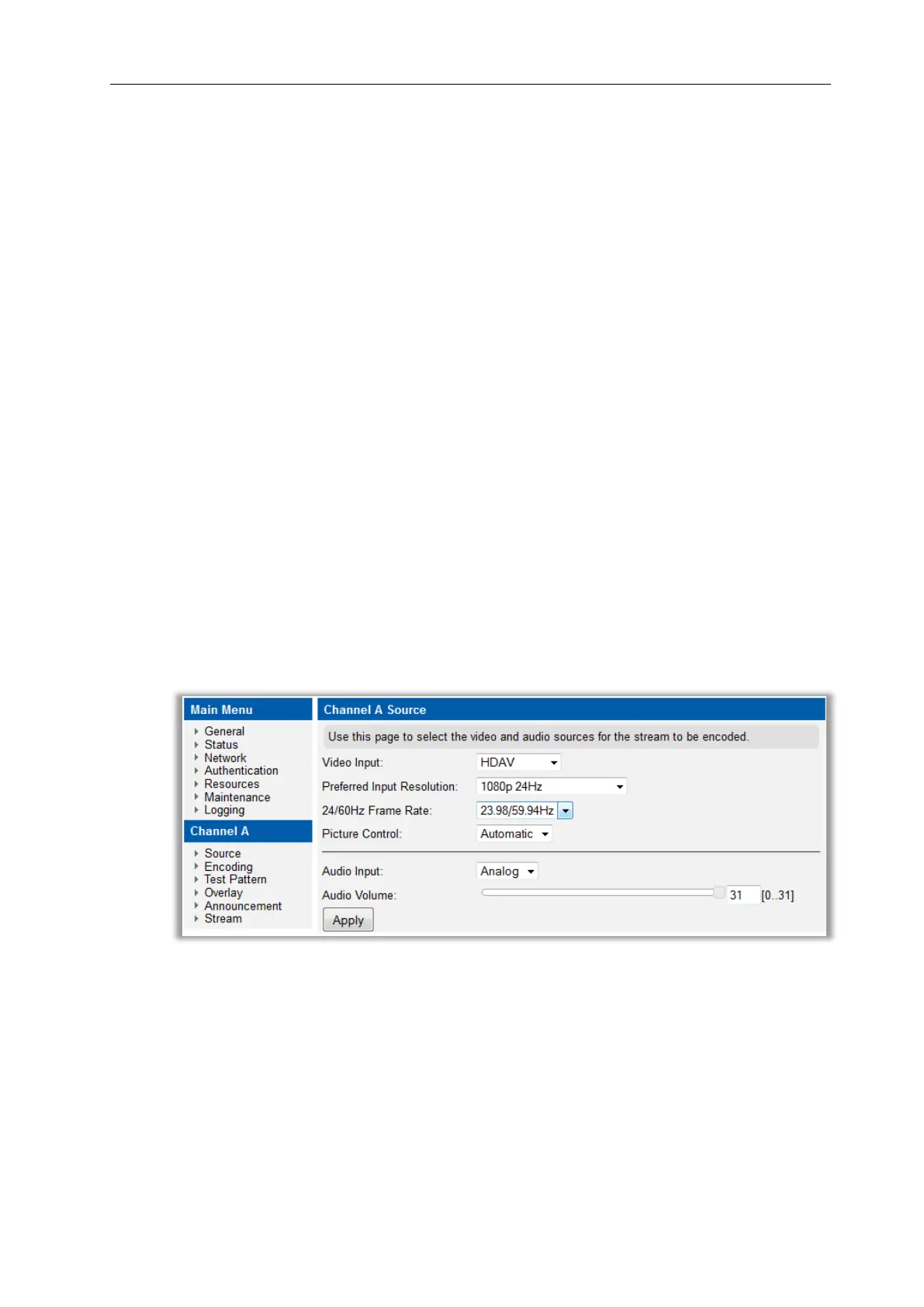
Audio/Video Input is configured from the Input page on the web interface as shown in
Figure 15. The video and audio controls are shown in Figure 16 AvediaStream e3635 –
Source Page Manual Controls.
Figure 15 AvediaStream e3635 – Source Page



 To Next Page