AvediaStream e2535/e3635 and e2655/e3655 Encoders V1.1
22 Administrator’s Guide
Device Naming
The encoder can be assigned a name and location. These can help identify the device in the
AvediaServer Director application.
To specify the name and location:
1. Click General.
2. Enter a name and location as appropriate in the Name: and Location: fields.
3. Click the Apply button.
Note: The name and location can also be configured using the Name and Location actions in
the AvediaServer Director application.
Network Configuration
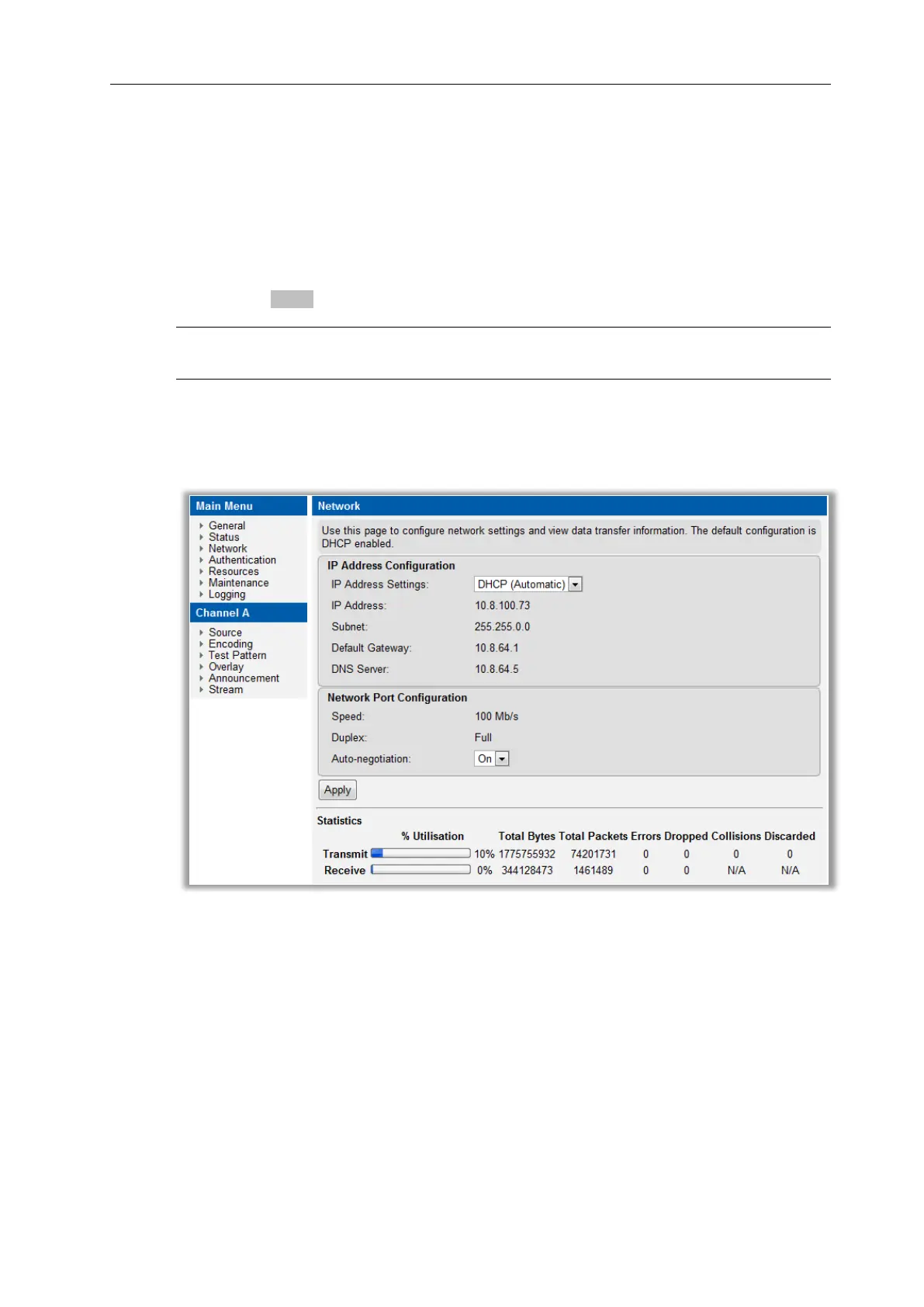
This section describes encoder options relating to network connections. These options are all
available from the Network page in the web interface shown in Figure 10.
Figure 10 Network Page



 To Next Page