AvediaStream e2535/e3635 and e2655/e3655 Encoders V1.1
14 Administrator’s Guide
AvediaStream e2635/e3635 Interface
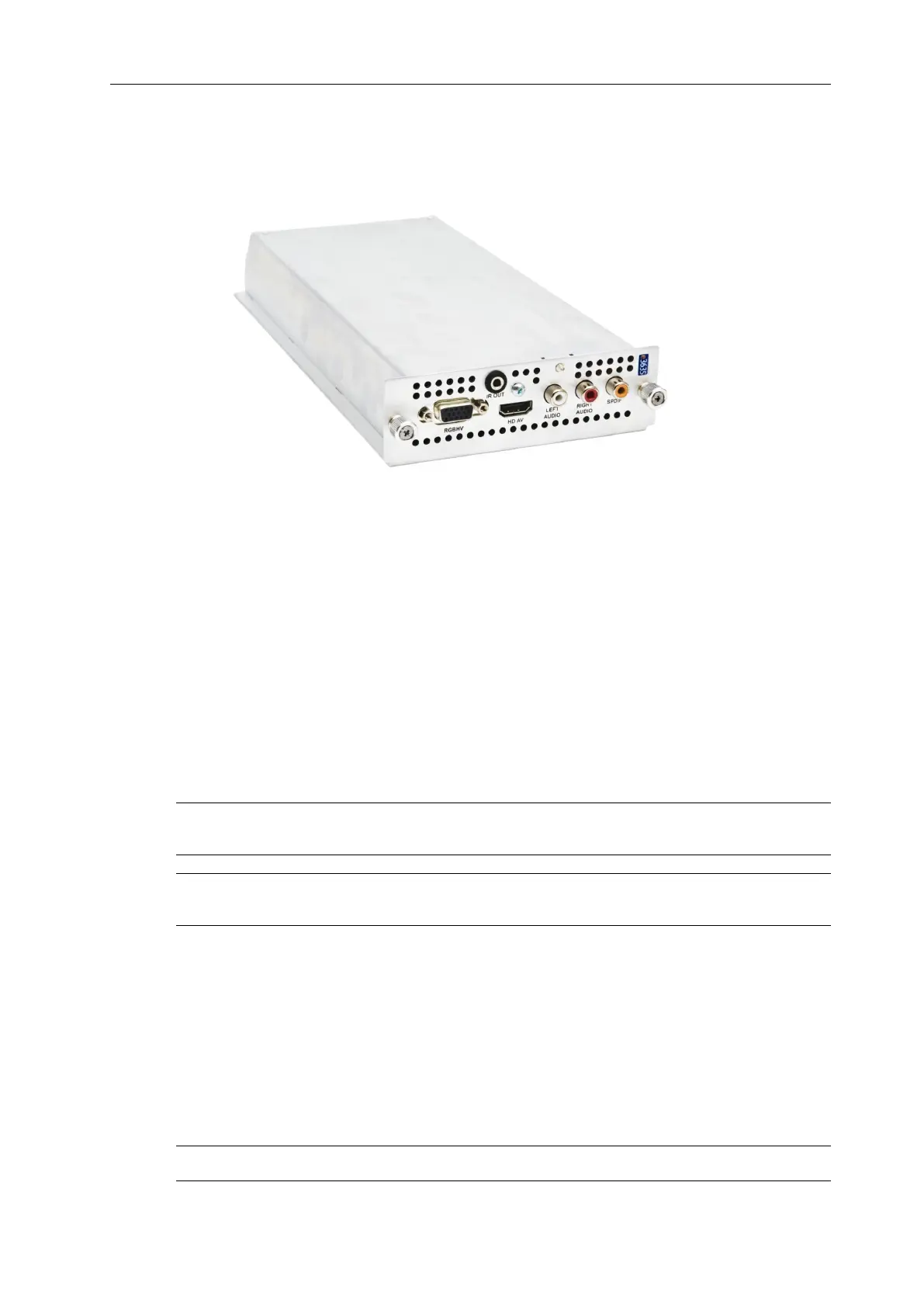
The AvediaStream e2635 and e3635 encoders provide video and audio inputs as shown in
Figure 2.
Figure 2 AvediaStream e3635 Encoder – Rear Panel
Video Inputs
The e2635 and e3635 support the following video input types:
● HDMI (HD AV) with audio
● VGA (RGBHV)
● YPbPr
Connect an HDMI source to the encoder using a standard HDMI Type A plug connector to
connect to the HD AV input.
Connect an RGBHV source such as a VGA-equipped PC or signage equipment using a
standard VGA monitor cable (fitted with 3-row 15-pin DE-15 plugs) to connect to the RGBHV
input.
Connect a YPbPr component source using the supplied VGA-to-phono adaptor (female) to
connect to the RGBHV input.
Note: High-bandwidth Digital Content Protection (HDCP) is not supported on the HD AV
interface.
Note: You can use an HDMI-to-DVI converter/cable to connect a DVI source to the HD AV
input.
Audio Inputs
● Unbalanced audio - Inputs marked Left and Right, connection using RCA (Phono) cables.
● S/PDIF – Input marked SPDIF, connection using an RCA (Phono) cable supporting
uncompressed (48kHz supported) or compressed (AAC) inputs.
● HD AV audio – when HD AV video input is selected.
IR Out Socket
This is intended to control the attached AV device. The associated IR transmitter is supplied
with the unit.
Note: The IR function is not available with this firmware release.



 To Next Page