FX16 Master Controller Technical Bulletin
110
Use the Programming Key to download the application to other
FX16 controllers.
Uploading the Application from FX Loader to the
Programming Key
To upload the application from FX Loader to the Programming Key:
1. Connect the Programming Key to the RS-485/232 converter via the
plug-adapter and power the Programming Key with a dedicated
AC/DC power adapter.
2. Open FX Loader.
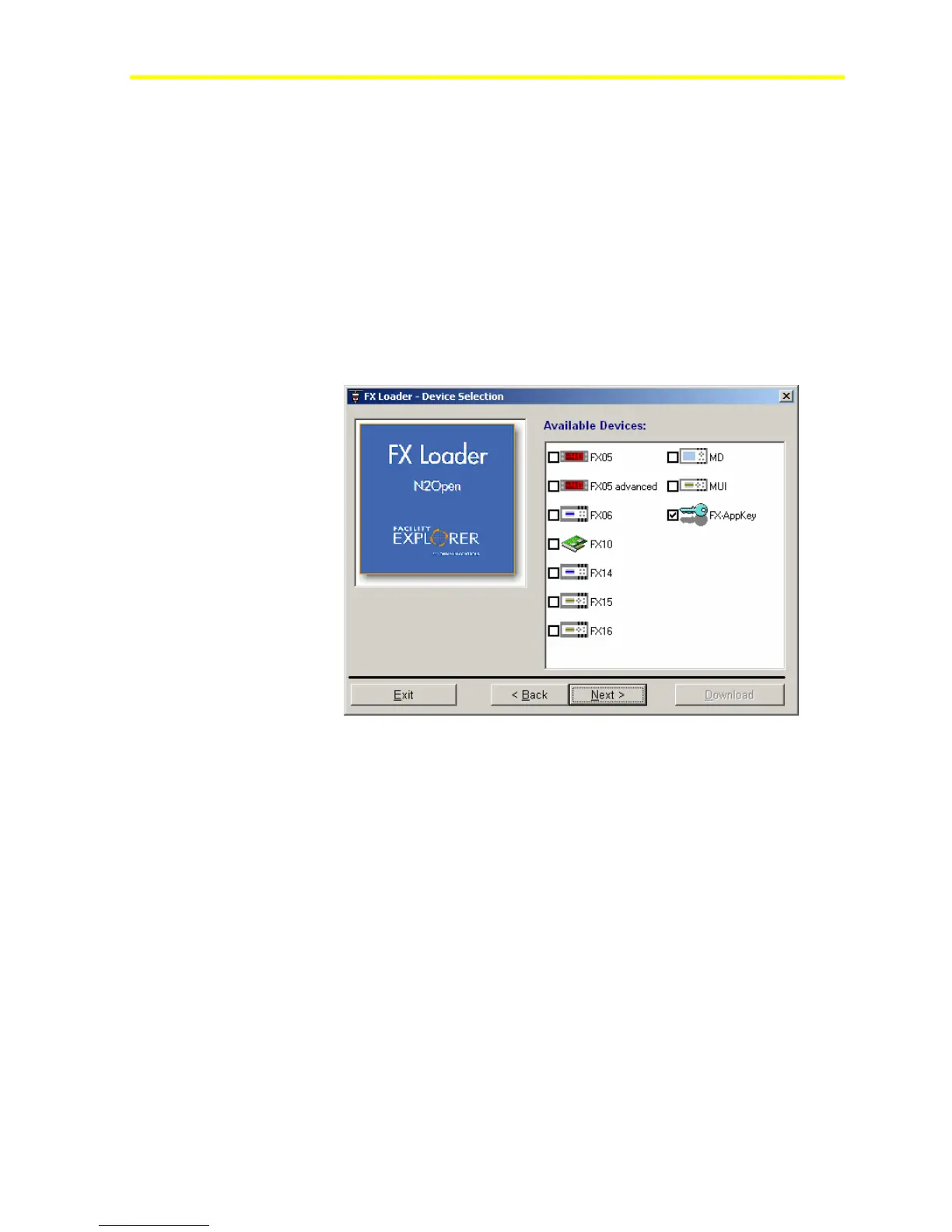
3. Select N2 Open and then select FX-AppKey (Figure 90).
Figure 90: Loader-Device Selection Page
4. Turn on the Programming Key via the AC/DC adapter. The two
LEDs blink alternately. This indicates that an operation has to be
selected.
5. Select the application in FX Loader to upload (
Figure 91).



 To Next Page