FX16 Master Controller Technical Bulletin 111
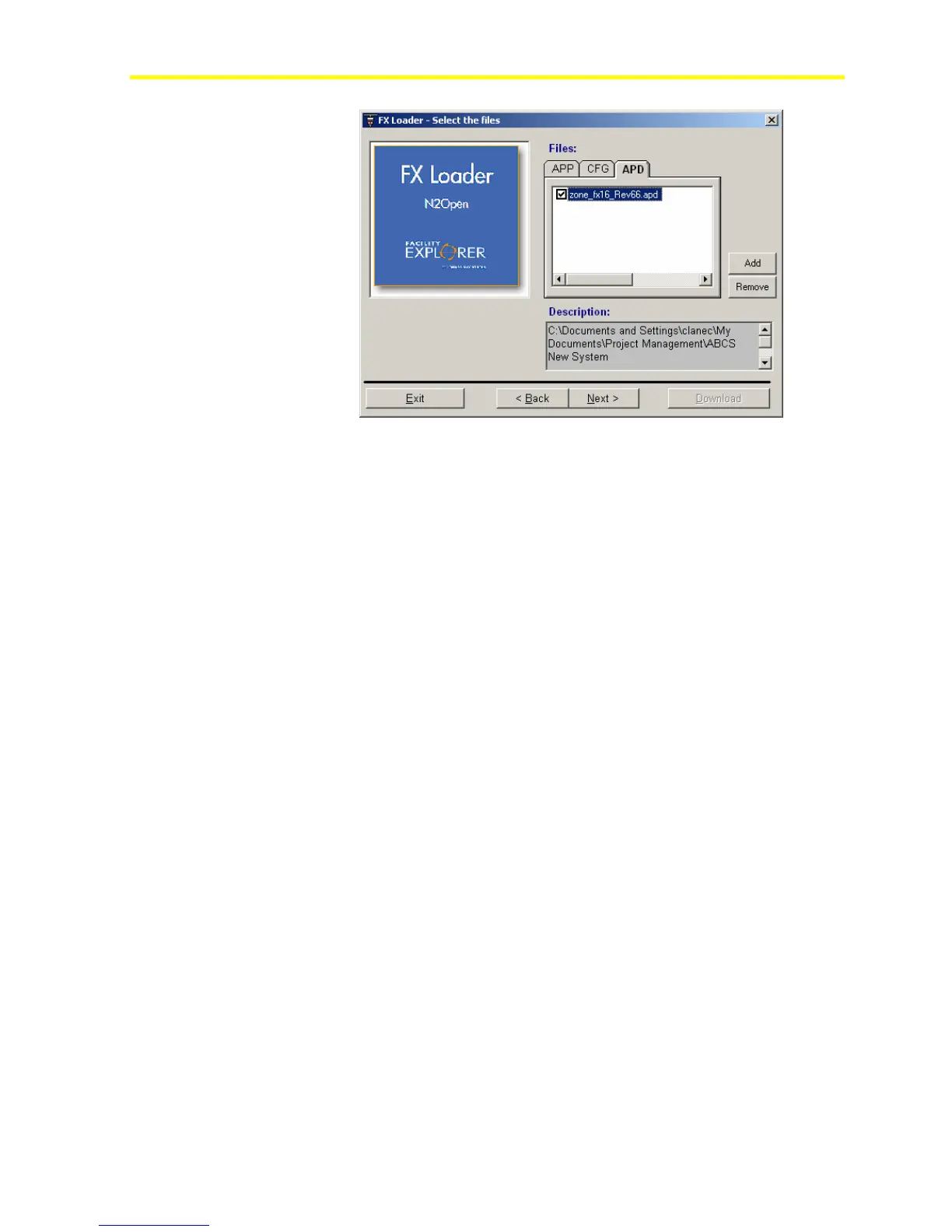
Figure 91: Application Selection
6. Press the Programming Key button until the green Upload LED
blinks. Confirm the Upload action by pressing the button for
3 seconds.
7. Click Next and then click Download the FX Loader tool.
If the key already contains an application, FX Loader asks if you want to
keep the application or erase it. If you answer no, the operation is aborted.
If you answer yes, the application in the key is erased and the new
application is uploaded.
During the upload, the LED blinks. When the operation ends
successfully, the blinking stops and the green LED remains steady on. If
the operation fails, the two LEDs blink together.



 To Next Page