FX16 Master Controller Technical Bulletin 17
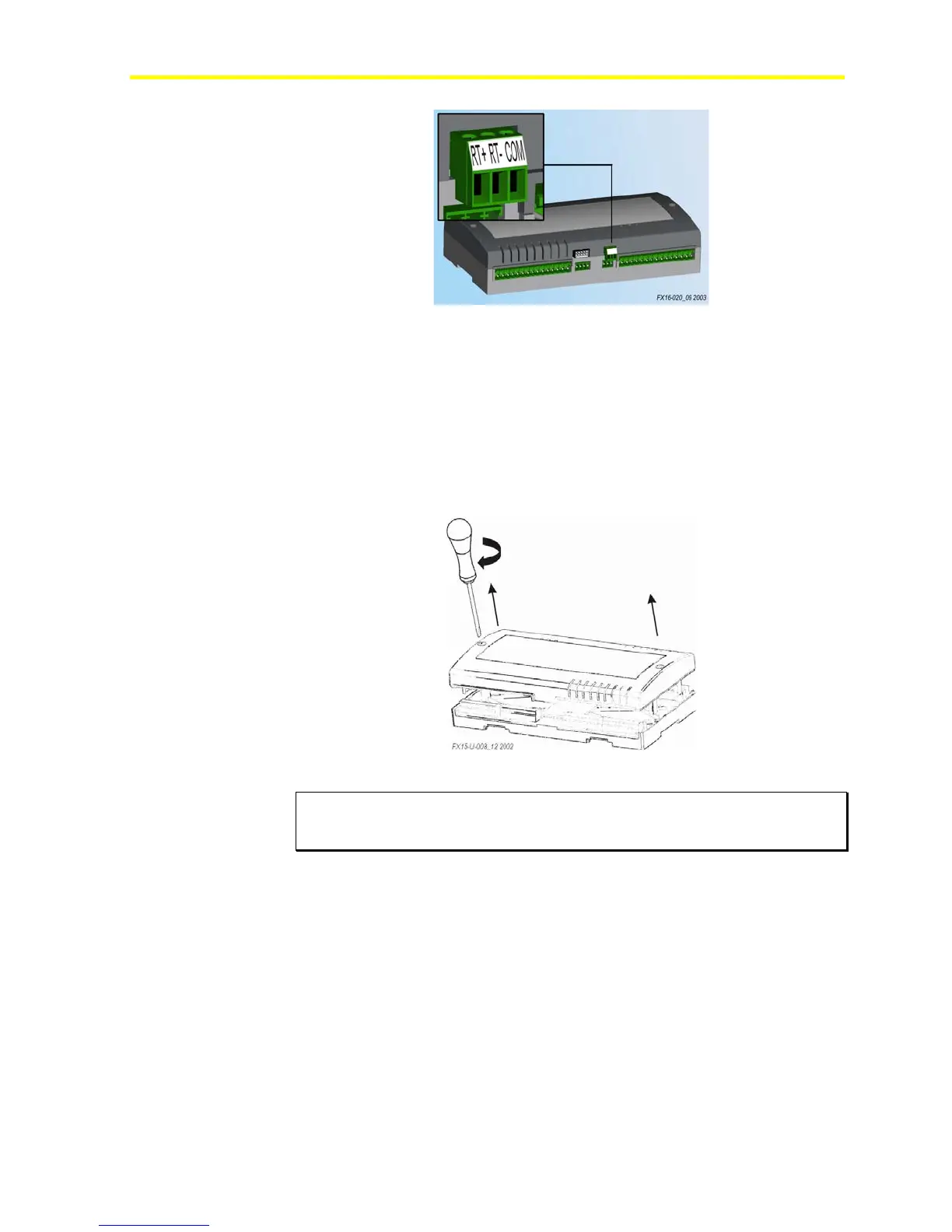
Figure 9: N2 Open Card Terminals
Installing the RS-485 N2 Communication Card
To install the RS-485 N2 communication card:
1. Turn off the controller (hot plug-in not allowed) and isolate all
high-voltage connections to the controller.
2. Open the controller by removing the two screws. See Figure 10.
Figure 10: Open the Controller
IMPORTANT: The CMOS integrated circuits in the controller and on the
communication card are sensitive to static current discharges. Take suitable
precautions.
3. Fit the standoff supplied with the card into the hole in the FX16
board (located close to the Local Link Bus terminals).
4. Press the connector pins into the communication board connector on
the FX16 board and press the card over the standoff to fit the card
firmly in position. See
Figure 11.



 To Next Page