FX16 Master Controller Technical Bulletin
24
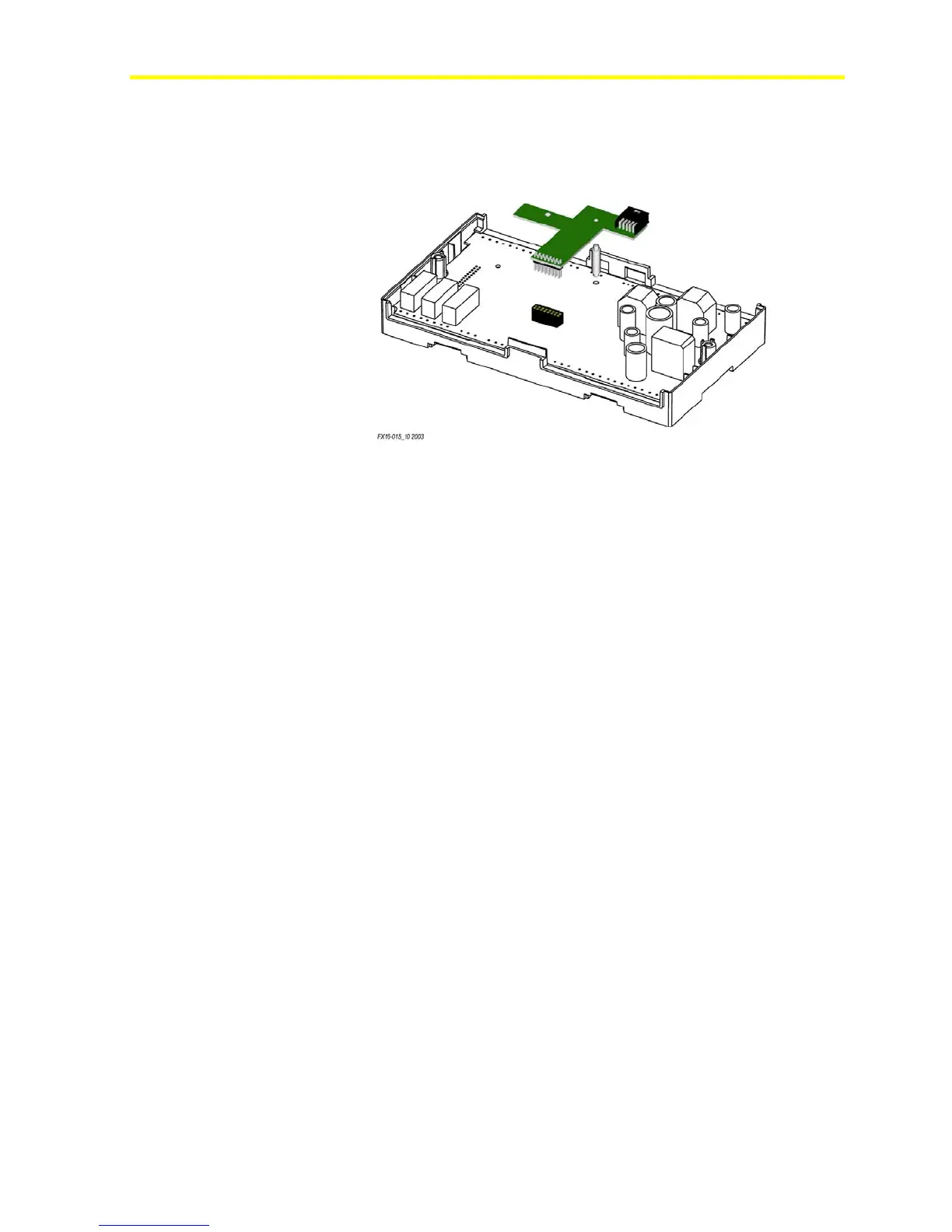
4. Press the connector pins into the communication board connector on
the FX16 board, and press the card over the standoff to fit the card
firmly in position. See Figure 18.
Figure 18: Insertion of the RS-232C Card
5. Replace the control cover and secure the cover with the two screws.
6. Turn on the controller after you safely restore all connections.



 To Next Page