FX16 Master Controller Technical Bulletin 83
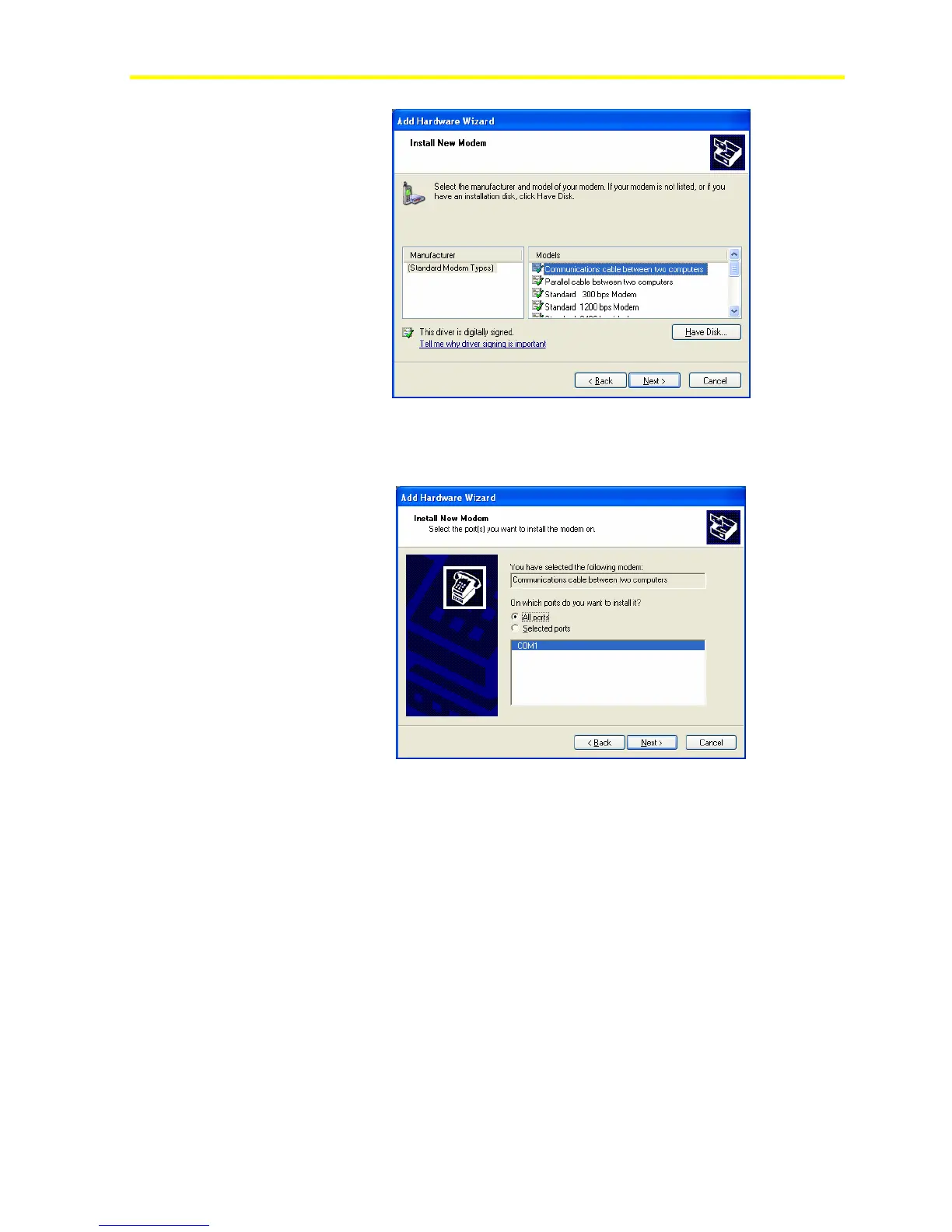
Figure 68: Select Modem Types
5. From the Models list, select Communications cable between two
computers. This option sets up a new null modem device.
Figure 69: Select the Installation Ports
6. Select the All ports option to scan all the RS-232C ports available
on the computer.
7. Locate the new added modem called Communications cable
between two computers.



 To Next Page