FX16 Master Controller Technical Bulletin
84
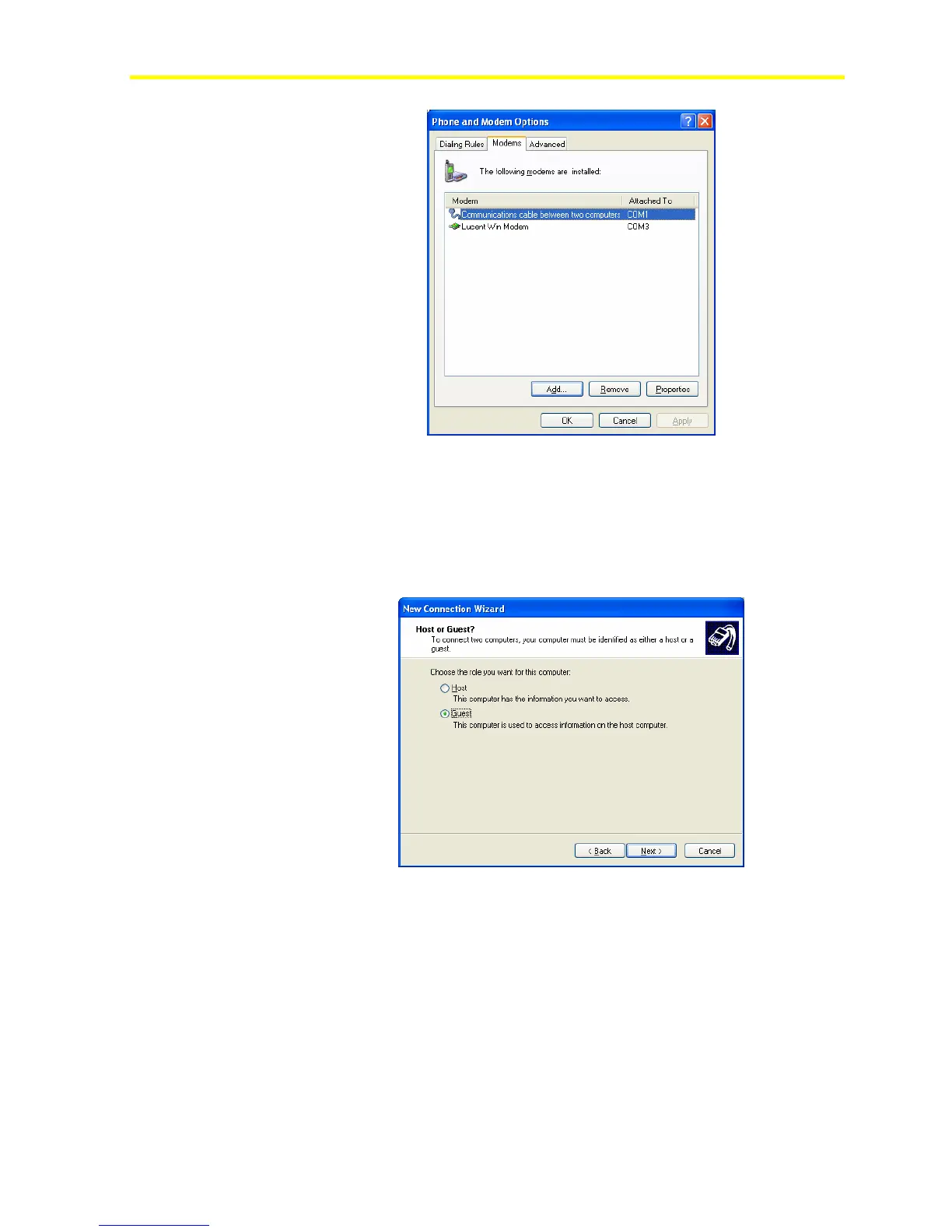
Figure 70: Null Modem Created
8. Go through the Network Connection creation (see Figure 63) and
select Set up an advanced connection and click Next. The system
prompts you to choose the role of the computer within the
connection.
9. Select Guest.
Figure 71: Host or Guest
10. Select the Communication device to use for the direct connection
(typically using COM port).



 To Next Page