FX16 Master Controller Technical Bulletin 87
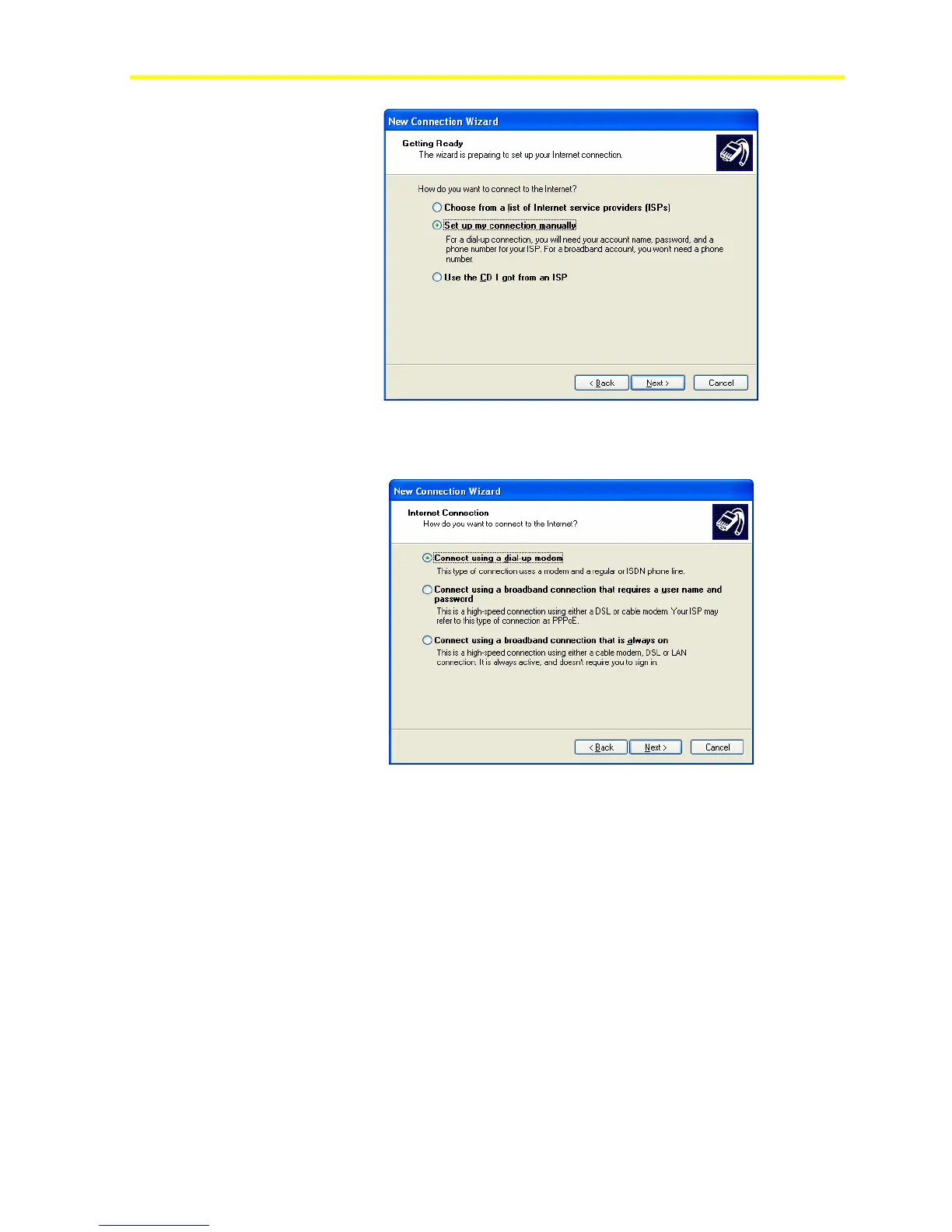
Figure 77: Internet Account
2. Select Connect using a dial-up modem. The manager
automatically detects the modem installed on the computer.
Figure 78: Select a Device
3. Enter the information related to the FX16 Master Controller Internet
Service Provider (ISP) account. The information requested is the
ISP name and the ISP telephone number.
4. Enter the phone number for the FX16 Master Controller. This phone
number has the embedded Internet Information Server (IIS), which
can manage Internet connections.



 To Next Page