June 2014 PLT-01277, Version: 1.2
Page 4-13 Printer Preferences
4.6.1 Defining an Overlay or Print Area
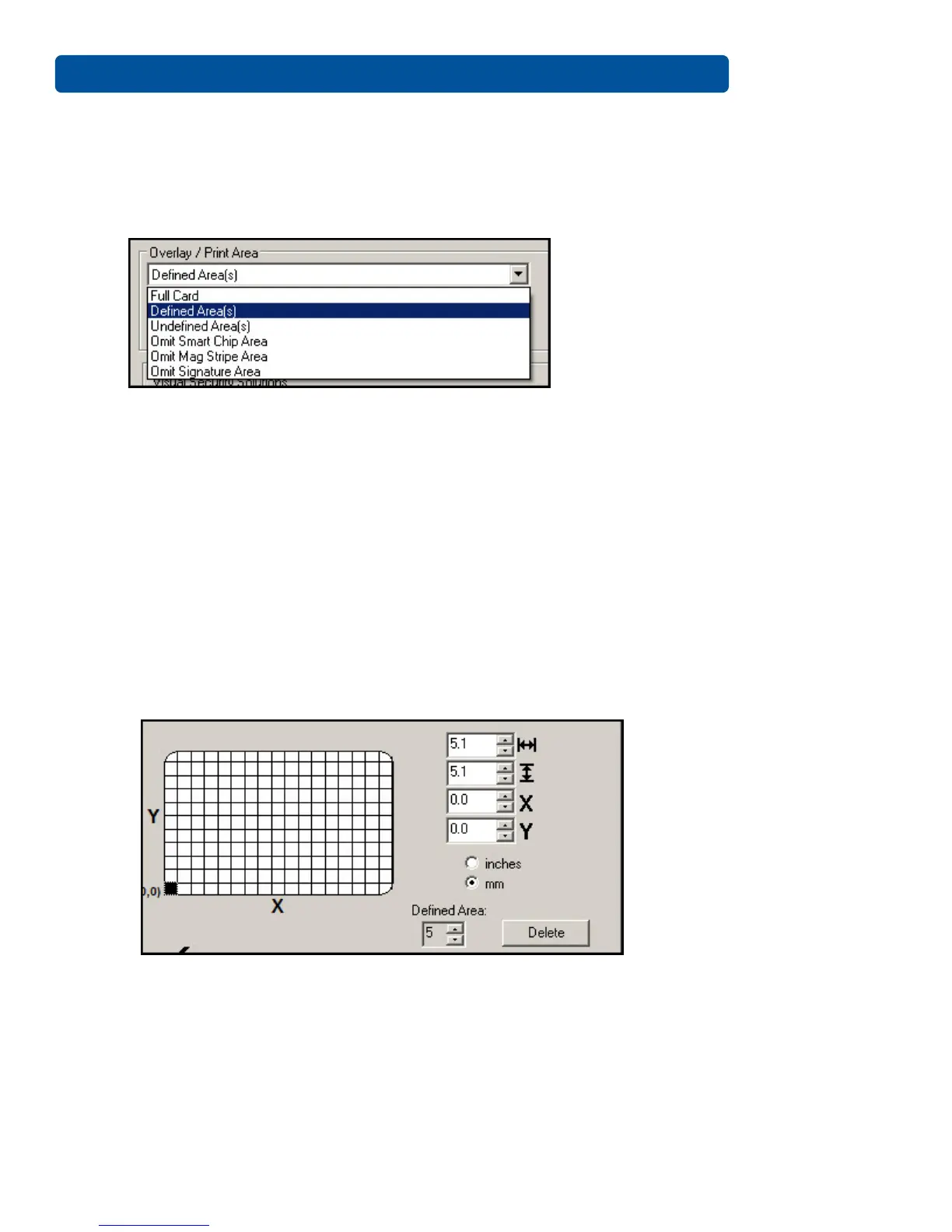
To define an overlay or print area, elect the option in the overlay / print field that serves your
purpose:
• Full Card: Select this option to overlay and/or print the entire card.
• Defined Area(s): Select this option to overlay and/or print only in the selected and defined
area(s).
• Undefined Area(s): Select this option to overlay and/or print in the space outside the selected
and defined area.
• Omit Smart Chip Area: Select this option to overlay and/or print only in the space outside the
standard location of a smart chip.
• Omit Mag Strip Area: Select this option to overlay and/or print only in the space outside the
standard location of an ISO-standard magnetic stripe.
• Omit Signature Area: Select this option to overlay and/or print only in the space outside the
standard location of a signature panel.
When you select an option, a default blacked area appears on the card design area grid.
Click and drag to enlarge the area and move it to the preferred location on the card. The size and
coordinates of the area update in the number fields using the units you specify, inches or mm.
Up to five defined areas are allowed.



 To Next Page