EasyManua.ls Logo

Fargo DTC4250e - Page 57

Fargo DTC4250e
145 pages
Print Icon
To Next Page IconTo Next Page
To Previous Page IconTo Previous Page
Loading...
DTC1000Me-1250e-4250e-4500e Card Printer Service Manual PLT-01543 rev 1.0
November 2013 57
.
Step
Procedure
11
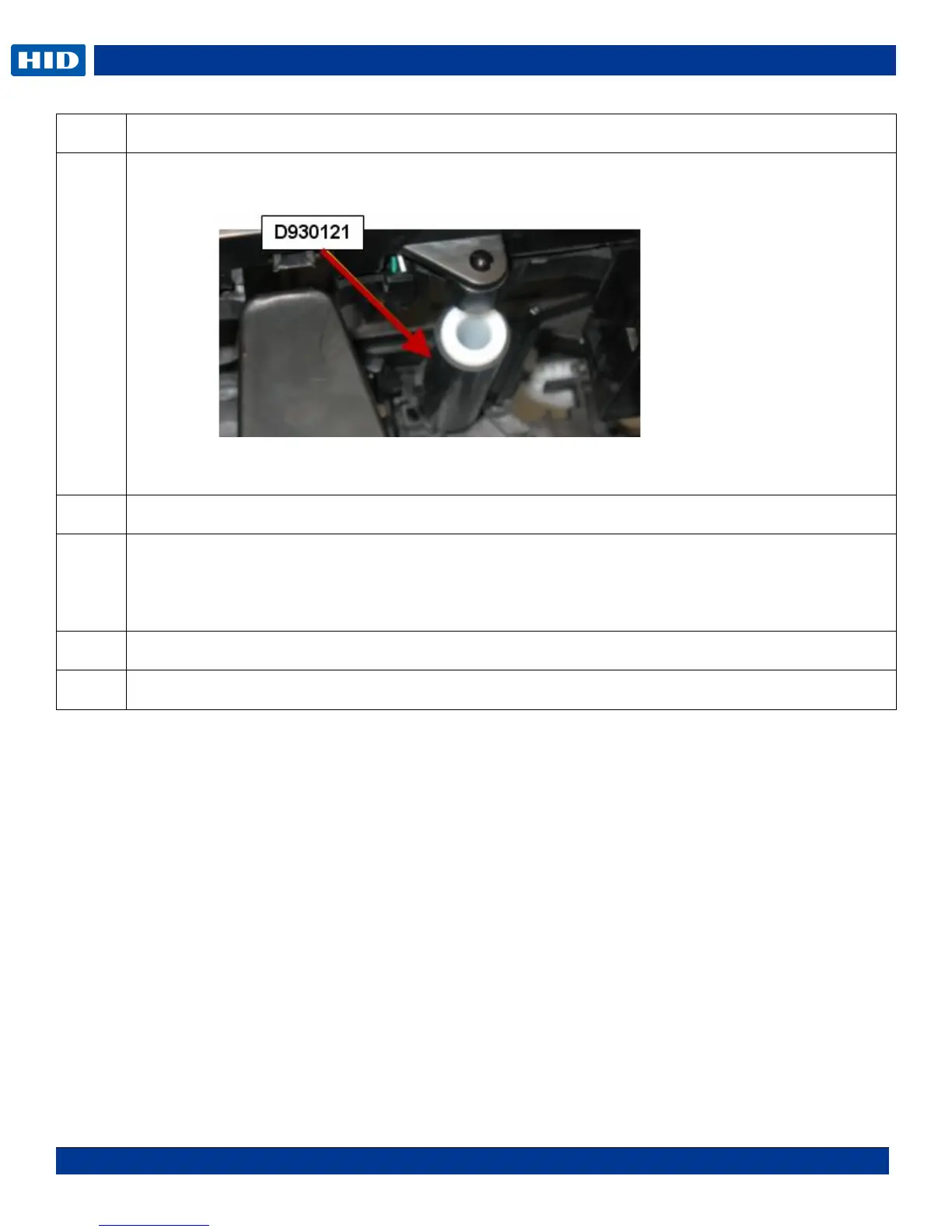
From the front of the printer release the cleaning roller from the peg by pushing all the way back
and dropping the roller.
NOTE: Do not hold the roller by the rubber but only from the plastic shaft. The rubber can move
out of position on the shaft and cause a print quality issue.
12
Replace with new roller.
13
Insert the Spring into the upper and lower pegs.
Install the Lever then the Gear.
Turn the black platen gear to verify the gears turn simultaneously.
14
Reinstall cam, locking bushing, stepper motor, ribbon supply assembly.
15
Procedure is complete.

Table of Contents

Related product manuals