c. Print Reset : After reset, the printer will start to print forward direction"
d. Print Times : use to set the print times after trigger."
e. Forward Reverse : If set it to OPEN, the Forward direction will pint Reverse-off and
vice versa."
f. Opposite Reverse : If set it to OPEN, the Opposite direction will pint Reverse-off and
vice versa."
g. Forward Inverse : If set it to OPEN, the forward direction will pint Inverse-off and vice
versa."
h. Opposite Inverse : If set it to OPEN, the Opposite direction will pint Inverse-off and
vice versa.
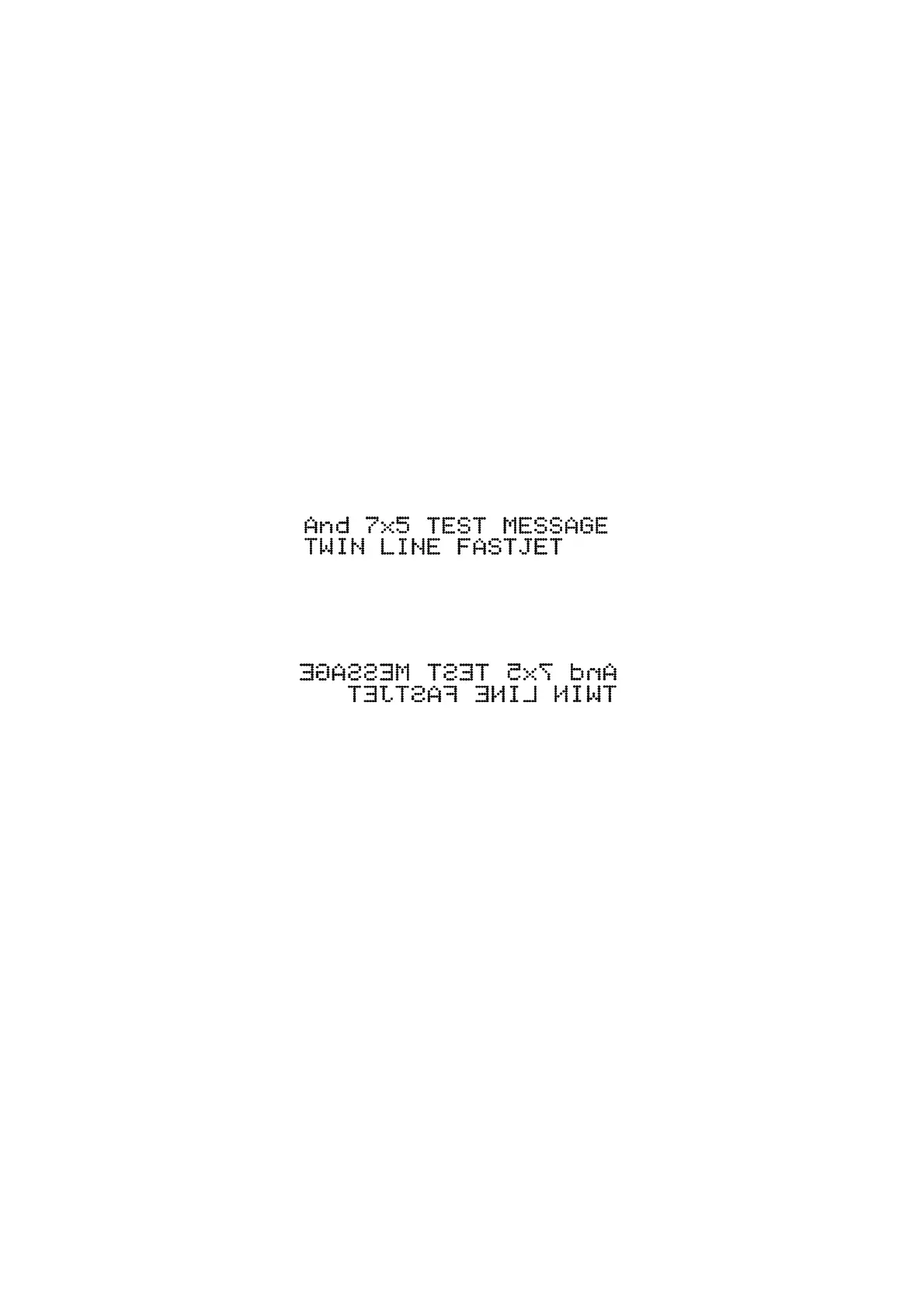
Reverse Mode print sample:
Forward direction:
Figure 2-32. Forward direction sample
Opposite direction:
Figure 2-32. Forward direction sample


 To Next Page
 Loading...