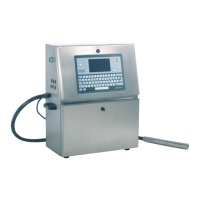
4.6 Drain
Go to the "System" menu, select “System Flush Purge" and press the
"enter" key to confirm.
1. First pull out the OUT port of the ink and connect it to the special waste
bottle.
2. Invert the pressure buffer.
3. Go to the "System" menu, select “System Flush Purge" and press the
"enter" key to confirm. $
Or go to the "System" menu, select "Debug" and press the "enter" key
to confirm , turn on "Pump", "Valve 6", "Valve 11", "Valve 12" in
sequence, the ink will instantly start from The OUT port pours out.
4. Or go to the "System" main menu, select "Debug" and press the "enter"
key to confirm the entry, turn on "Pump", "Valve 6", "Valve 11", "Valve 12"
in sequence, the ink will instantly start from The OUT end pours out.
5. After the ink is discharged, close the menu, restore the pressure buffer,
and restore the OUT port.


 To Next Page
 Loading...