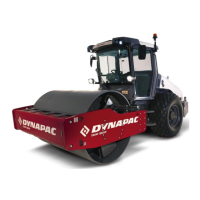
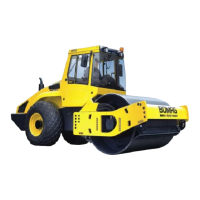
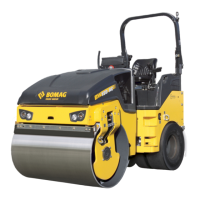
Machine description
4812163801.pdf2019-04-30
No Designation Symbol FunctionNo Designation Symbol Function
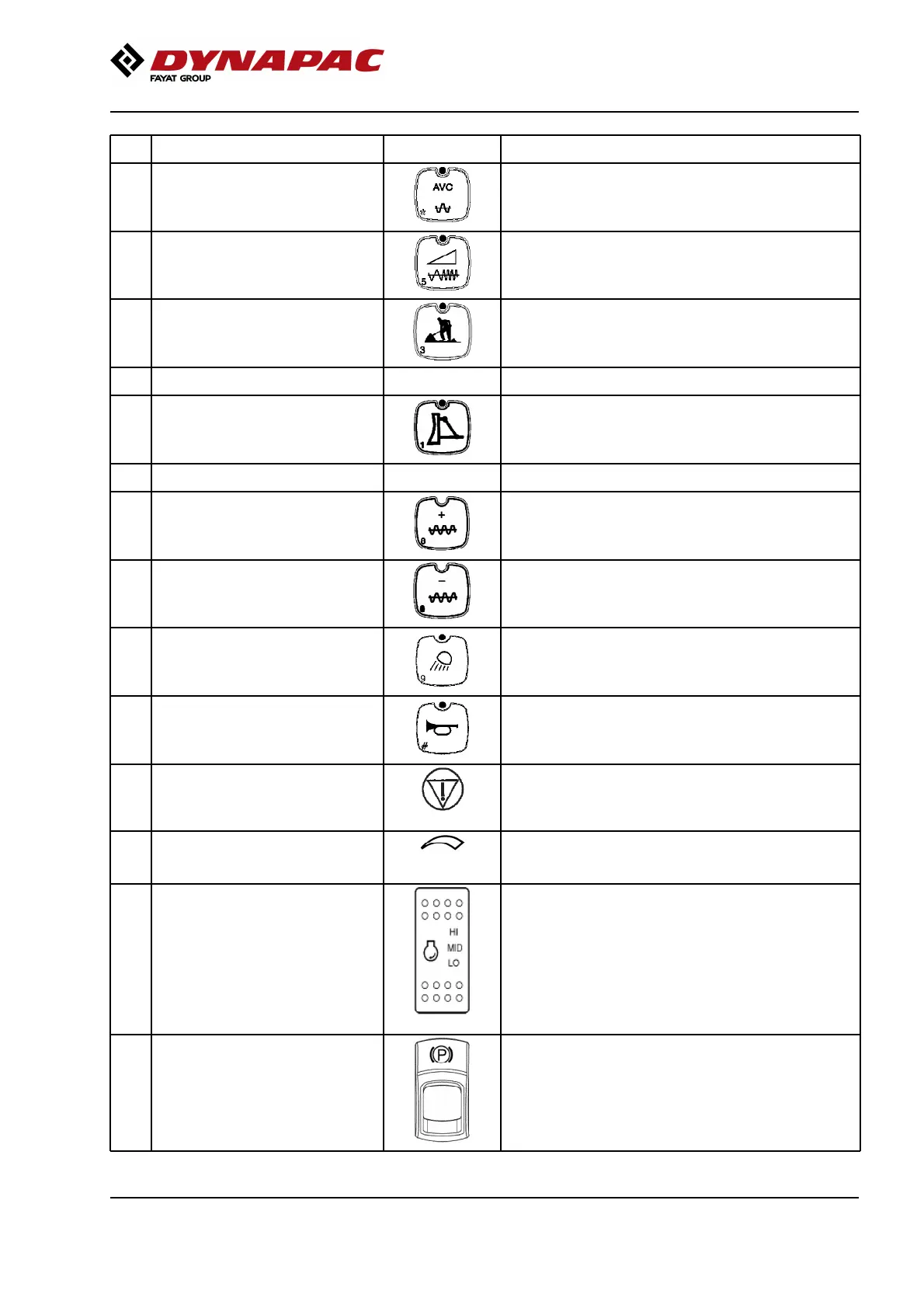
12 Automatic vibration control (AVC) When activated, the vibration is switched on
automatically when the roller's speed is ≥ 1.8 km/h
(1.1 mph) and disengaged at a speed of 1.5 km/h (0.9
mph).
12 Automatic vibration control (AVC) When activated, the vibration is switched on
automatically when the roller's speed is ≥ 1.8 km/h
(1.1 mph) and disengaged at a speed of 1.5 km/h (0.9
mph).
13 Adjustable frequency On/Off
(Optional)
Activates adjustable frequency, see also buttons 18
and 19.
Deactivated (LED off) produces fixed set vibration
frequencies for the machine.
13 Adjustable frequency On/Off
(Optional)
Activates adjustable frequency, see also buttons 18
and 19.
Deactivated (LED off) produces fixed set vibration
frequencies for the machine.
14 Working mode / Transport mode Activates working mode, which makes it possible to
use vibration and lower the strike-off blade (optional).
The roller always starts in transport mode.
14 Working mode / Transport mode Activates working mode, which makes it possible to
use vibration and lower the strike-off blade (optional).
The roller always starts in transport mode.
15 Reserve15 Reserve
16 Strike-off blade On/Off (Optional) Activates the strike-off blade and its functions, also
requires working mode (14) to be activated.
16 Strike-off blade On/Off (Optional) Activates the strike-off blade and its functions, also
requires working mode (14) to be activated.
17 Reserve17 Reserve
18 Frequency, increase (Optional) Increases vibration frequency18 Frequency, increase (Optional) Increases vibration frequency
19 Frequency, decrease (Optional) Decreases vibration frequency19 Frequency, decrease (Optional) Decreases vibration frequency
20 Working lights (Optional) By activating the working lights will turn ON.20 Working lights (Optional) By activating the working lights will turn ON.
21 Horn Press to sound the horn.21 Horn Press to sound the horn.
22 Emergency stop Brakes the roller and switches off the engine. The
power supply goes off.
NB! When starting the machine, the emergency stop
must be inactive.
22 Emergency stop Brakes the roller and switches off the engine. The
power supply goes off.
NB! When starting the machine, the emergency stop
must be inactive.
23 Speed limiter Limitation of the machine's max. speed (max.speed is
obtained with full deflection of the F/R lever). Set the
knob to the position for the desired max. speed.
23 Speed limiter Limitation of the machine's max. speed (max.speed is
obtained with full deflection of the F/R lever). Set the
knob to the position for the desired max. speed.
24 Rpm switch, diesel engine Three-position switch for idling (LO), intermediate
speed (MID) and working speed (HI).
NOTE:The lever must be in neutral (LO) when starting
the machine. The engine also runs at low speed when
stationary, more than approx. 10 seconds if the F&R
lever is in neutral.
If the F&R lever is moved out of neutral the speed will
increase to the set speed again. If the machine has a
fuel optimization system, MID is replaced by ECO (and
the switch is green).
24 Rpm switch, diesel engine Three-position switch for idling (LO), intermediate
speed (MID) and working speed (HI).
NOTE:The lever must be in neutral (LO) when starting
the machine. The engine also runs at low speed when
stationary, more than approx. 10 seconds if the F&R
lever is in neutral.
If the F&R lever is moved out of neutral the speed will
increase to the set speed again. If the machine has a
fuel optimization system, MID is replaced by ECO (and
the switch is green).
25 Parking brake To activate the brakes, press the top of the switch to
change the position of the switch.
To release the brakes, press down the red part at the
same time as the switch and change the position of
the switch.
NOTE:When starting the machine, the parking brake
must be activated.
25 Parking brake To activate the brakes, press the top of the switch to
change the position of the switch.
To release the brakes, press down the red part at the
same time as the switch and change the position of
the switch.
NOTE:When starting the machine, the parking brake
must be activated.
39


 To Next Page
 Loading...