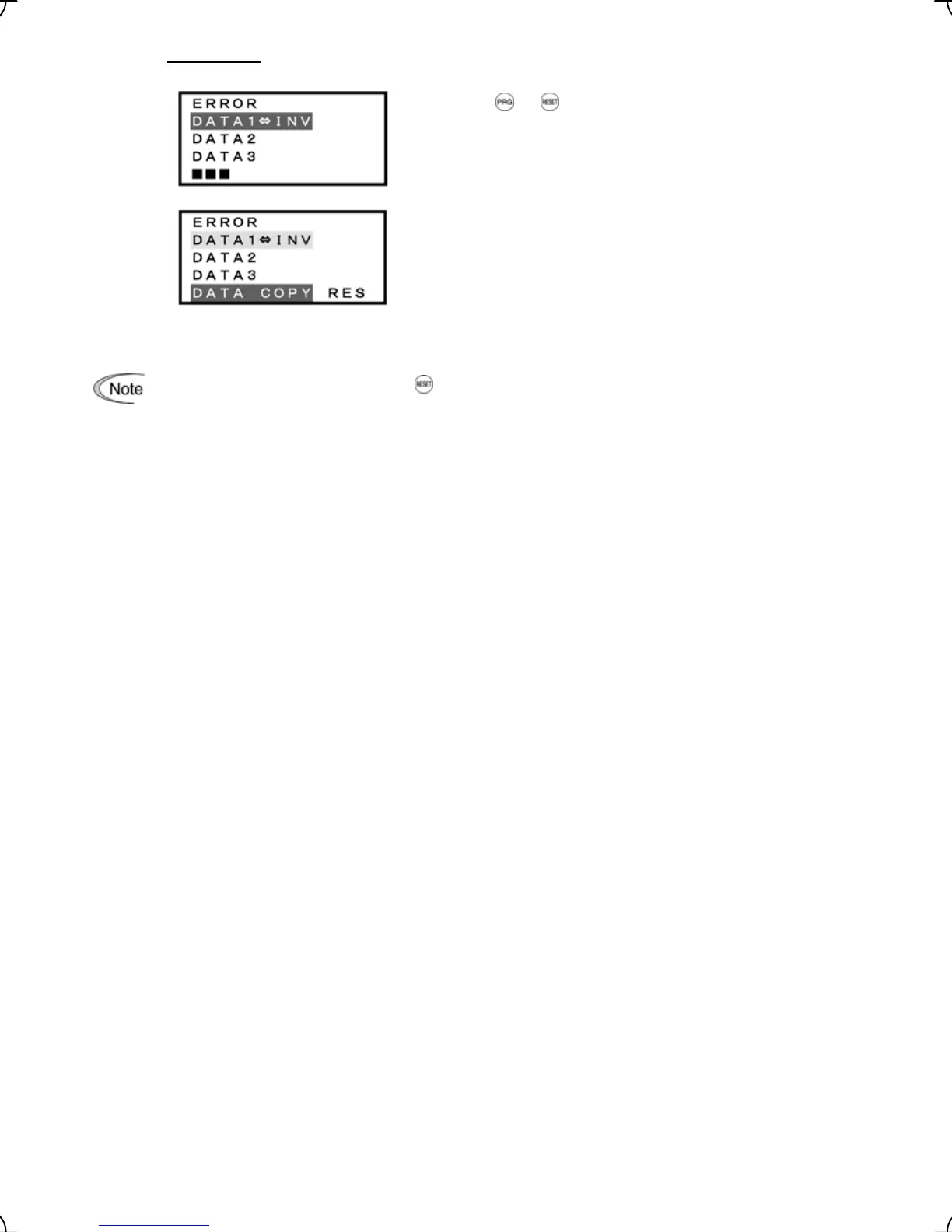
Error screens
Pressing the or key during Verify operation aborts the
operation under way and displays this error.
(Note)
If the keypad does not have any valid data, this error screen
will appear.
Figure 3.21 Screen Transition for "VERIFY" (continued)
If an ERROR screen appears, press the key to reset the error factor. When Reset is complete, the
screen will go back to List of data copy operations.
3-33



 To Next Page