Page 11
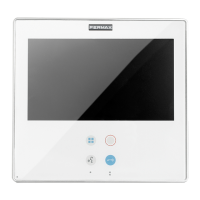
SMILE Monitor
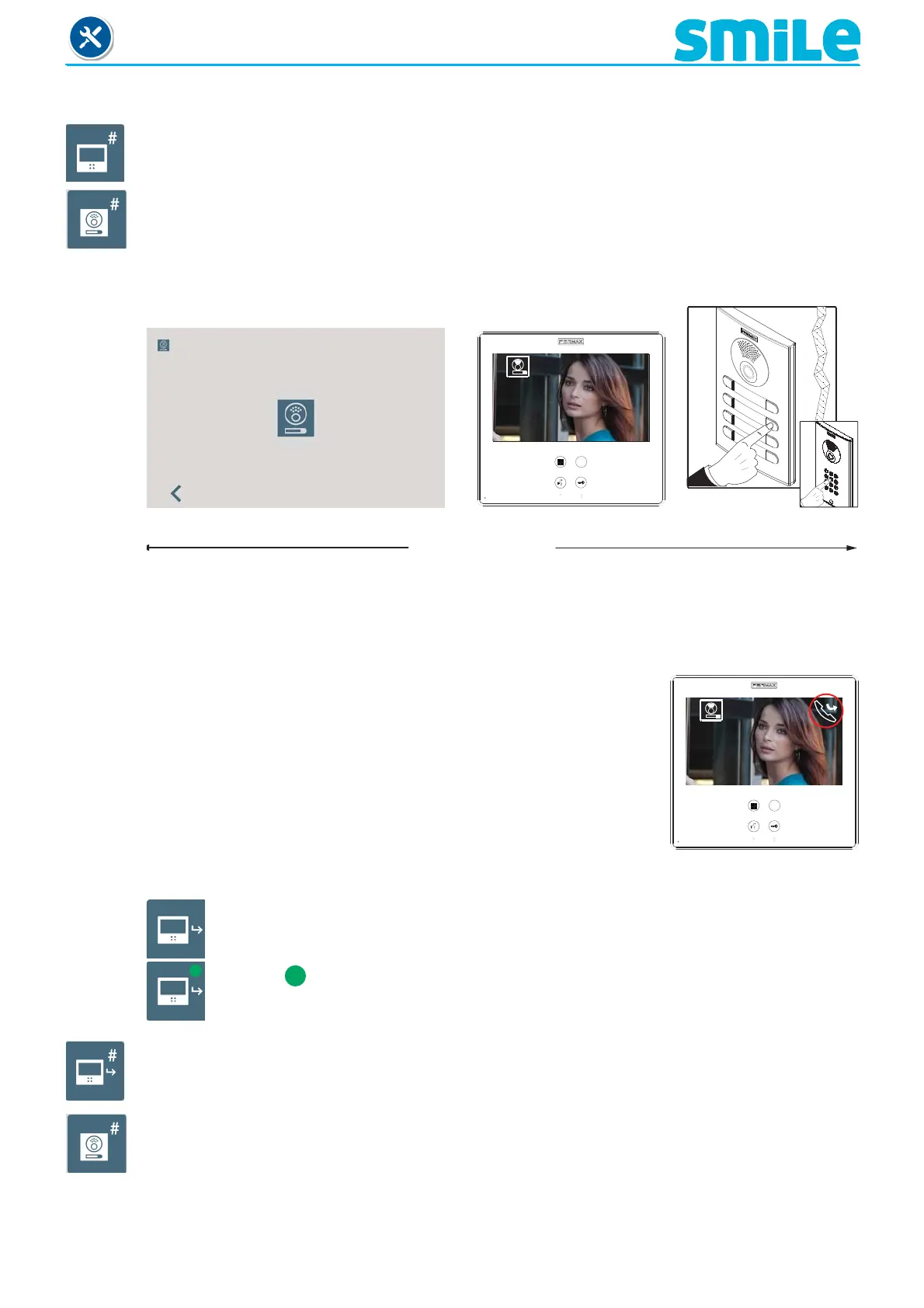
a1) Programming from:
- Monitor
Enter the monitor’s address. Call range for VDS from 1...199.
- Panel
Upon pressing, a screen confi rms the option and you hear a beep on the monitor, and
automatically the monitor connects with the street panel, activating the camera (an icon appears
on the upper corner of the street panel). Enter the calling code for this monitor from the panel.
A different call tone sounds, confi rming the monitor´s programming. After a few seconds the
monitor returns to standby.
1
< 2 and half minutes
a2) Programming the call capture from:
This function is to call forward (capture) to another residence, in
order to be able to attend to the call from another location. The
call is received in both monitors and the fi rst to answer does not
allow the other to intercept the communication. The monitor being
forwarded (captured) to displays an icon on the screen indicating
that the call is a forwarded call.
- Monitor
Enter the monitor’s address. Call range for VDS from 1...199.
Note:
- If the monitor is not programmed, the wildcard button fl ashes (red). It stops fl ashing when it
is programmed.
Master panel
Note:
- This function must be enabled by the installer and selected by the user.
To enable it by the installer, see chapter: 2.9 Installer menu/ Function confi guration /
Call capture.
Selected
- Panel
Upon pressing , a screen confi rms the option and you hear a beep on the monitor, and
automatically the monitor connects with the street panel, activating the camera (an icon appears
on the upper corner of the street panel). Enter the calling code for this monitor from the panel.
A different call tone sounds, confi rming the monitor´s programming. After a few seconds the
monitor returns to standby.
1












 To Next Page