Page 8
SMILE Monitor
2.3. AUTO-START
Function for activating the panel camera.
Auto-start can be performed:
o Wildcard button. With the monitor on standby, press and hold the wildcard for 1 second to switch
the monitor on manually. With video, press and hold this button for 2 seconds to sequentially
select between the main camera and the secondary camera (where one exists).
o Shortcut button.
o Menu button.
All of these are programmed by default.
Notes:
- If the channel is busy an error tone “BEEP” will be generated and auto-start will not activate.
- The auto-start function is always used on the main panel except where a call is received on
the secondary panel. Once the conversation is over, auto-start will activate on the secondary
panel for 30 seconds. After this time it will activate on the main panel.
2.4 DOORMATIC MODE
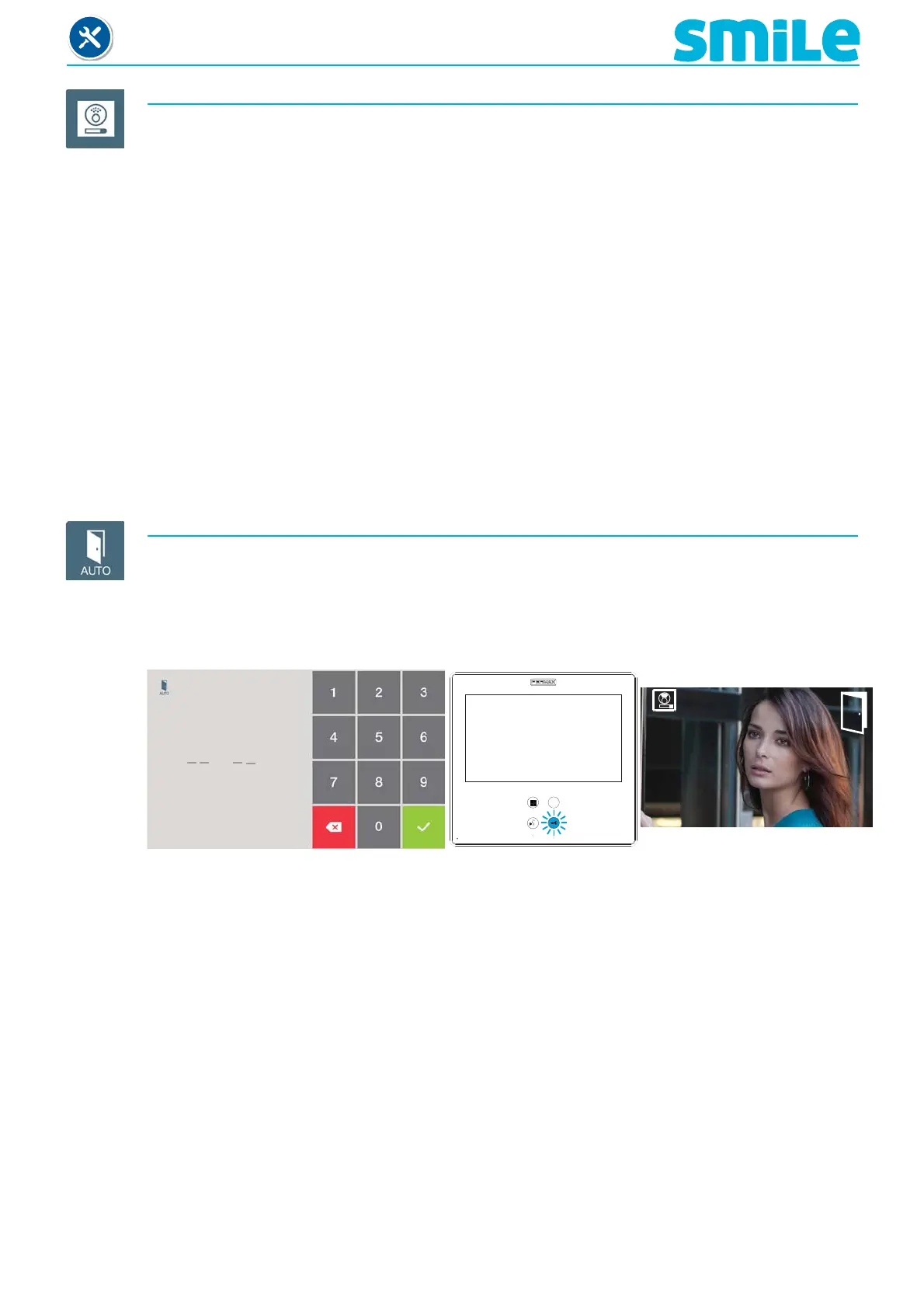
This function allows you to open the door automatically when you receive a call. After 3’’ from
receiving the call, the lock-release is activated on the panel that called, with the corresponding
icon displayed on the screen.
Default programmed function.
With this mode activated, the lock-release button fl ashes to indicate it.
H M
Doormatic Mode Activated
On-screen icon information
Notes:
- While activated, it will deactivate (depending on how its programmed):
o By pressing the shortcut button.
o Selecting the option on the menu.
o When the programmed time has passed.
- You can activate this mode automatically if you connect a timer to the doorbell´s corresponding
terminal. When the timer closes the circuit, the monitor will generate a ring tone, if after 30”
the entrance is still active, then the monitor passes to doormatic mode. We exit this mode
when we re-open the entrance.
1












 To Next Page