Page 14
SMILE Monitor
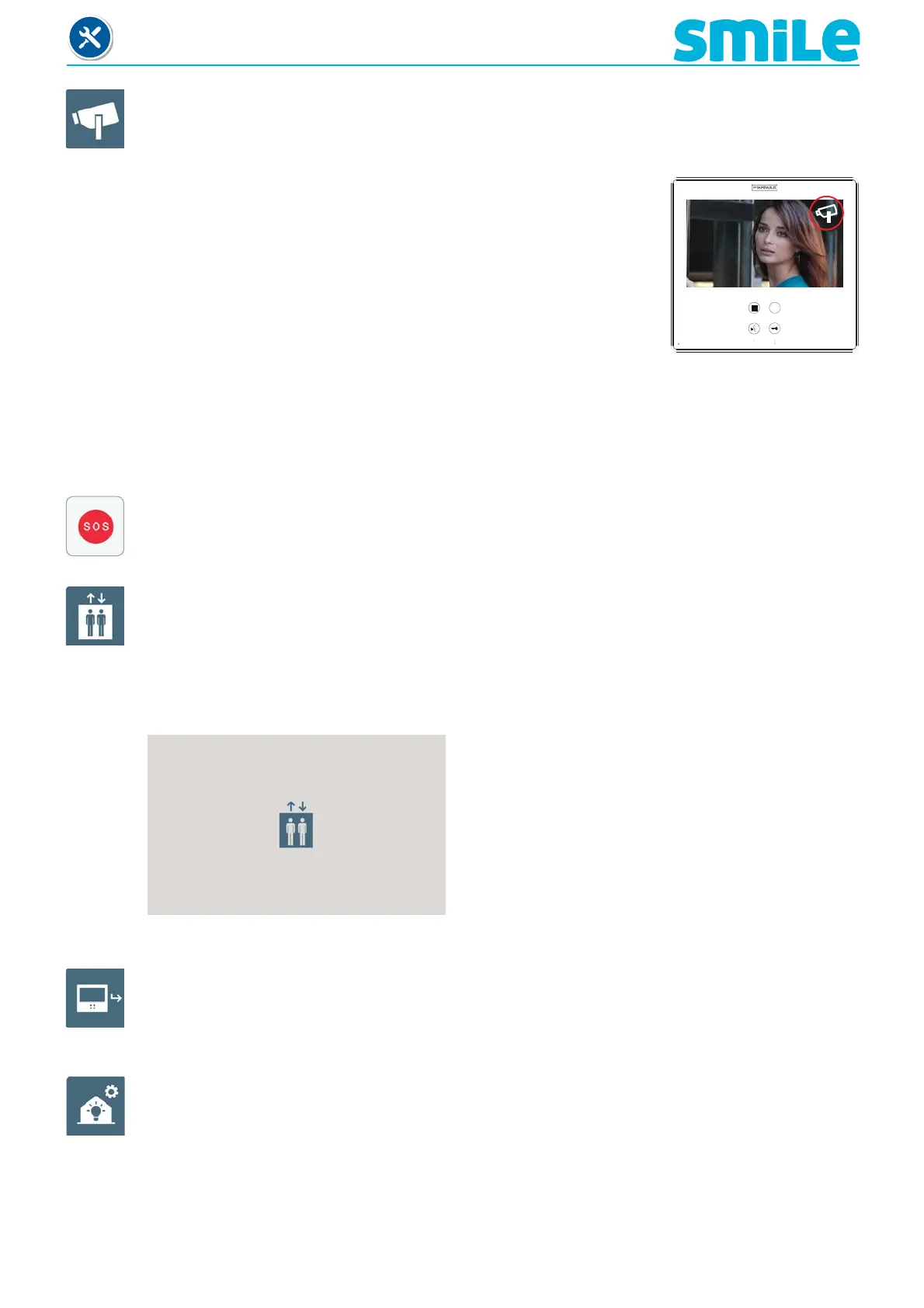
When the auxiliary video input is activated, the CCTV icon is
displayed on the monitor´s screen indicating that it is the CCTV.
The image remains active for an indefi nite period. The CCTV function
is deactivated by pressing the menu button for 1 to 3 seconds.
c7) Activation of the aerial camera (CCTV)
There is the option to connect an external analogue camera to the monitor and use it as a
CCTV image. This camera´s image appears on the monitor when we select the CCTV function.
Note:
- It can be confi gured so that when a call is made by the doorbell, the auxiliary video input
is automatically activated. See chapter:2.9 Installer Menu / Parameter confi guration /
Activation of camera with doorbell.
- This function is not available at Dominium models
c8) Panic call, (see chapter 2.5 F1 function).
c9) Elevator control (activating the sensor).
Upon pressing the elevator control function, we send an MDS-VDS ref. 2409 decoder
command, this command will be interpreted by the decoder (in future versions). Not available
on current decoders.
The decoder will send an activation command to the Central MDS unit, which may set off
various actions depending on the CU confi guration.
Upon pressing the elevator control function, this
screen is displayed.
c10) Call capture (see chapter 2.7.2 / a) Access to programming).
c11) Automation (available depending on the model).
To access the home automation functions.












 To Next Page