Page 15
SMILE Monitor
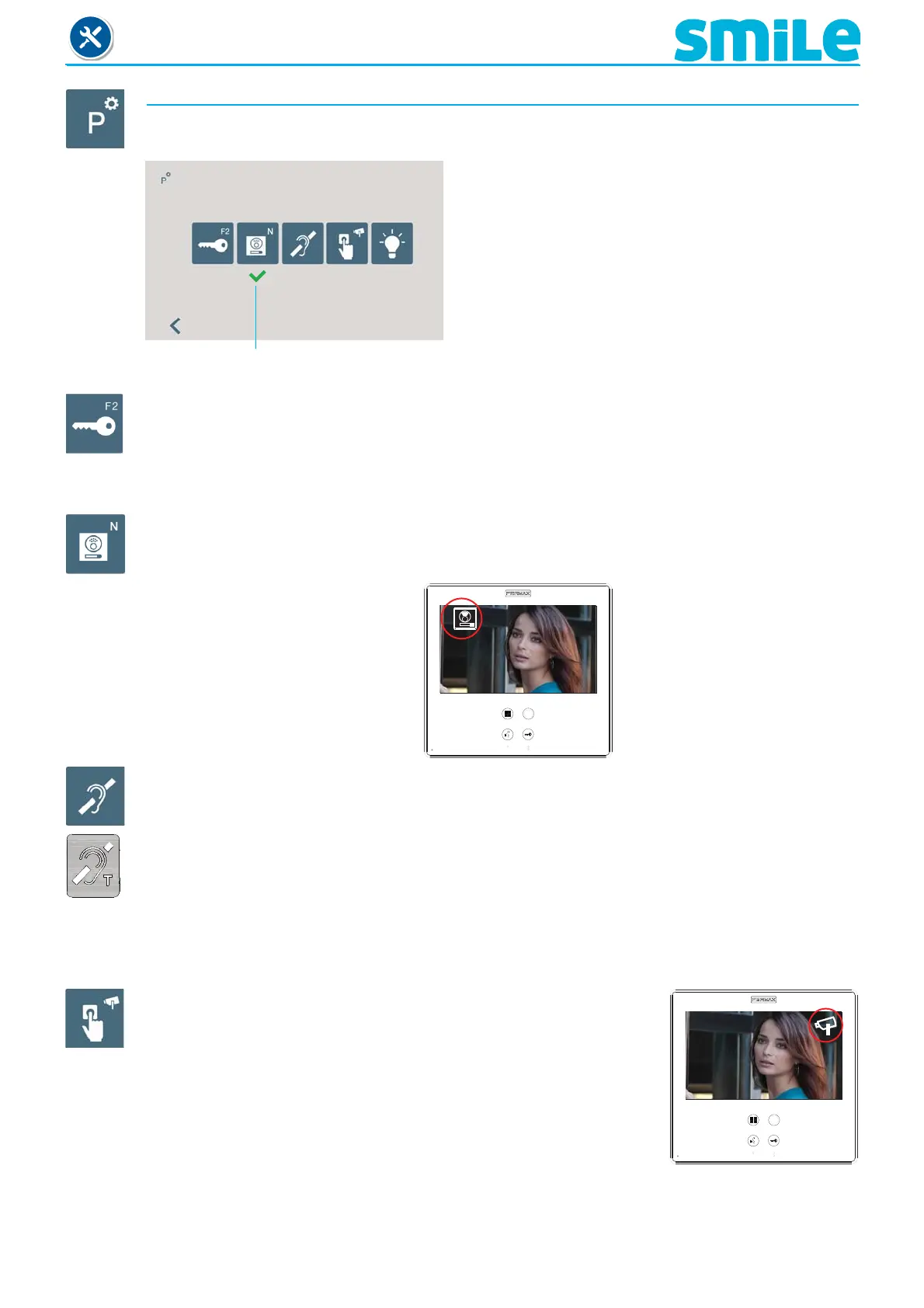
d) Parameter confi guration.
The installer may enable determined parameters that are not enabled by default.
Selected
e1) Activation F2 with door opening
e2) Call identifi cation (panel number).
e3) Inductive loop.
e4) Activation of the aerial camera with doorbell
e5) Activation of auxiliary devices with do not disturb
mode
d1) Activation F2 with door opening.
Function that allows you to associate the F2 exit (sends a negative), when the lock-release
command is activated during a call or conversation, (during the time that the lock-release
button is pressed).
d2) Call identifi cation (panel number).
A function that indicates the panel from which the call has been made. This option by default
is activated.
1
d3) Inductive loop.
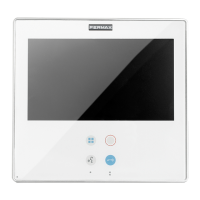
A function that allows for the activation of the inductive loop. Function available depending
on the model
With inductive loop. They are identifi ed with a blue label.
It includes a hearing loop that interacts with auditory devices for the hearing impaired.
Note:
- For hearing devices with manual selection modes, these should be confi gured in Digital
Mode.
d4) Activation of the aerial camera (CCTV) with doorbell.
A function that allows you to associate the doorbell with the
activation of a timer for 30 seconds of an auxiliary video input.
You can see the CCTV icon on the monitor´s screen, indicating
that it is a CCTV.
Note:
- If you have a motion detector, this can be connected to the doorbell so that any time the
camera detects a person it generates a ring tone and activates the video.
- This function is not available at Dominium models.












 To Next Page