-3-
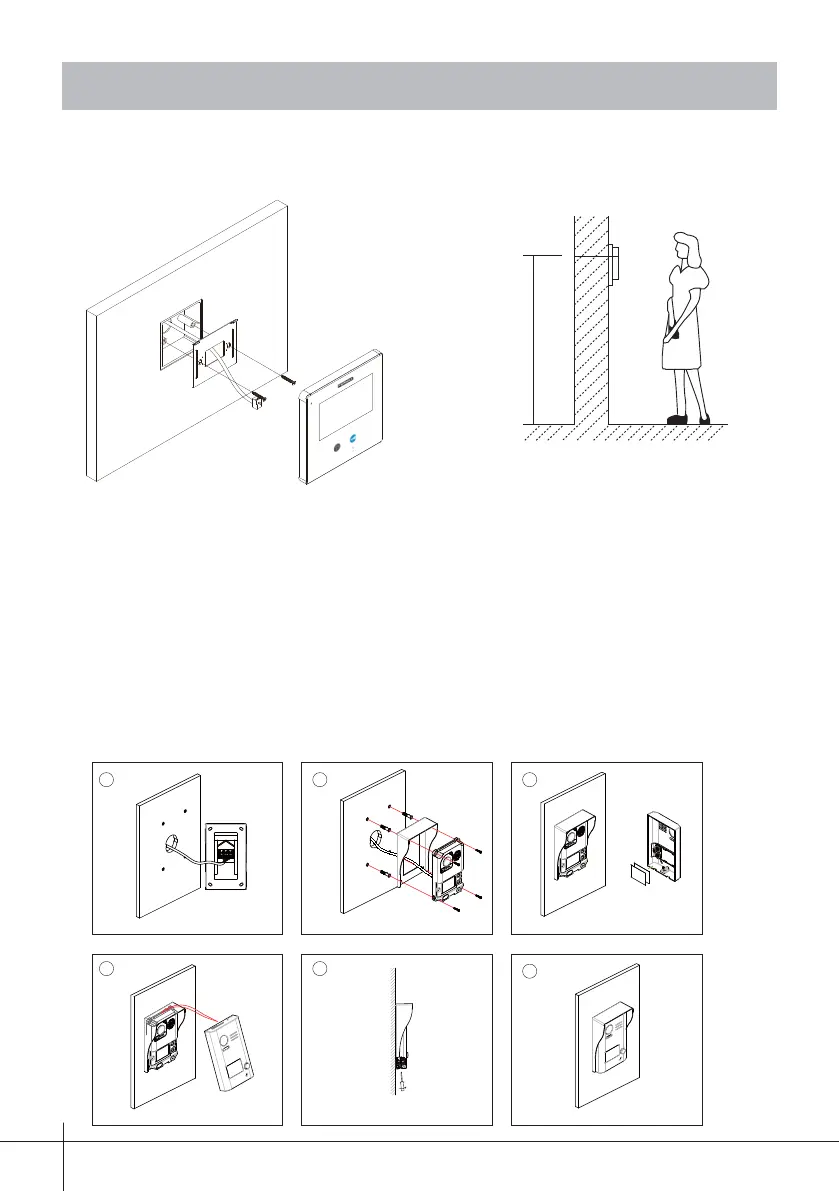
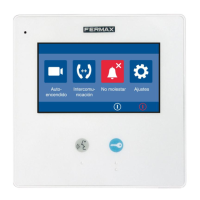
3.1 Monitor Mounting
145~160 cm
1. Use the screws to fi x the Mounting Bracket on the wall, (fi tting accesories includes
a Bracket. Two screws are needed for fastening the Mounting Bracket).
2. Tie the bus (cable) to the monitor, (see in chapter 12. Installation Diagram) and
fi rmly set the monitor in the assembly support.
3. Mounting
3.2 Outdoor Panel Mounting
The base unit is installed
on the wall.
Connect the cable correctly.
Placing name label.
The front cover is installed
onto the base unit.
Use the screw to fix the front cover.
Installation is complete.
1. Mounting the Rain Cover











 To Next Page