13. Setup
13.1 Unlock Time Setting
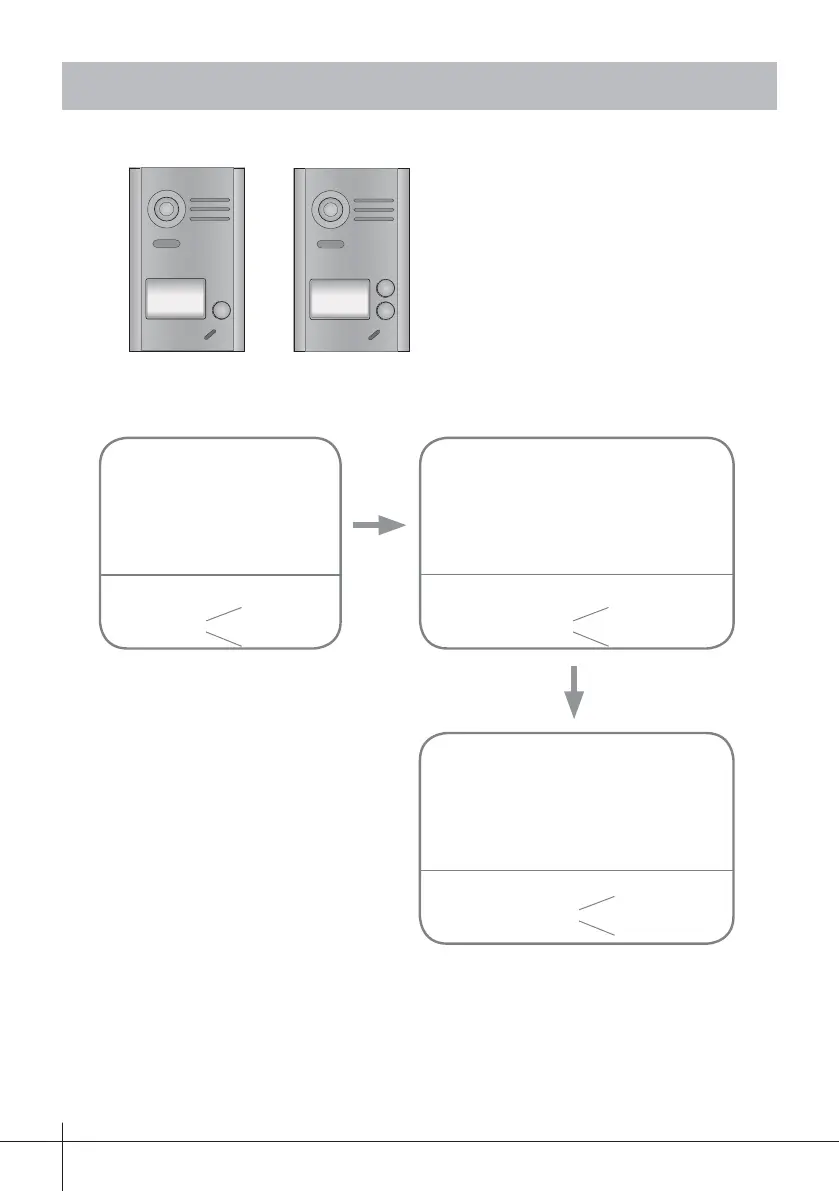
backlight indicator
beep + beep
Power up within 5 seconds,
press and hold the "B"
button for 3 seconds, this
will enter the setting menu.
Within 5 seconds, press and hold the
"A" button for 3 seconds, this will
enter the lock time settings.
(blinking)
backlight indicator
Press and hold the "B" button for the
time required. The length of the press
will equal the door release time (range
1~99s).
(off)
beep
backlight indicator
(blinking once per second)
beep once per second
A
A
B
Note: For 1 way doorstation, open front
cover to fi nd button B.
-13-
Notes: 1. You can see how to program the lock-release time from the monitor in chapter 11.2.
2. During this time, the card reader blinks and beeps once a second. .











 To Next Page