EasyManua.ls Logo

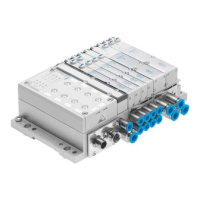
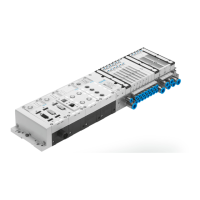
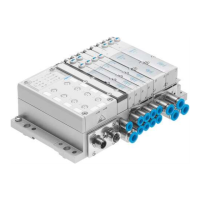
Festo MPA Series - User Manual

Festo MPA Series
218 pages
Print Icon
To Next Page IconTo Next Page
Loading...
Manual
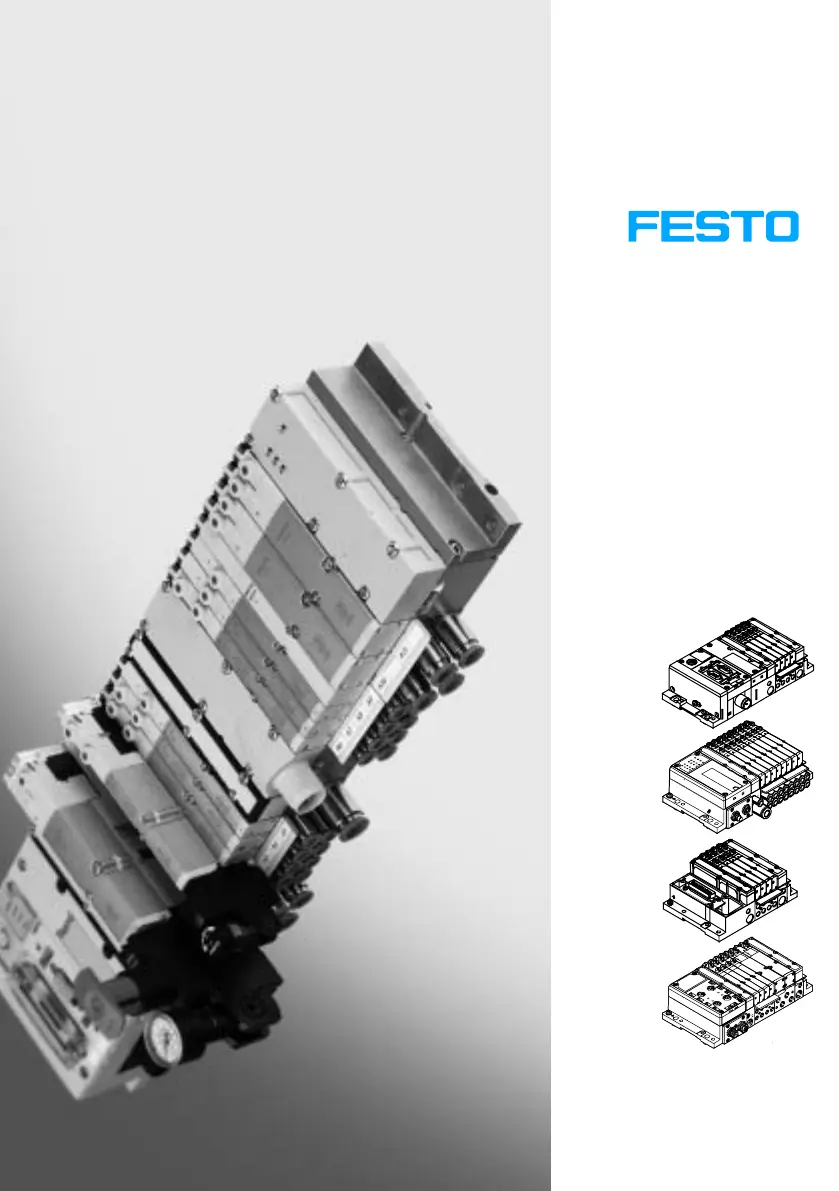
Pneumatics MPA−S
Valve terminal with
MPA−S pneumatics
Type:
MPA−FB−...
MPA−CPI−...
MPA−MPM−... and
MPA−ASI−...
Manual
534 241
en 0910d
[703 970]
MPA−S Valve Terminal

Table of Contents

Questions and Answers

  • J
    jenkinslindsayJul 28, 2025
    What to do if the proportional pressure regulator of my Festo Terminal Block does not react?
    • X
      xparrishJul 28, 2025
      If the proportional pressure regulator of your Festo Terminal Block isn't reacting, first check the 24 V DC supply voltage. If the POWER LED isn't lit, this could be the issue. Also, make sure the supply pressure is switched on. If the setpoint value is reached, try modifying it. If none of these steps work, the regulator may be defective and should be sent to Festo for repairs.
  • M
    Madison MitchellAug 1, 2025
    Why is the pressure constant despite modified setpoint value specification in my Festo Terminal Block?
    • M
      Michael HernandezAug 1, 2025
      If the pressure remains constant on your Festo Terminal Block despite modifying the setpoint value, the supply pressure might be too low. Try increasing the supply pressure to resolve this issue.
  • D
    Denise DavisAug 6, 2025
    What to do if the valve or the pneumatic system does not react as expected in my Festo Terminal Block?
    • K
      kurtfosterAug 7, 2025
      If the valve or pneumatic system connected to your Festo Terminal Block isn't reacting as expected, begin by checking the installation of the tubing lines and the electric cables. Ensure the detenting manual override is in its initial position. After switching the system on, verify the operating pressure, adjusting it according to the instructions in chapter 3 if necessary. For valve terminals with regulated external pilot air supply, check the pilot pressure after restarting, adjusting it based on the operating pressure as described in chapter 3.
  • R
    Randy SloanAug 11, 2025
    Why is the flow too low in my Festo Terminal Block?
    • A
      Andrea JonesAug 11, 2025
      If the flow is too low in your Festo Terminal Block, it might be due to a restriction in the flow cross-section caused by the connection design, such as swivel fittings. Try using a different type of connection to resolve this issue.
  • J
    Jeremiah HamiltonAug 17, 2025
    How to fix air escaping from Festo Terminal Block connections?
    • D
      Deborah TurnerAug 17, 2025
      If air escapes from the common line or working line connections of your Festo Terminal Block, check the tube mounting to ensure it is properly secured.
  • C
    Catherine RobinsonAug 22, 2025
    Why is the pressure increase too slow in my Festo Terminal Block?
    • A
      agarciaAug 22, 2025
      If the pressure increase is too slow in your Festo Terminal Block, and you have a large cylinder volume and long tubing, try selecting a different parameter record.

Summary

Summary of components

The MPA-S valve terminal

Explains the modular structure, common ducts, and electrical signals of the MPA-S valve terminal.

Overview of variants

Details MPA1/MPA2 sizes and variants with CPX, CPI, multi-pin, and AS interfaces.

Description of components

Identifies pneumatic components of MPA-S with CPX/CPI modules, 1st and 2nd levels.

Connection and display components

Illustrates pneumatic connecting, display, and operating elements of the MPA-S valve terminal.

Fitting

General instructions on mounting and dismantling

Provides crucial safety warnings and handling notes for mounting and dismantling the MPA-S valve terminal.

Mounting variants

Describes H-rail mounting and wall mounting methods for the MPA-S valve terminal.

Mounting;removing the inscription label holder

Details how to mount and remove inscription label holders for distinguishing valves.

Fitting;removing the manual override caps (optional)

Explains how to fit and remove manual override cover caps for function modification.

Installation

Compressed air preparation

Covers requirements for unlubricated and lubricated compressed air to ensure valve terminal life.

General instructions on installation

Emphasizes safety, UL requirements, and handling of electrostatically sensitive components.

Installing the tubing

Guides on connecting and disconnecting pneumatic tubing, including safety precautions.

Connecting the MPA-S valve terminal

Details connecting pneumatic lines, including recommendations for optimum performance.

Address assignment of the valves

Explains module-oriented address assignment for MPA-S valve terminals with CPX terminals.

Commissioning

General Information

Covers pre-commissioning checks, power supply, and pressure build-up procedures.

Manual override (MO)

Explains the use of manual overrides for checking valve functions without electric signals.

Checking the valves and the valve;actuator combination

Outlines preliminary pneumatic tubing tests and complete system commissioning steps.

LED display of the valves

Details the meaning of LED displays on valves for CPX/CPI modules, indicating status and errors.

LED display of the proportional pressure regulator

Explains the status indicated by power (green) and fault (red) LEDs on the proportional pressure regulator.

Troubleshooting

Provides guidance on identifying and resolving function impairments in the pneumatic system.

Maintenance and conversion

General preventive action

Covers safety warnings and careful handling guidelines for components during maintenance.

Dismantling the MPA-S valve terminal

Explains how to disconnect electrical and pneumatic connections for component replacement.

Maintenance of the MPA-S valve terminal

Details procedures for cleaning flat plate silencers and replacing valves or blanking plates.

Converting the MPA-S valve terminal

Outlines procedures for extending or converting the valve terminal, like adding pressure zones.

Technical appendix

Technical Data

Lists general technical data including temperature range, protection class, and mounting torques.

Festo accessories

Provides information on related Festo accessories and a link to the catalogue.

Supplementary component summary

Overview of valve position components

Presents circuit symbols and functions for various 5/2-way, 5/3-way, and 3/2-way valves.

Separating the MPA-S valve terminal from the CPX terminal

Details the process for dismounting and mounting the MPA-S valve terminal from the CPX terminal.

Index

C. Index

An alphabetical listing of topics covered in the manual with corresponding page numbers.

Festo MPA Series Specifications

General IconGeneral
Power supply24 V DC
Touch technologyResistive
InterfacesEthernet, USB, RS232
Protection classIP65
Operating temperature0 °C ... +50 °C
Storage temperature-20 °C ... +70 °C
DimensionsVaries by model
WeightVaries by model
DisplayTFT LCD

Related product manuals