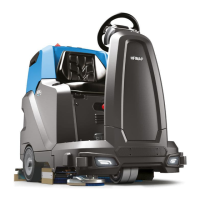
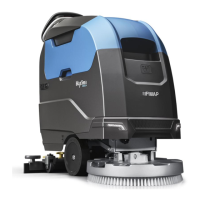
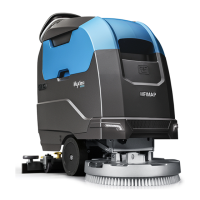
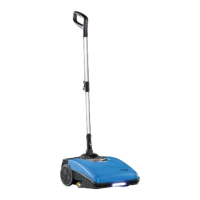
STARTING WORK
The machine can be used in the following work modes:
• ECO-MODE, read the section “ECO-MODE”;
• MANUAL MODE, read the section “MANUAL MODE”,
• PROGRAM ZONE, read the section “PROGRAM ZONE MODE”.
As an example, we will look at the program mode. To begin working in this mode, proceed as follows:
1. Make all the checks listed in “PREPARING TO WORK”.
2. Go to the driving position, behind the machine.
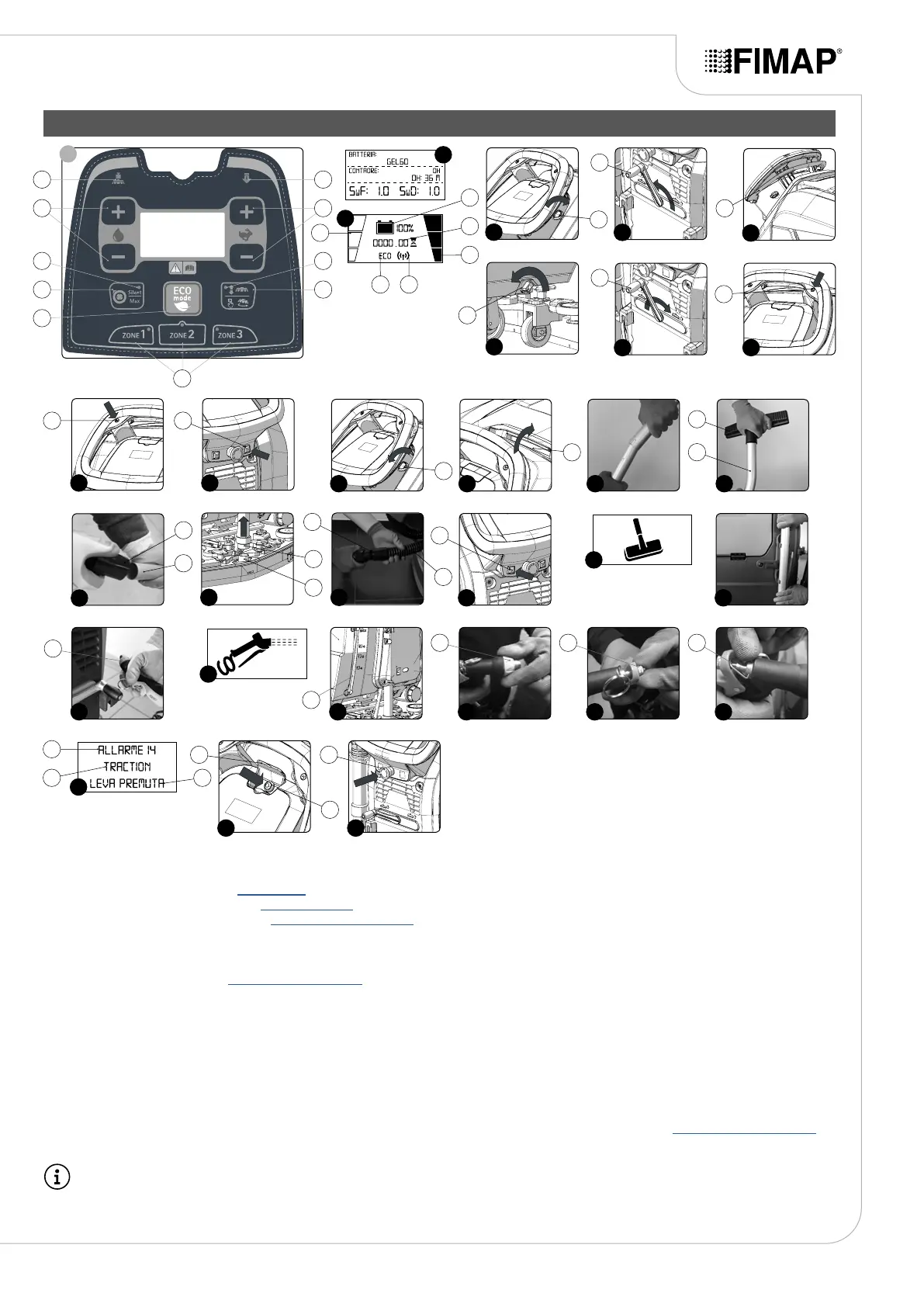
3. Turn on the machine and turn the key (1) a quarter turn clockwise (Fig.1).
4. When the display comes on, three screens appear in sequence:
• The rst screen displayed indicates the logo of the manufacturer of the machine.
• The second screen displayed indicates the name of the machine.
• The third screen displayed (Fig.2) indicates the characteristics of the machine's programming.
• The forth screen displays (Fig.3) identies the work panel.
5. Select the desired work area, press one of the three "ZONE" buttons (2) on the control panel (read paragraph “PROGRAM ZONE MODE”)
(Fig.4).
N.B.: When the machine is switched on with the "TRANSFER" working program active, pressing one of the "ZONE" keys (2) automatically
activates the "SCRUBBING WITHOUT DRYING" program.
19
7
29 30
9
10 11
19
9
37
38
39
15
17 21
28
34
35 36
2
3
5
8
6
4
1
12 13
1
1
22
3
3
12
14
5
6
2219
4
2
719
9
820
1618
1311
14
15
25
23
15
18
24
25
26
23
17
27
26
20
23
28
21
22
29
24 25
30
31
26 27
32 33


 To Next Page