User Guide • 25
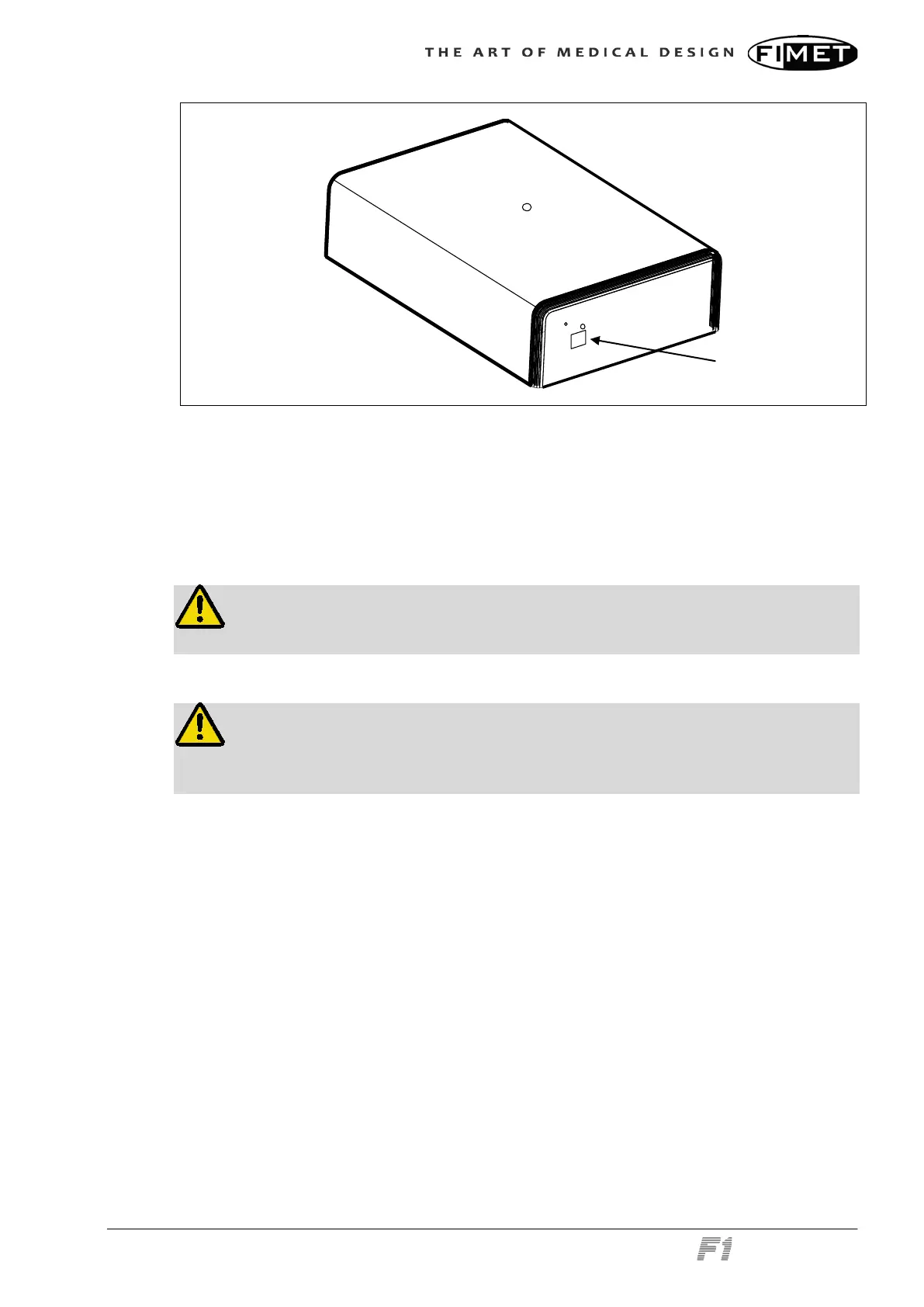
Main power switch
The power of the device is switched on and off with the main power switch. The power
switch controls all the electricity in the device. If it is switched off, the device is safe to ser-
vice. When the power is turned off, the water and air inside the device are depressurized.
2.10 Display & Operating Light
Warning!
The display is not water proof. Avoid getting the system wet when cleaning.
Warning!
Do not look straight into the light. Looking straight at operating light beam may
cause damage to eyes.
The display can be used with an intra-oral video camera and an external computer.
The display must be either:
Connected to the F1 power source, or
Approved according to the medical device standard IEC 60601-1.
The operating light contains its own power switch, which controls the light. Please see the
operating light’s user guide for detailed instructions.
The maximum torque for the pole holding the light is 100 Nm. This equals 10 kg at a dis-
tance of one meter or 5 kg at 2 meter distance.
The maximum allowed mass of the monitor is 10 kilograms.



 To Next Page