User Guide • 29
2.11.3 Using Pre-set Positions
Warning!
Do not leave patient/chair unsupervised during the automatic positioning of the
patient chair. Some part of the system may be damaged or the patient may be
injured.
Note!
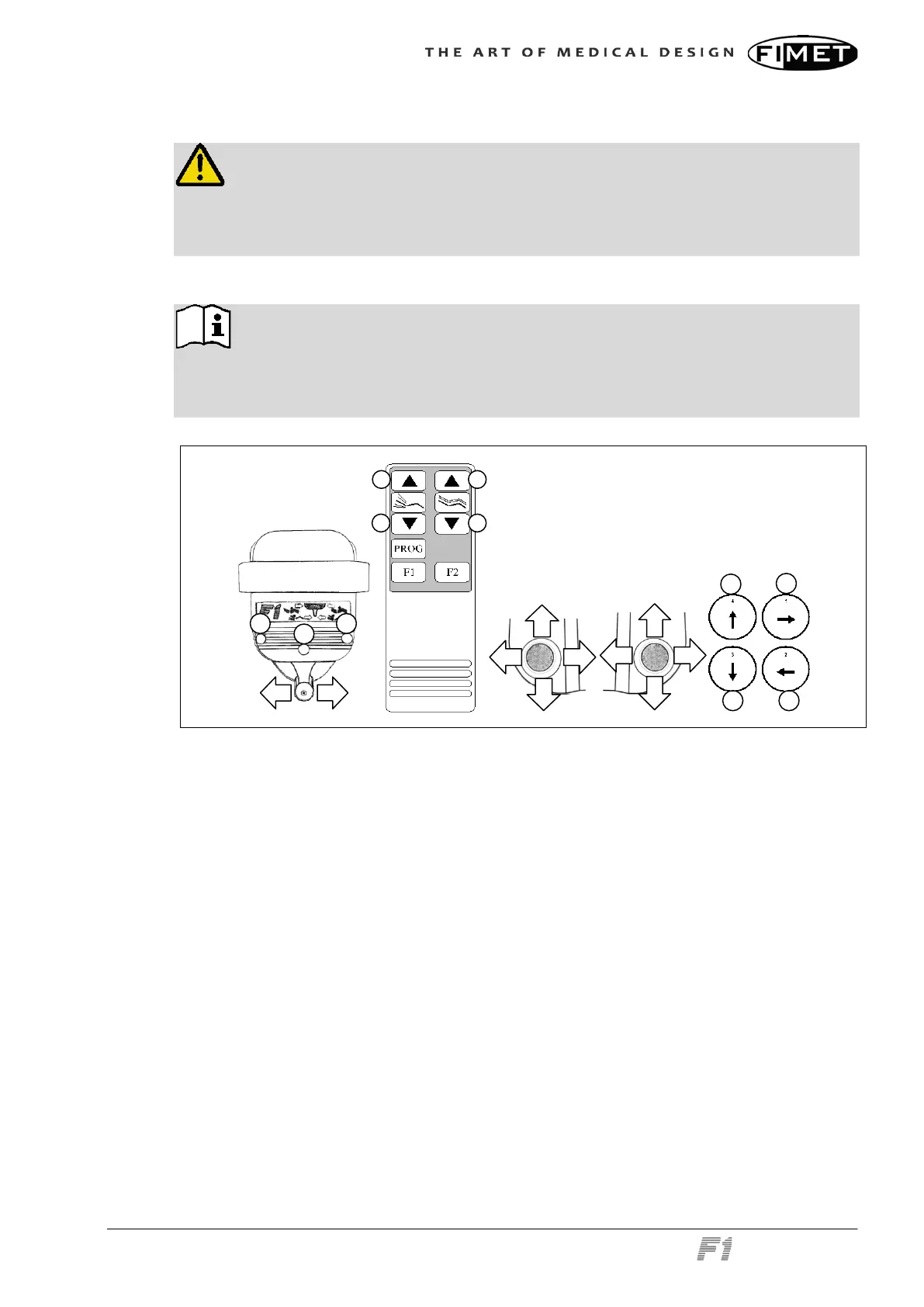
The automatic movement of the chair can be stopped with any chair operating key (1, 2, 3
and 4 keys on instrument bridge, suction head panel, joysticks, remote foot control, and
remote hand control).
Using Pre-set Positions
Remote Foot / Hand Control: Press 5-key / PROG key briefly and after that the desired
key within three seconds.
Joysticks: Push either one of the chair’s joysticks in the desired direction.
Instrument Bridge and Suction Head: Press briefly one of buttons 1, 2, 3 or 4
1 - Chair to entry and exit position
2 - Chair to working position
3 - Chair to spitting position
4 - Chair to alternative working position
Recalling Pre-set Chair Positions



 To Next Page