30 • User Guide
2.11.4 Programming Pre-set Positions
Programming Pre-set Positions
Position the chair with manual positioning to the desired position.
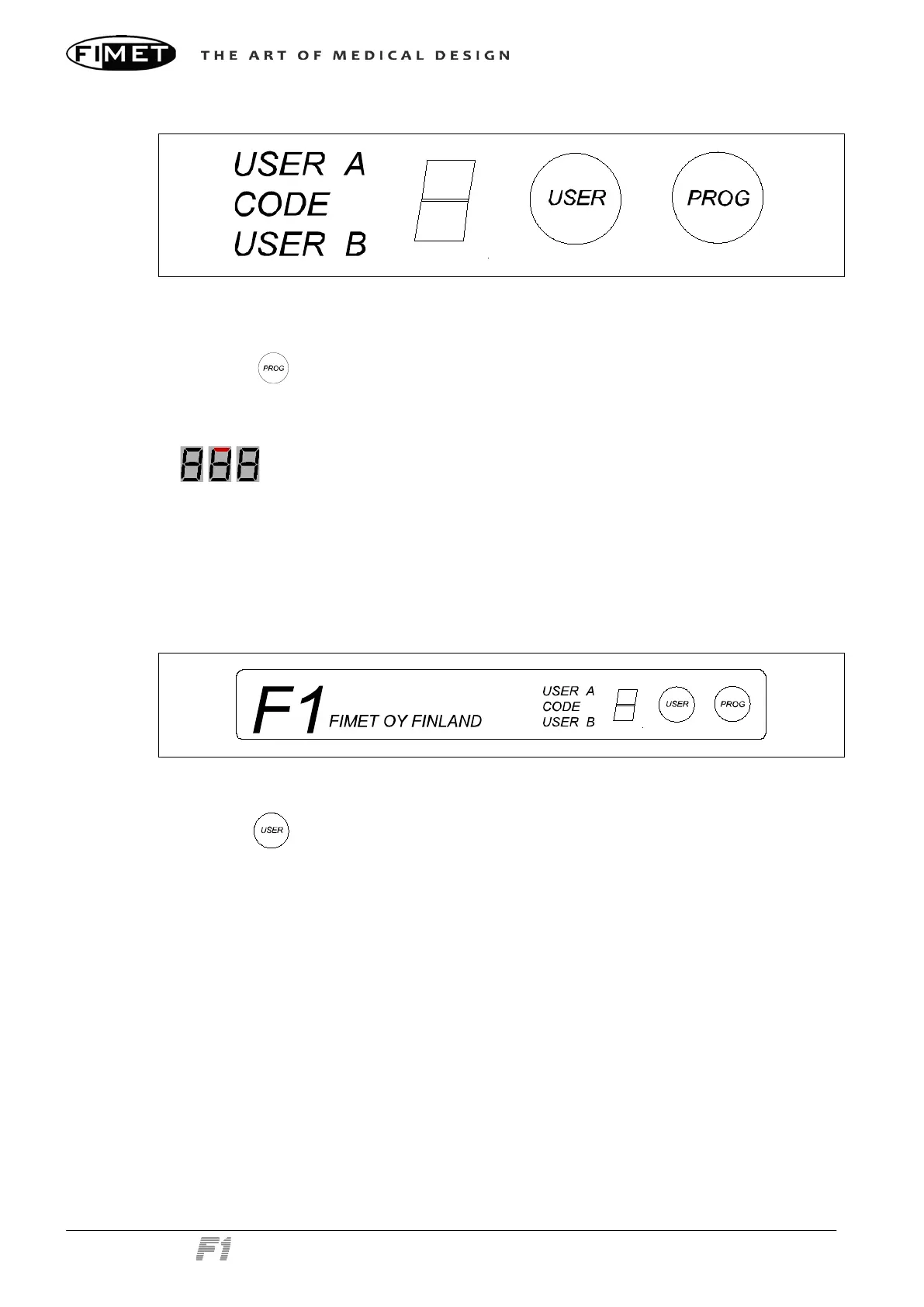
Press the button to start programming.
Within three seconds, select the desired memory slot (2, 3 or 4) with the correspond-
ing control from the instrument panel, joystick, remote foot control, or remote hand
control. The upper segment of the 7-segment display flashes during the setting time
.
The memory positions are user-specific. Both users (A and B) can be programmed sepa-
rately.
Please note that position 1 is reserved for entry and exit-position and is pre-set at the fac-
tory. It cannot be reprogrammed the normal way. Please contact service personnel to
change the default behaviour.
2.11.5 Selecting the User
Chair control panel
Pressing the button toggles the selected user between USER A and USER B. The 7-
segment display shows a bar to illustrate the selected user.



 To Next Page