User Guide • 35
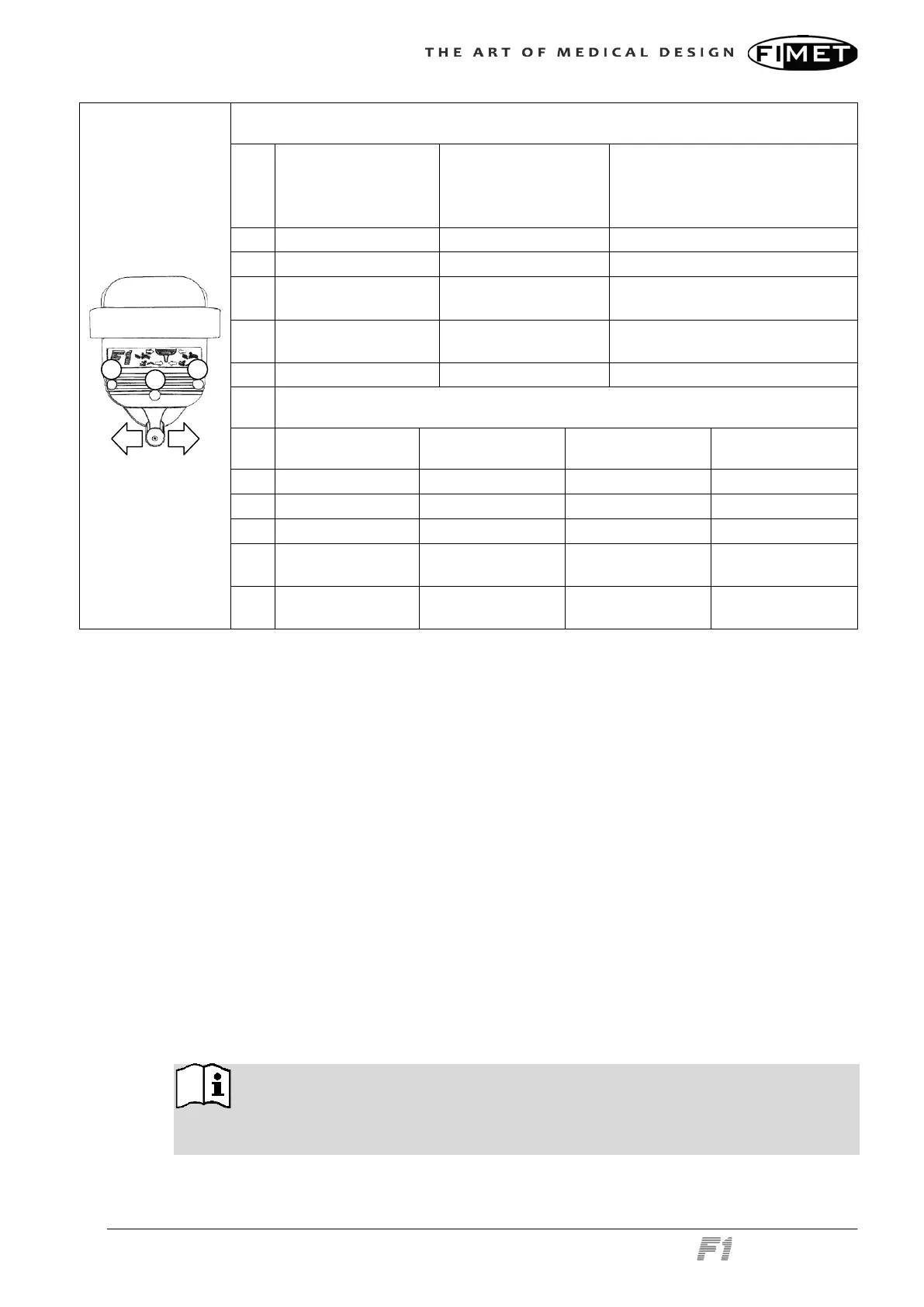
No instrument selected
Key
Press briefly Press and hold
Pre-set Positioning (acti-
vated with 5-key, user pre-
defined position)
1 Raise backrest Raise backrest Chair to entry and exit position
2 Lower backrest Lower backrest Chair to working position
3 Lower chair Lower chair
Chair to spitting position and
back
4 Raise chair Raise chair
Chair to alternative working posi-
tion
5 Memory
Instrument selected
Key
Micro motor Turbine Scaler Curing light
1 Run Run Run
2 Run reverse Run Run
3 Chip blow Chip blow
4
Air / Water / Both /
Off
Air / Water / Both /
Off
5
Select rotation
scale
Foot control operates at 2.4 GHz frequency, which is dedicated for ISM use (industrial,
scientific and medical).
2.12.1 Recharging the Batteries
There are four AA size NiMH rechargeable batteries in the foot control. To recharge the
batteries, connect the charging cable to the chair and to the foot control. The connector in
the chair is located in the front side of the chair’s bottom part. The connector in the foot
control is located on the bottom. Recharging time is about 24 hours and charging must be
done periodically (in normal use after every 1...3 months) depending on the operating
time. When letter “A” is displayed in the back panel of the chair, the charge of the batteries
in the foot control is low.
The system has to be powered on to charge the batteries. The remote control can be op-
erated normally during the charging. The batteries are always charged when the charging
cable is connected and the chair is switched on.
Overcharging the batteries is not recommended, this will shorten battery lifetime. If the
foot control is not to be used for a long time, it is a recommended to remove the batteries
from the foot control.
When foot control is connected to the chair via the charging cable, the radio
communication is stopped and all data is delivered through the charging cable. If there are
problems with the radio communication, please connect the charging cable.



 To Next Page